30
CnF. 1CnF. 1
CnF. 1CnF. 1
CnF. 1
2) During monitor mode, if no push-button is depressed for
more than 10 s (or 30 s according to "t.out" [C.I10]
parameter setting), the instrument returns automatically to
the normal display mode.
MODIFY MODEMODIFY MODE
MODIFY MODEMODIFY MODE
MODIFY MODE
1) By or push-button select the modify mode.
2) Push the MENU push-button.
If a security code is applied to the configuration parameter,
the instrument will show:
3) By and push-button set a value equal to the security
code assigned to the configuration mode (see "Configuration
security code " at page 25).
If the code is different from the security code, the instrument
automatically returns to the first configuration display
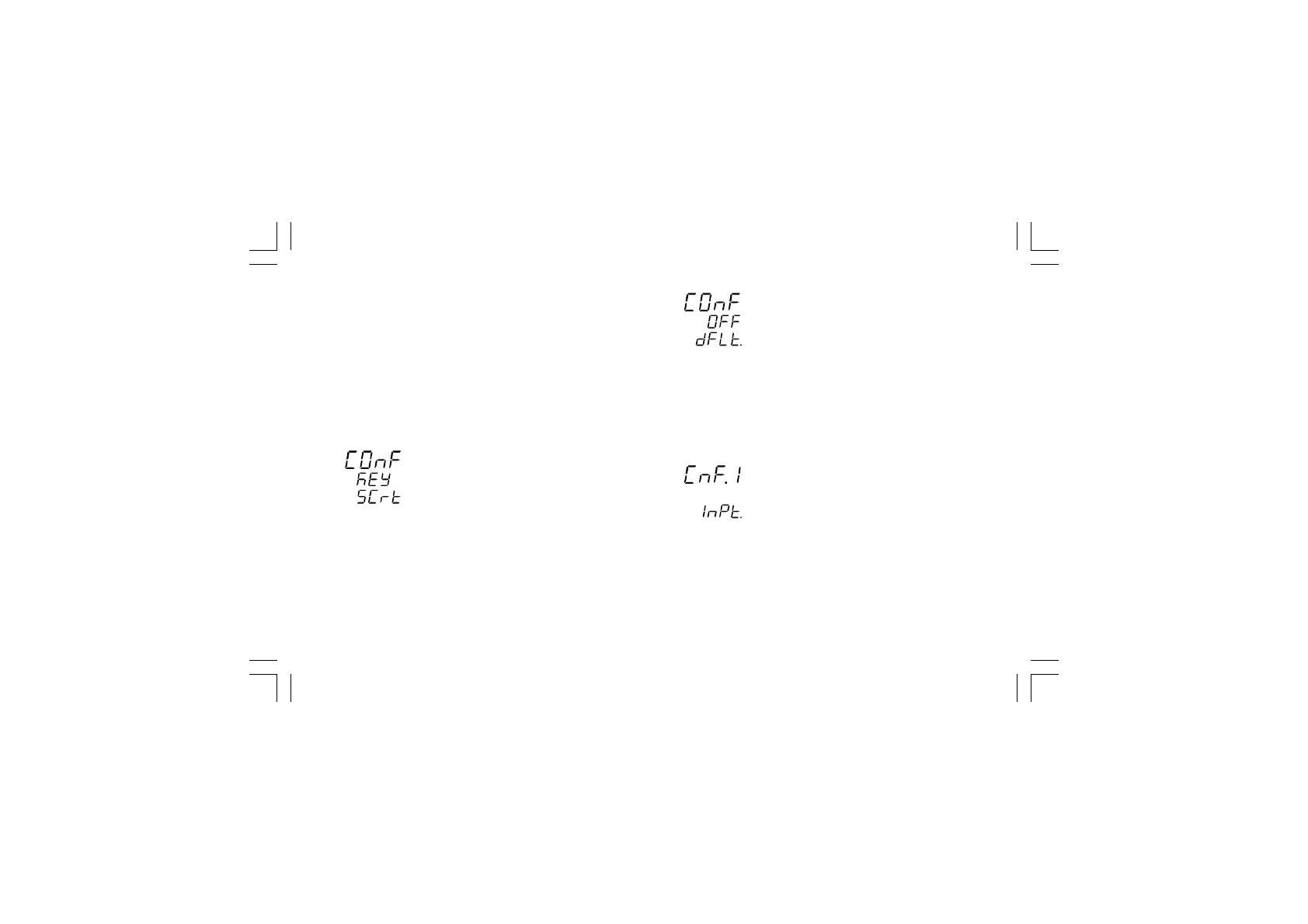
otherwise the display will show:
The modify mode is started.
This display allows you to load the default configuration
parameter.
For more details see chapter "Default parameter" (see
Appendix A).
4) By or push-button select the OFF indication and push
the MENU push-button.
The display will show:
This is the starting display of the first group of configuration
parameters.
NOTESNOTES
NOTESNOTES
NOTES:
1) In the following pages we will describe all the parameters.
The instrument, however, will show only the parameters
related to the specific hardware and in accordance with the
XKP-1-D1.pmd 25/05/2006, 11.2830



 To Next Page