41
CnF. 2CnF. 2
CnF. 2CnF. 2
CnF. 2
II) Exiting from the configuration group 2 also the following
actions are automatically performed:
A) The "Añ.UL” parameter ("Output value for auto to manual
transfer" [C.G04]) will be forced to "bumpless" (“buñ”) if:
1) its value is < 0 and only one control output is configured;
2) servomotor open loop is configured.
B)The “SF.Cn” parameter ("Condition for output safety value"
[C.G09]) will be forced to "standard" (“Std.”) if it is not
complied with configured control output type.
C)The “SF.UL” parameter ("Output safety value" [C.G10]) will
be forced to 0 if only one control output is configured and its
value is < 0.
D)The “Fd.Fn” parameter ("Out failure detection current
measurement" [C.I11]) will be forced to “nonE” if it is
assigned to a control output different from a time
proportional output.
E)The “Fd.Ou” parameter ("Out failure detection output
assignment" [C.I13]) will be forced to “nonE” if it is
assigned to an output configured as control output.
F) The “IP” parameter ("Integral pre-load" [r.d05]) will be forced
to 50.0 if only one control output is configured and its value
is < 0.
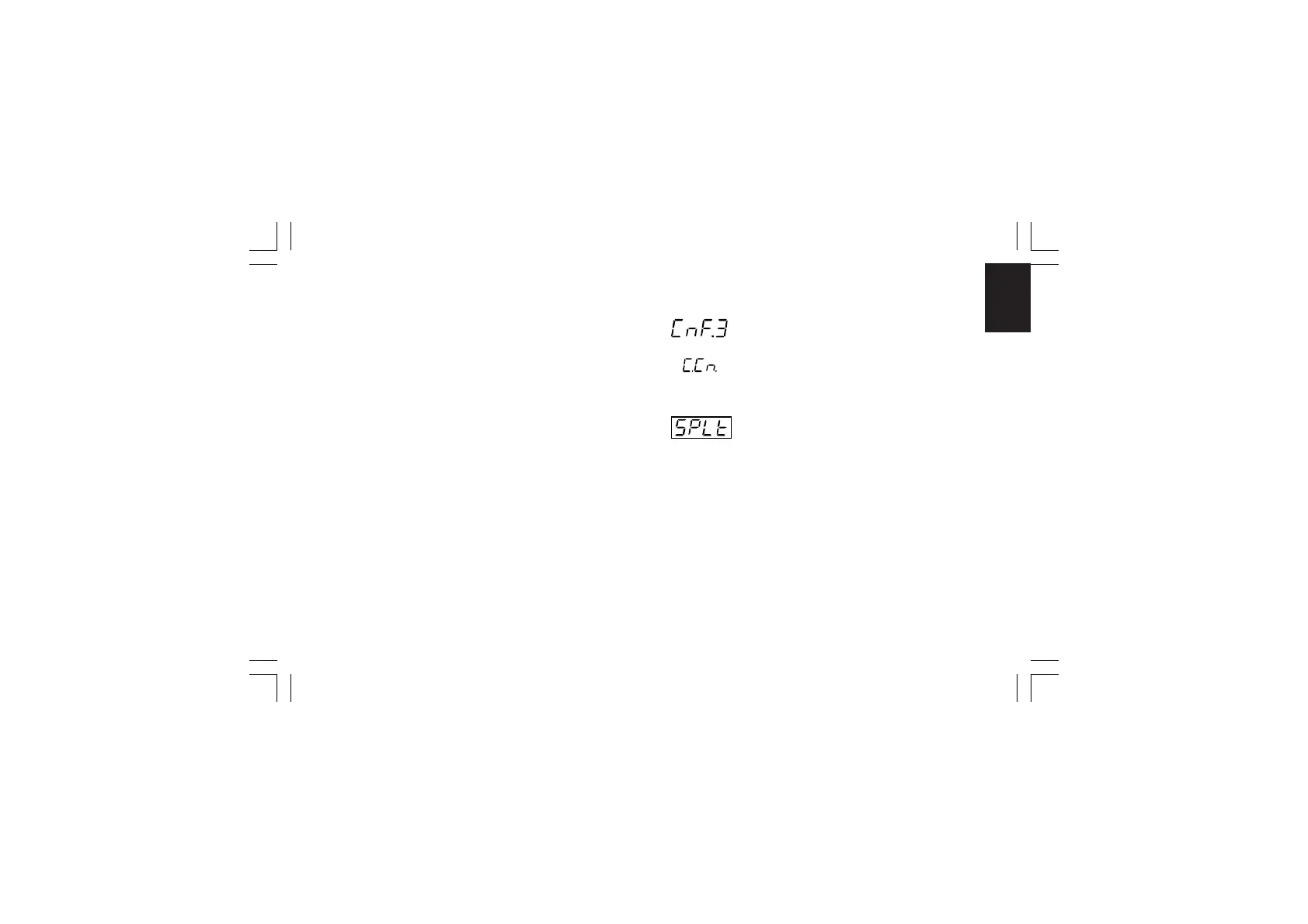
CONFIGURATION GROUP 3 [C.Fxx]CONFIGURATION GROUP 3 [C.Fxx]
CONFIGURATION GROUP 3 [C.Fxx]CONFIGURATION GROUP 3 [C.Fxx]
CONFIGURATION GROUP 3 [C.Fxx]
CONTROL OUTPUT CONFIGURATION
- Split range - [C.F01]- Split range - [C.F01]
- Split range - [C.F01]- Split range - [C.F01]
- Split range - [C.F01]
This parameter will be available only when two control outputs
are configured.
Range:dIS = Split range feature is not required
Enb = Split range feature is required
NOTE about the split rangeNOTE about the split range
NOTE about the split rangeNOTE about the split range
NOTE about the split range.
This function allows you to drive by the same control action,
two physical outputs (two actuators) with different bias and
gain.
CnF. 3CnF. 3
CnF. 3CnF. 3
CnF. 3
XKP-1-D1.pmd 25/05/2006, 11.2841



 To Next Page