37
CnF. 2CnF. 2
CnF. 2CnF. 2
CnF. 2
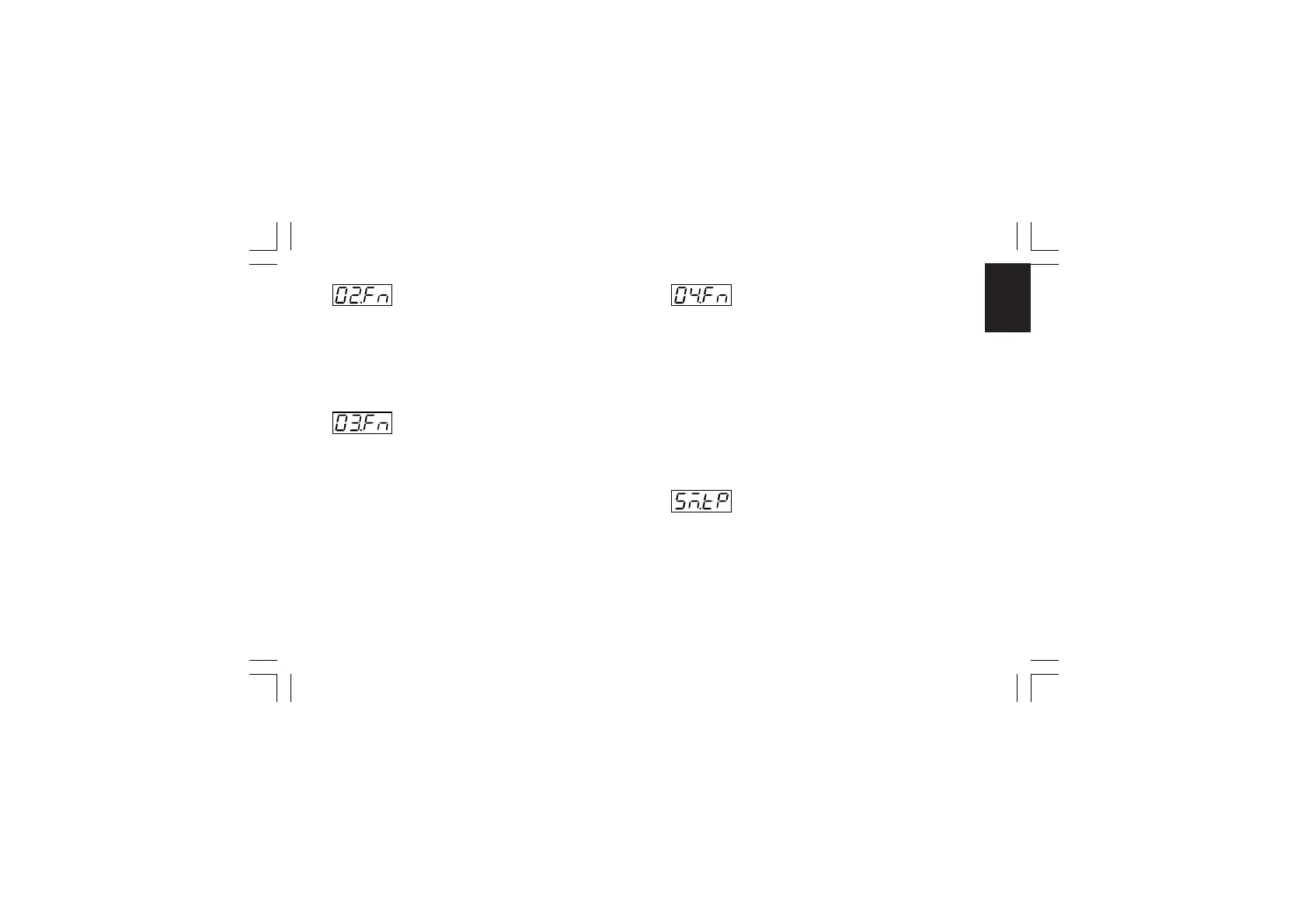
- OUT 2 function - [C.E02]- OUT 2 function - [C.E02]
- OUT 2 function - [C.E02]- OUT 2 function - [C.E02]
- OUT 2 function - [C.E02]
Range:nonE = Output not used
ñAin = Time proportional main control output
SECn = Time proportional secondary control output
ALr.2 = Alarm 2 output
Eun.2 = Event 2 output
- OUT 3 function - [C.E03]- OUT 3 function - [C.E03]
- OUT 3 function - [C.E03]- OUT 3 function - [C.E03]
- OUT 3 function - [C.E03]
When the option is not mounted the middle display will show
“no.Pr” (not present).
Range:nonE =Output not used
ñAin =Time proportional main control output
SECn =Time proportional secondary control output
ALr.3 = Alarm 3 output
Eun.3 =Event 3 output
ñC.Sñ =Servomotor control drive as main control
output
SC.Sñ=Servomotor control drive as secondary control
output
- OUT 4 function - [C.E04]- OUT 4 function - [C.E04]
- OUT 4 function - [C.E04]- OUT 4 function - [C.E04]
- OUT 4 function - [C.E04]
Range:nonE =Output not used
ñAin = Time proportional main control output
SECn = Time proportional secondary control output
ALr.4 = Alarm 4 output
Eun.4 = Event 4 output
NOTESNOTES
NOTESNOTES
NOTES:
1) When option is not mounted the middle display will show
“no.Pr” (not present).
2) When servomotor control drive is hardware selected (see
"Output 3 and 4 selection" at pag. 21), the OUT 4 can be
used only as servomotor drive and this parameter will not be
shown.
- Servomotor type - [C.E05]- Servomotor type - [C.E05]
- Servomotor type - [C.E05]- Servomotor type - [C.E05]
- Servomotor type - [C.E05]
This parameter will be available only when servomotor control
drive is configured (“CnF.2 - O3.Fn” [C.E03]= “ñC.Sñ” or
“SC.Sñ”).
Range:CLSd = Close loop type
NOTENOTE
NOTENOTE
NOTE: this selection is available only if
feedback circuitry is mounted and selected.
OPEn = Open loop type.
XKP-1-D1.pmd 25/05/2006, 11.2837



 To Next Page