22
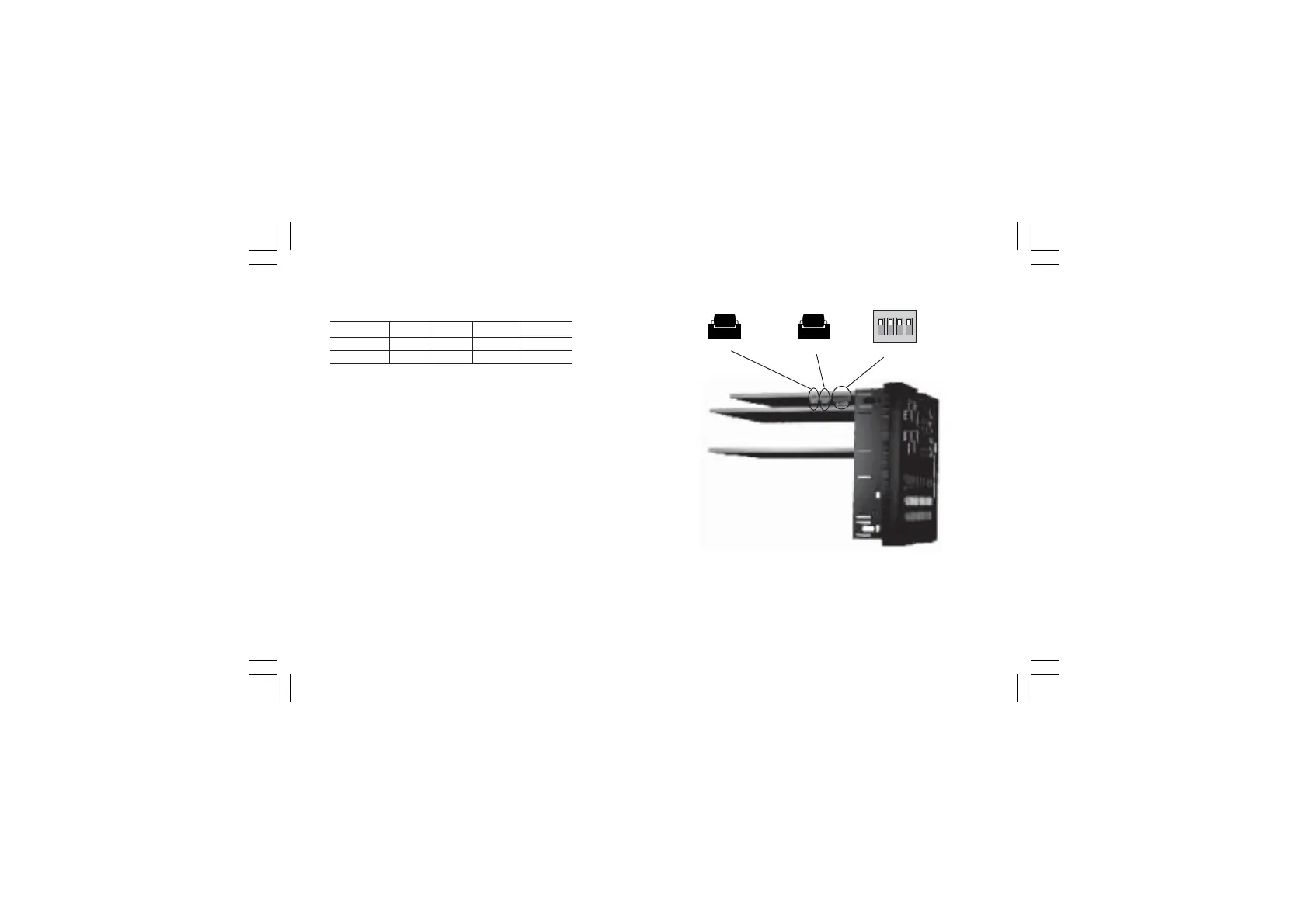
Fig. 22
To select the desired input type, set V301 (see fig. 20) as
detailed in the following table:
Input V301.1 V301.2 V301.3 V301.4
IN CT ON OFF ON ON
Feedback OFF ON OFF ON
OPTION CHECKOPTION CHECK
OPTION CHECKOPTION CHECK
OPTION CHECK
This instrument can be supplied with several options.
Two integrated circuits (KY101 and KY103), located as shown
in fig. 22 and inserted in a socket, give you the possibility to
verify if your instrument is equipped with the desired option.
When KY101 is present the auxiliary input and the digital inputs
are present.
When KY103 is present the auxiliary power supply option is
present.
1 2 3 4
ON DIP
V101
KY101
KY103
XKP-1-D1.pmd 25/05/2006, 11.2822



 To Next Page