67
VErFVErF
VErFVErF
VErF
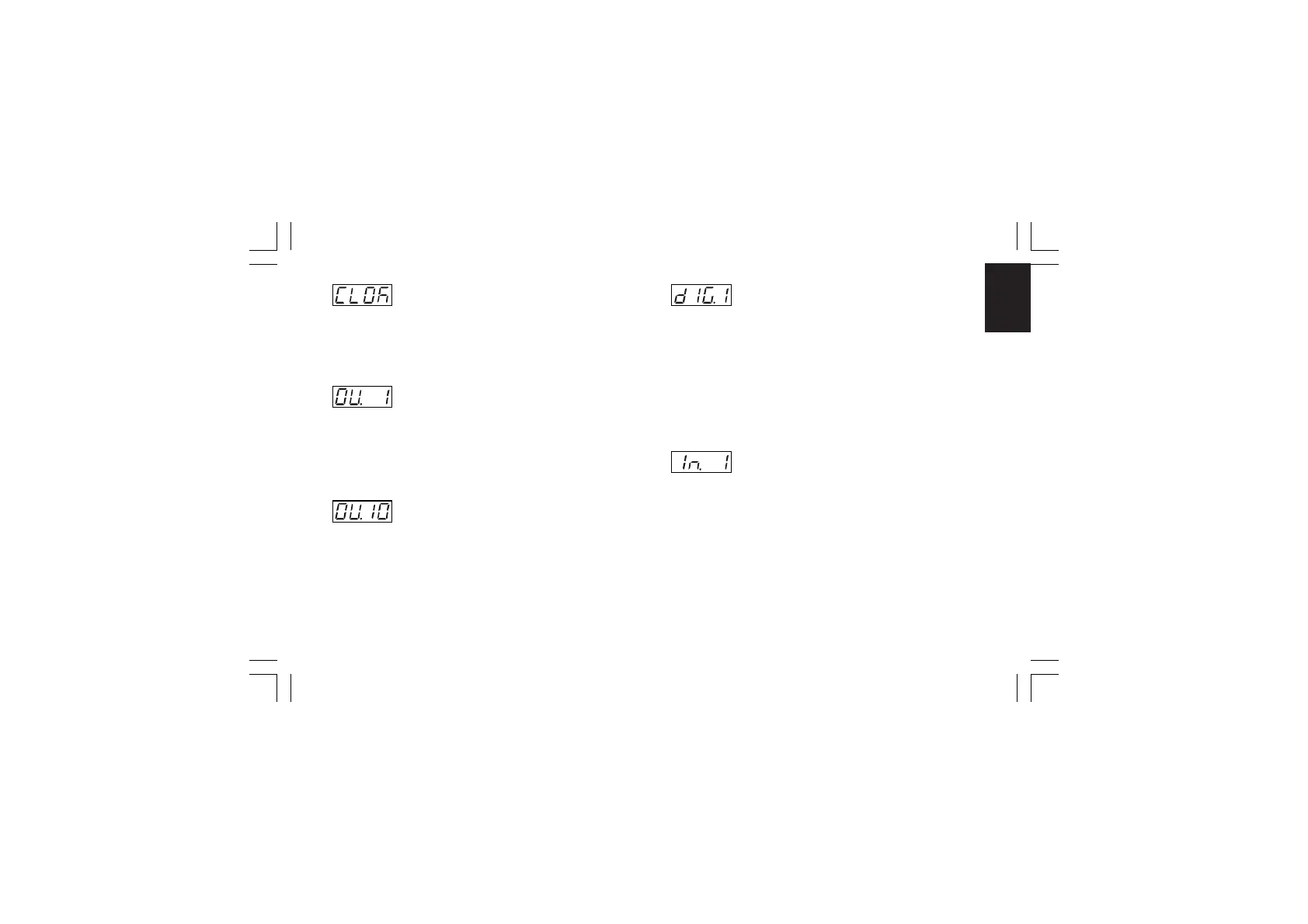
- Clock calendar test - [C.L01]- Clock calendar test - [C.L01]
- Clock calendar test - [C.L01]- Clock calendar test - [C.L01]
- Clock calendar test - [C.L01]
This parameter is available only if the clock calendar option is
fitted.
Middle display: minutes and seconds
NOTE:NOTE:
NOTE:NOTE:
NOTE: The clock calendar working is identified by the running
of the seconds.
- OUT 1 status - [C.L02]- OUT 1 status - [C.L02]
- OUT 1 status - [C.L02]- OUT 1 status - [C.L02]
- OUT 1 status - [C.L02]
Range:On = Output enabled (relay energized)
OFF = Output disabled (relay deenergized)
NOTE:NOTE:
NOTE:NOTE:
NOTE: By pushing the or key it is possible to change
the output state. It is possible to verify the remaining outputs
(OUT 2 up to OUT 4) as described for OUT 1.
- Auxiliary OUT 10 status - [C.L03]- Auxiliary OUT 10 status - [C.L03]
- Auxiliary OUT 10 status - [C.L03]- Auxiliary OUT 10 status - [C.L03]
- Auxiliary OUT 10 status - [C.L03]
This parameter is available only if the optional card is fitted.
Range:On = Output enabled (relay energized)
OFF = Output disabled (relay deenergized)
NOTE:NOTE:
NOTE:NOTE:
NOTE: By pushing the or key it is possible to change
the auxiliary output state. It is possible to verify the remaining
auxiliary outputs (OUT 11 up to OUT 19) as described for
OUT 10.
- Digital input dIG.1 status - [C.L04]- Digital input dIG.1 status - [C.L04]
- Digital input dIG.1 status - [C.L04]- Digital input dIG.1 status - [C.L04]
- Digital input dIG.1 status - [C.L04]
Range:Open = Input open
CLSd = Input closed
NOTES:NOTES:
NOTES:NOTES:
NOTES:
1) This is a reading parameter only, it shows the input status.
2) In case of problem, connect the input and the related
common terminals with a copper conductor, if the display
shows "CLSd", the problem is located after the instrument.
3) It is possible to verify the remaining digital inputs (diG2 and
diG3) as described for diG 1.
- Auxiliary input In.1 status - [C.L05]- Auxiliary input In.1 status - [C.L05]
- Auxiliary input In.1 status - [C.L05]- Auxiliary input In.1 status - [C.L05]
- Auxiliary input In.1 status - [C.L05]
This parameter is available only if the optional card is fitted.
Range:Open = Input open
CLSd = Input closed
NOTES:NOTES:
NOTES:NOTES:
NOTES:
1) This is a reading parameter only, it shows the input status.
2) In case of problem, connect the input and the related
common terminals with a copper conductor, if the display
shows "CLSd", the problem is located after the instrument.
3) It is possible to verify the remaining digital inputs (In 2 up to
In 8) as described for In 1.
XKP-1-D1.pmd 25/05/2006, 11.2867



 To Next Page