53
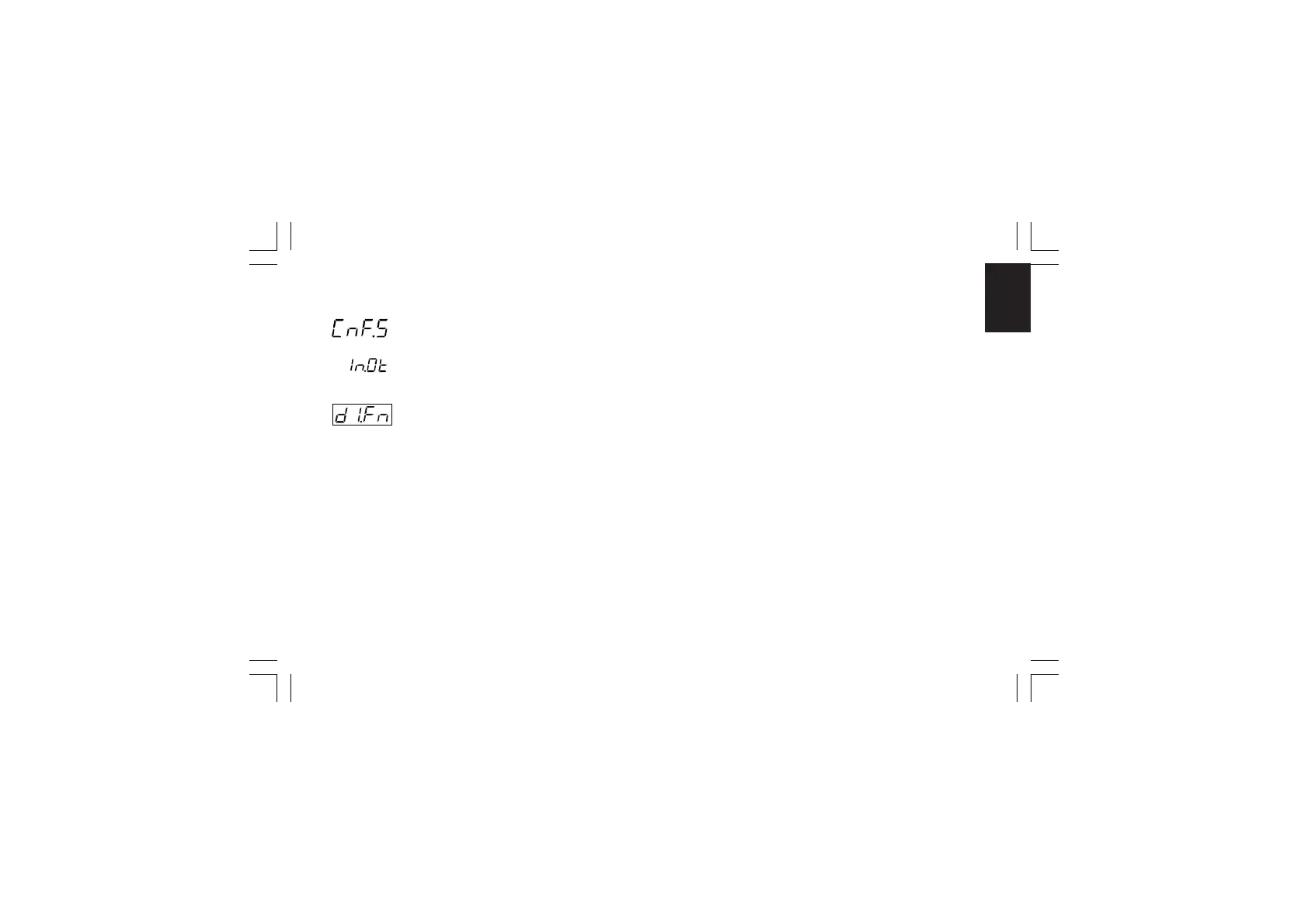
CnF. 5CnF. 5
CnF. 5CnF. 5
CnF. 5
CONFIGURATION GROUP 5 [C.Hxx]CONFIGURATION GROUP 5 [C.Hxx]
CONFIGURATION GROUP 5 [C.Hxx]CONFIGURATION GROUP 5 [C.Hxx]
CONFIGURATION GROUP 5 [C.Hxx]
DIGITAL INPUT/OUTPUT CONFIGURATION
- Logic input "DIG 1" function - [C.H01]- Logic input "DIG 1" function - [C.H01]
- Logic input "DIG 1" function - [C.H01]- Logic input "DIG 1" function - [C.H01]
- Logic input "DIG 1" function - [C.H01]
This parameter will be available only when input contact option
is fitted.
Range:nonE = Input contact not used
ru.SL = Input contact used for RUN /HOLD selection.
The status is related to the input level (RUN
when the logic level is "1").
NOTENOTE
NOTENOTE
NOTE: when an input is programmed as RUN/
HOLD selector related with the status, the
RUN/HOLD selection by keyboard has no
effect.
ru.St = Input contact used for RUN /HOLD selection.
The instrument toggles from one status to the
other one when the transition selected by
"d1.St" [C.H02] is detected.
NOTE:NOTE:
NOTE:NOTE:
NOTE: for more details about the RUN/HOLD
selection, see the related note at pag.54.
Pr.Ab = Input contact used for program abort (Abort
when the logic level is equal to "1").
NOTENOTE
NOTENOTE
NOTE: for ABORT function only, the input
status must be maintained for more than 3
seconds.
Pr.SL = Input contact used for program selection (for
more details see note 2).
Au.ñA = Input contact used for Auto/Manual selection
(Manual when logic level is “1”)
O.LIñ = Input contact used for output limiter activation
(Output limited when logic level is “1”)
ñ.rSt = Input contact used to reset (acknowledge)
alarm (Reset when logic level is “1”)
rE.dr = Input contact used for Reverse/Direct control
action selection (Direct when logic level is “1”)
NOTENOTE
NOTENOTE
NOTE: When logic input circuits are not mounted the middle
display will show “no.Pr” (not present).
XKP-1-D1.pmd 25/05/2006, 11.2853



 To Next Page