Chapter 5
I/O
Expansion Unit
Page 5-27
● Procedure for Confirming the Storable Capacity of the Memory Card
1. Put the Unit in bypass (or do not put the controller into cycle) and then perform the following
when the controller “READY” signal is “ON.”
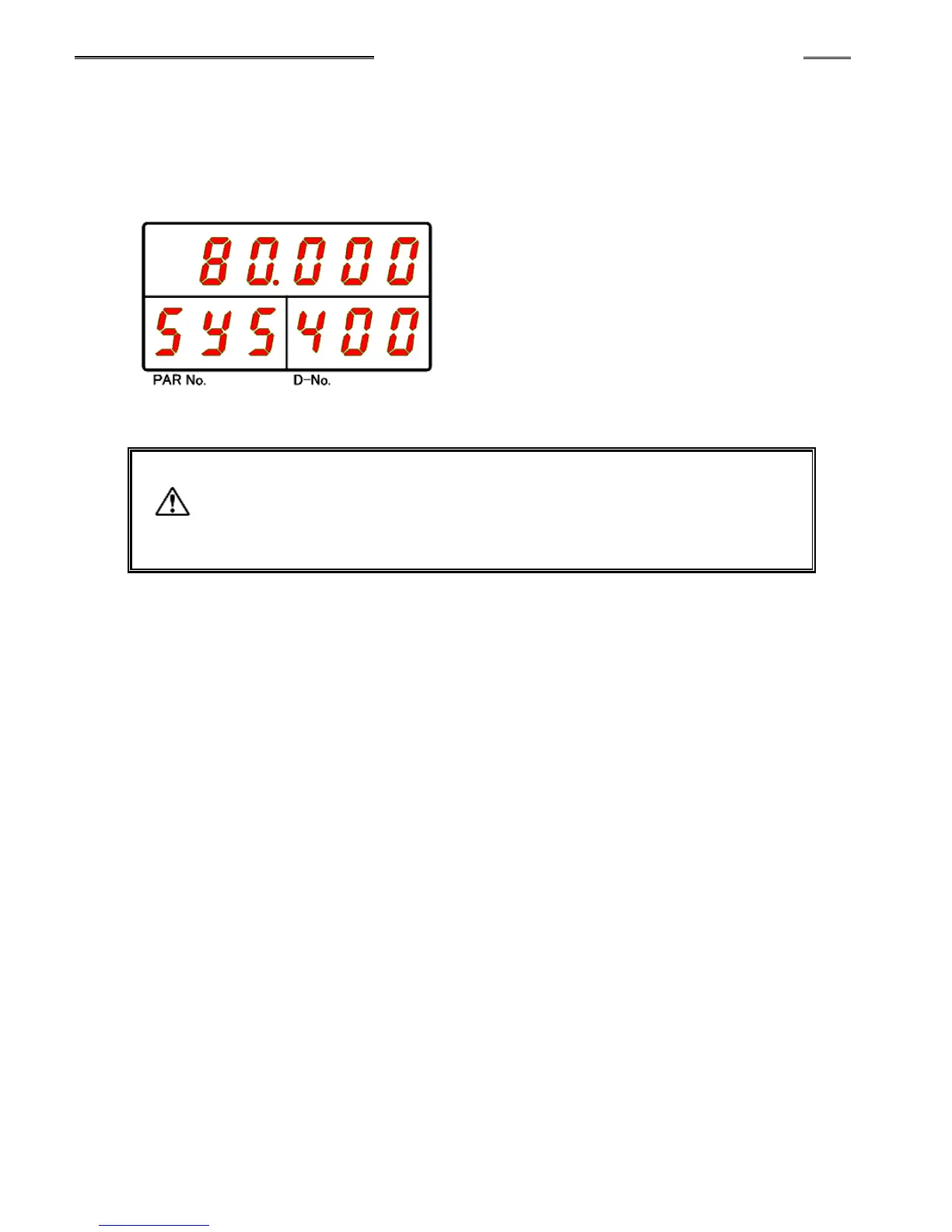
2. Use the “◄” and “►” switches of the display Unit to make the System Setting Mode as indicated
below
3. Use the “▲” and “▼” switches of the display Unit to cursor to “400” in the D-No. section.
4. The value indicated at the upper stage of the indicator is the storable capacity (units: %)
of the memory card.
・ When the storable capacity of the memory card falls to less than 0.1%, memory
storage is discontinued to prevent damage of the stored data contents of the
fastening results and the fastening curve waveforms (the CF ACCESS LED lights
up in red).



 To Next Page