Chapter 3 System Description
PAGE 3-2
3-1 System Structure
The AFC3000 Nutrunner System has two system structures. Either of the two system structure
types (single system and multi system) can be selected and used with a single Unit. The system type
can be changed from the display on the front panel of the Unit. For the changing method, please
refer to the “System Operation” chapter.
・
Single System
The Single System requires (PLC) I/O control for each spindle. (each spindle requires its own Start,
Stop, etc.)
The AFC3000 User Console software communication for all connected spindles is via a dedicated
communication port on a single spindle (Configured as MASTER). The MASTER spindle has a
dedicated (Ethernet) port and communicates to all connected spindles (configured as SLAVES) via
the AXIS LINK ports. Fastening operation is according to PARAMETER setup.
・
Multi System
Configured as a Multi System, the (PLC) I/O is connected to one single controller (Configured as
MASTER) which in turn controls all connected spindles (configured as SLAVES).
The AFC3000 User Console software communication for all connected spindles is via a dedicated
communication port on a single spindle (Configured as MASTER). The MASTER spindle has a
dedicated (Ethernet) port and communicates to all connected spindles (configured as SLAVES) via
the AXIS LINK ports. Fastening operation is according to SEQUENCE control (from the MASTER).
* The MASTER Spindle or SLAVE Spindle setting for communication with the AFC3000 User
Console (PC) and for I/O (PLC) control is set with the special function SW1 switches on the front
panel of the Unit. Please refer to “Special Function SW1 Switch Settings” in the “Installation and
Wiring” chapter.
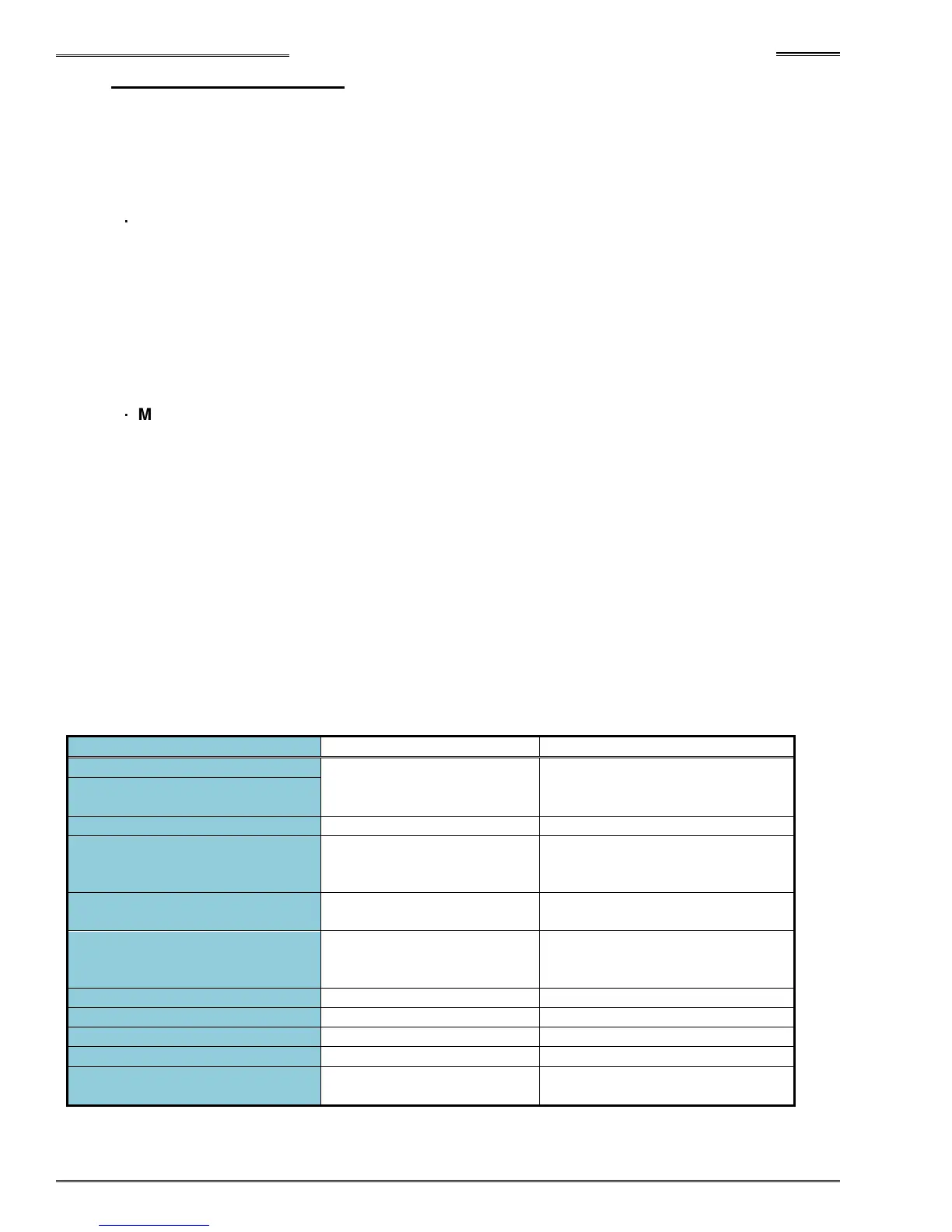
● System Correspondence Table
Single Multi
Control performed
according to each Unit.
All Units controlled by the
MASTER Spindle Unit.
(External) STOP Signal
Parameter control (By PLC)
Sequence control (Internal)
Parameter (Sequence)
Selection Method
PLC I/O input
PLC I/O input (factory setting)
ID data input
AFC3000 User Console
Disable
PLC I/O input Sequence command
Stoppage upon Turning OFF
of START Signal during
Fastening Operation
Unit front panel SW1: No. 2 Sequence setting
Fixed Format User Programmable Format
Unavailable Available
Unavailable Available
Unavailable Available
SYS-003 System Indication
Single Multi



 To Next Page