Chapter 8 System Operation
PAGE 8- 18
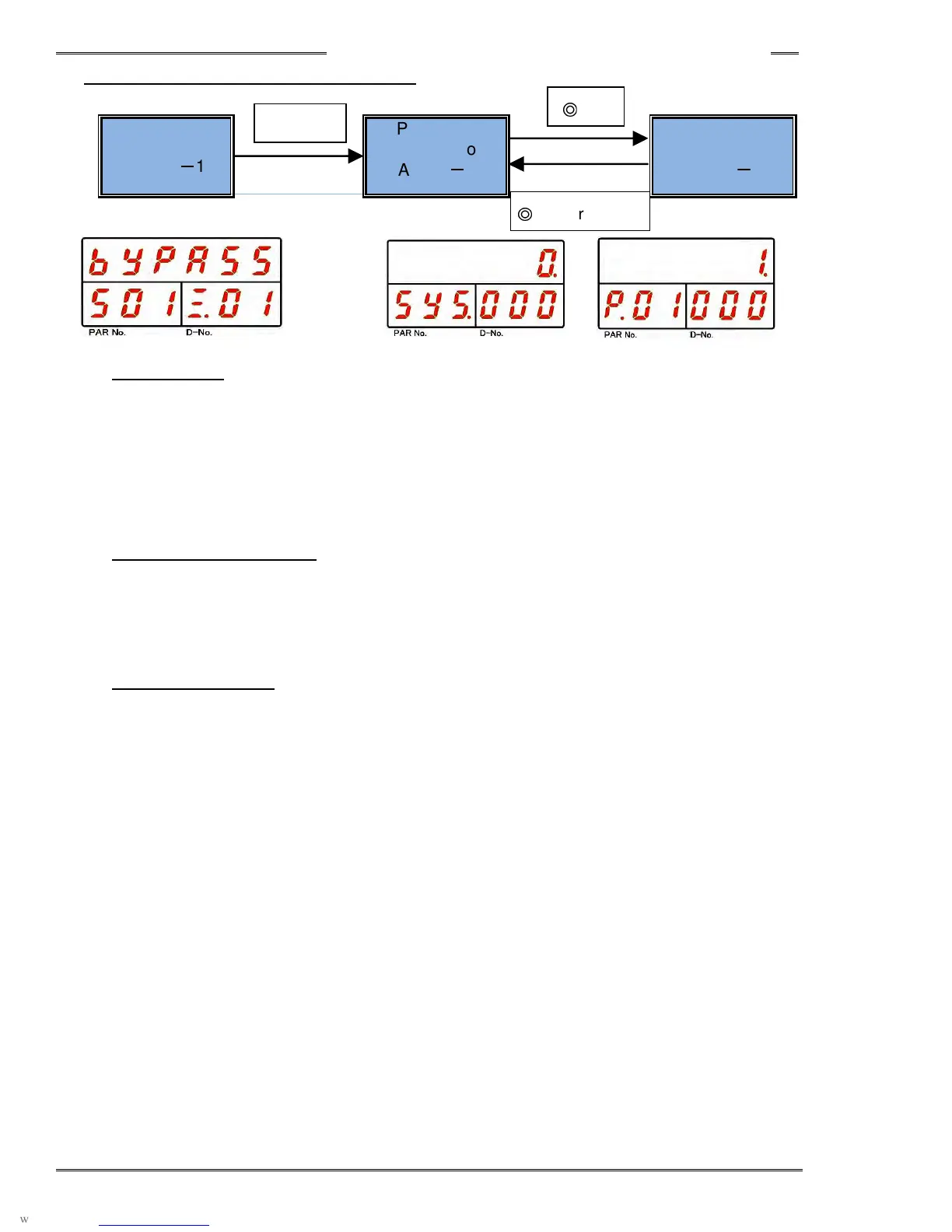
8-4-1 BYPASS State Mode Selection
Status Display
(PAGE 8
-
14)
Parameter
Selection
Mode
(PAGE 8
-
17)
Parameter Edit
Mode
(PAGE 8
-
18)
• Status Display
When this mode is activated, the current controller mode is displayed.
It is displayed right after the mode is switched from RUN mode to BYPASS mode.
The mode is switched to Parameter Display mode by pressing the [►] or [◄] push-button. However, in
the “Parameter Select Mode” and the “System Select Mode,” the mode is changed directly to the set
value selection mode.
• Parameter Selection Mode
This mode selects the parameter.
The cursor position can be changed by pressing the [►] or [◄] push-button.
The display set value can be changed with the [▲] or [▼] push-button.
• Parameter Edit Mode
This mode sets the parameter.
Parameter is edited by the [▲] or [▼] push-button and is set with the “SET” push-button.
► or ◄
◎
SET or RESET
◎
SET



 To Next Page