Chapter 4 Installation and Wiring
PAGE 4-21
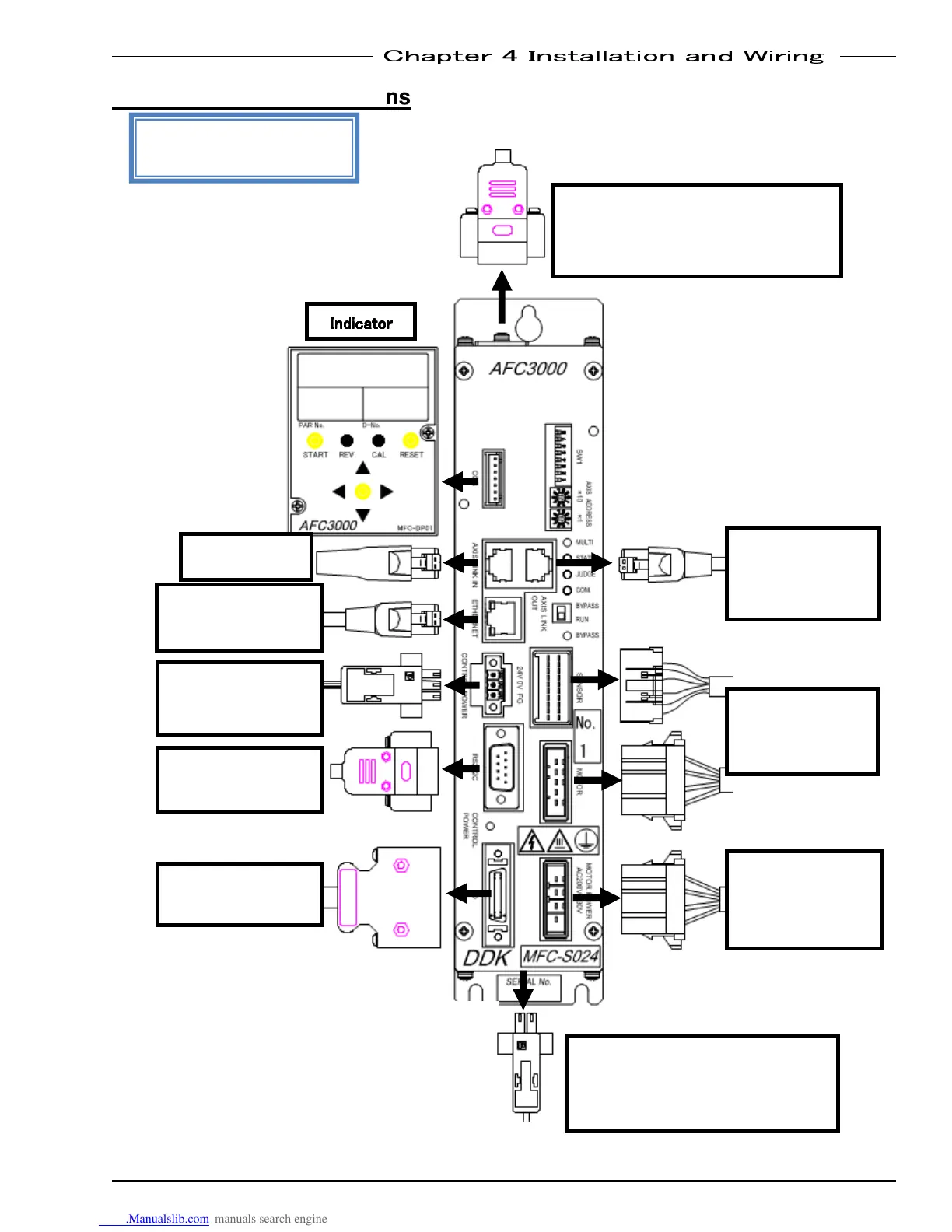
4-3 Unit Cable Connections
MFC-S024・
・・
・MFC-S060
MFC-S120
STOP Signal Cable (Bottom Panel)
(connects to emergency stop circuit)
* Available by setting the bottom
panel SW2: No. 1 to ON.
Cable
External Monitoring Device Cable
(Upper Panel)
(Connects to monitor device)
* Not used for fastening setting.
(Connects to input
power supply)
(Connects to PLC)
Cable
(Connects to PC)
Axis Link Cable
(connects to
next unit)
Cable
(connects to
tool)
Cable
(connects to 3
phase power
supply)
Indicator
IndicatorIndicator
Indicator



 To Next Page