Chapter 5
I/O
Expansion Unit
Page 5-4
5-3-2 I/O Signal Specifications (Expansion I/O)
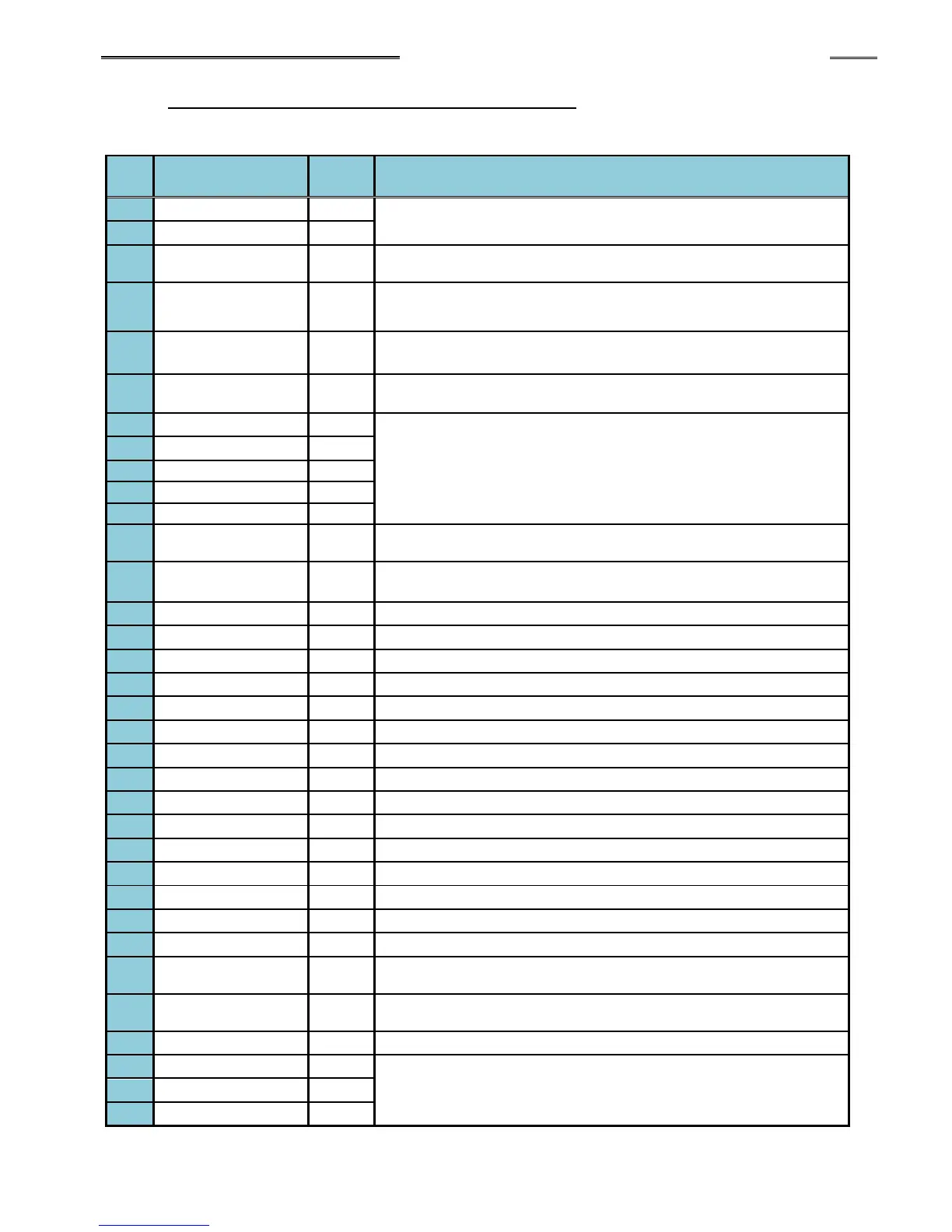
● PLC Expansion Input Signals (Expansion I/O → MASTER Spindle)
IN: Input Signal NC: Normal Close NO: Normal Open
Description of Function/Usage
Common input signal (bidirectional)
The fastening operation is stopped by setting this signal to “OFF”
(emergency stop signal). (Must be ON to enable system)
The fastening operation is stopped and the fastening judgment of
the Unit is cleared by setting this signal to “ON.”
While this is “ON,” the tool rotates in a reverse direction and in
accordance with the Spindle No. used of the selected sequence
The fastening operation in accordance with the selected sequence
No. is started by setting this signal to “ON.”
The SEQ SELECT BIT 0 to 4 up to 32 sequences (by a binary
combination of the 5 signals)
The sequence cycle count of the presently selected sequence No.
is incremented by 1 by setting this signal to “ON.”
The sequence cycle count of the presently selected sequence No.
is cleared by setting this signal to “ON.”
Linked with the sequence command “Port 1” (input wait).
Linked with the sequence command “Port 2” (input wait).
Linked with the sequence command “Port 3” (input wait).
Linked with the sequence command “Port 4” (input wait).
When this signal is “ON,” spindle 1 is put in BYPASS mode.
When this signal is “ON,” spindle 2 is put in BYPASS mode.
When this signal is “ON,” spindle 3 is put in BYPASS mode.
When this signal is “ON,” spindle 4 is put in BYPASS mode.
When this signal is “ON,” spindle 5 is put in BYPASS mode.
When this signal is “ON,” spindle 6 is put in BYPASS mode.
When this signal is “ON,” spindle 7 is put in BYPASS mode.
When this signal is “ON,” spindle 8 is put in BYPASS mode.
When this signal is “ON,” spindle 9 is put in BYPASS mode.
When this signal is “ON,” spindle 10 is put in BYPASS mode.
The ID data, input from the expansion RS232C or the fieldbus is
cleared by setting this signal to “ON.”
Sequence selection from the RS232 part ID is enabled while this
signal is “ON.”
These 2 inputs form a binary code to select up to 8 output data
“banks” that switch the definition of the 32 outputs.
(Refer to the following page.)



 To Next Page