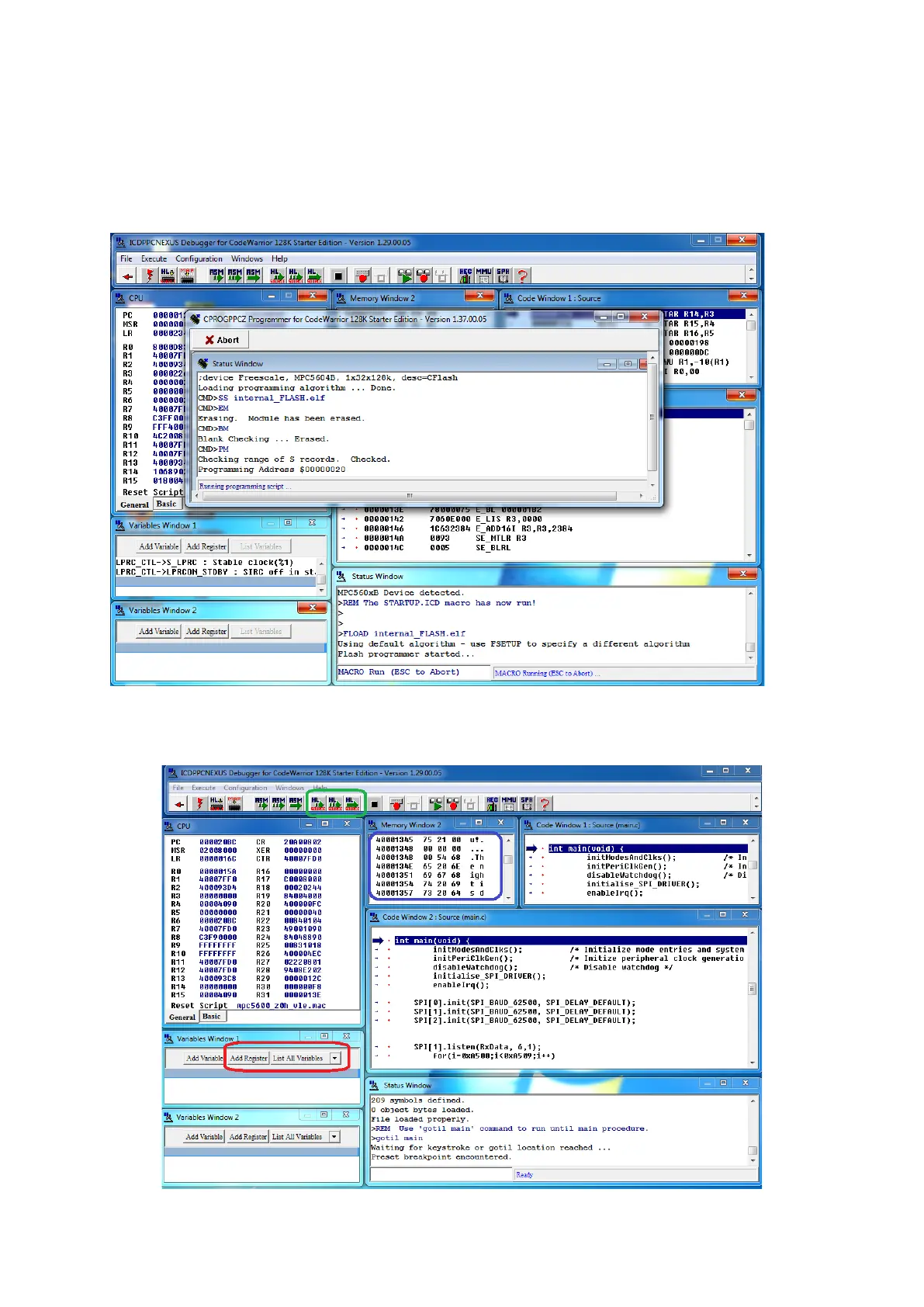
If device is not found, ensure that it is connected and then press Refresh List. For starting the
debugger you’ll have to click Connect (Reset). It will start by initialising the debugger and the
download the code and data to the flash.
Debugger while the flash is being programmed:
Once the debugger is initialised, status window will tell you to use ‘gotil main’ to run until the
main procedure. Do it:



 To Next Page