FRICK
QUANTUM™ COMPRESSOR CONTROL PANEL S90-010 O
OPERATION Page 15
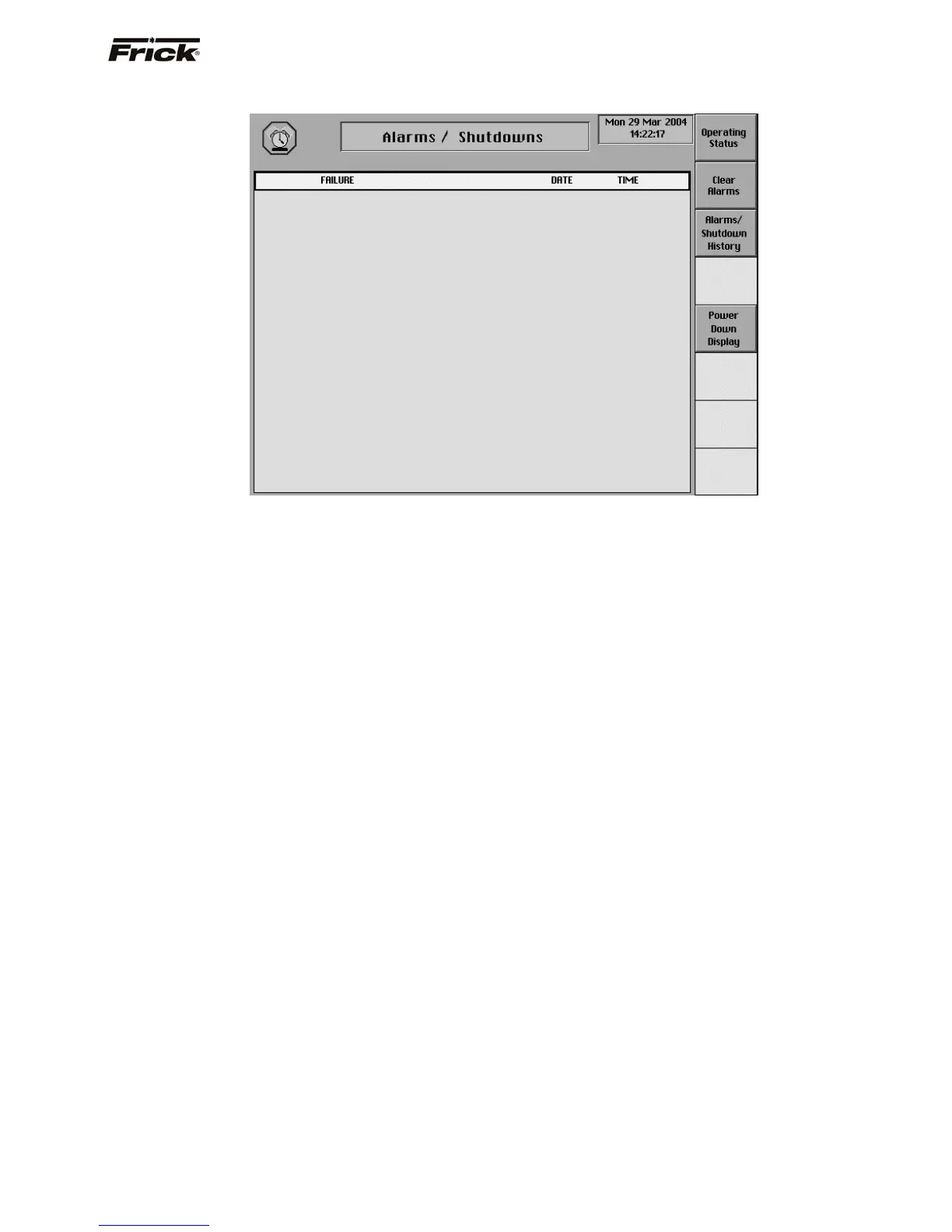
Alarms/Shutdowns
This screen is accessible from the Main Menu screen.
When an alarm or shutdown is triggered, a red descriptive
message shows on this screen. The date and time of the
shutdown occurrence is shown to the right of its
description. The most recent message will appear on the
top line of the screen with the oldest appearing at the
bottom.
The following are the Alarms/Shutdowns screen
selection keys:
[Clear Alarms] - Selecting this key will clear all
alarms and/or shutdowns from this screen. It also de-
energizes the Alarm and Shutdown output modules to
silence any alarm annunciation device.
[Alarms/Shutdown History] - A full screen of failures
is stored, along with the Last Fail Date/Time, and the
Last Clear Date/Time of the failure. The stored data
shows on the Alarms/Shutdowns History screen.
The data is saved, even if there is a power outage.
The last ten Freeze screens can be accessed from
this screen.
[Power Down Display] - This screen shows the
Operating Status screen with the important values
that were last saved to fast battery backup memory
prior to a loss of power to the panel. This screen can
be distinguished from the Operating Status screen
by -- POWER in the screen title, and there are no
screen keys. This screen can help the operator to
identify the conditions and the date and time prior to a
power loss.
NOTE: The Power Down screen will appear with
invalid data when power is initially furnished to the
unit.
To resume normal operation it will be necessary to go
through the following steps:
1. Correct the conditions causing the alarm.
2. Press the [ALARM SILENCE] key. (This action
may precede correcting the conditions causing
the alarm). Or, go to step 3.
3. To clear or reset the Alarms/Shutdowns screen
and turn off any alarm annunciation device, from
the screen, press the [Clear Alarms] key. This
will also clear the ALARM or SHUTDOWN
message from the Operating Status screen.
4. If the conditions causing the alarm have not been
corrected or a new fault has occurred, a new
ALARM or SHUTDOWN message will appear.
The Alarms/Shutdowns history screen keeps a
record of the alarms and shutdowns. This
information will help troubleshoot persistent
operational problems.
5. The information on the Freeze screen can help
the operator to identify the cause of a fault, which
occurred when no one was present. The Freeze
screen freezes the information of the Operating
Status screen AT THE MOMENT OF A
COMPRESSOR ALARM OR SHUTDOWN. The
Freeze screen has the same appearance and
contains the same information as the Operating
Status screen. (For a description of the
information presented by the Freeze screen,
refer to the Operating Status screen). The
Freeze screen will retain the information
generated by an alarm or shutdown. The last
nineteen alarms / shutdowns Freeze screens are
saved. This data is saved during a power outage.
Refer to the Alarms/Shutdowns Message section for a list
of all the possible alarms.
When a Shutdown occurs, the screen backlight will flash
on and off to alert an operator of the shutdown. This visual
alarm will help get the attention of the operator in a noisy
engine room environment where audible alarms may not
be heard. Pressing any key on the keypad will clear the
flashing backlight.



 To Next Page