S90-010 O FRICK
QUANTUM™ COMPRESSOR CONTROL PANEL
Page 78 OPERATION
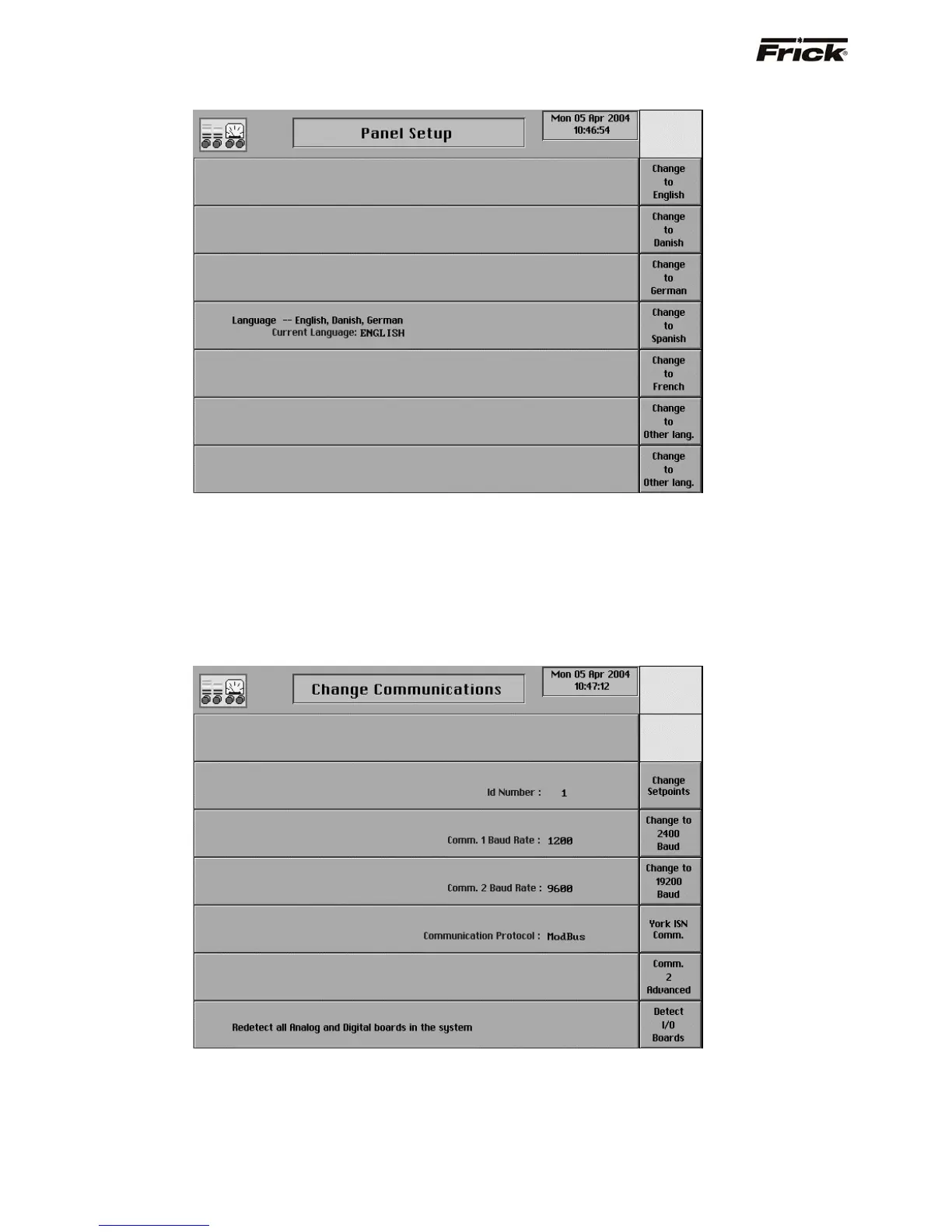
Language
This screen allows the user to change the displayed
language. The default is English.
The following screen keys are provided:
[Change to English]
[Change to Danish]
[Change to German]
[Change to Spanish]
[Change to French]
[Change to Other lang.]
[Change to Other lang.]
Change Communications
The following screen selections are provided:
[Change Setpoints] - Select this key to change the
panel ID number.
[Change to 2400 Baud] - A toggle key that changes
between the baud rates of 1200, 2400, 4800, 9600,
19200, 38400, 76800, and 115200 is provided for the
Comm. 1 setup.
[Change to 19200 Baud] - A toggle key that changes
between the baud rates of 1200, 2400, 4800, 9600,



 To Next Page