S90-010 O FRICK
QUANTUM™ COMPRESSOR CONTROL PANEL
Page 88 OPERATION
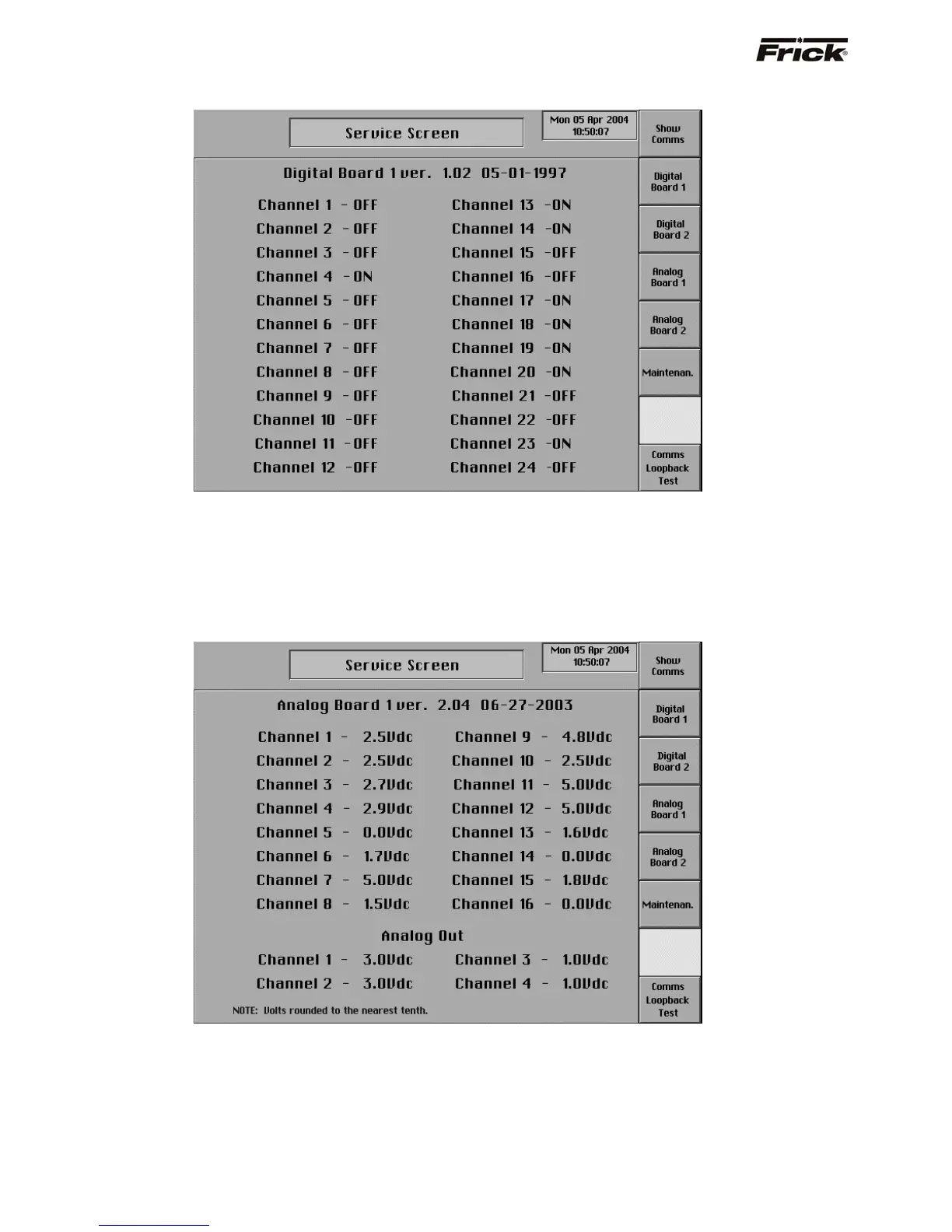
Service Screen (Digital Board)
This screen has been provided to help the service
technician. It can be accessed from the Service Screen.
From here, the technician can view communication data
that is transferred in and out of the Comm-2 port or the
on/off status of each channel of a digital board. Select the
[Show Comms] screen key to view a screen that is a
snapshot of the data transfer from the Comm-1 and
Comm-2 communication ports. There are screen key
selections to access the separate screens for each of the
digital boards that are present. Digital values are shown as
ON or OFF.
Service Screen (Analog Board)
This screen has been provided to help the service
technician. They can be accessed from the service
screen. From here, the technician can view
communication data that is transferred in and out of the
Comm-2 port or the raw data from an analog board. Select
the [Show Comms] screen key to view a screen that is a
snapshot of the data transfer from the Comm-1 and
Comm-2 communication ports. There are screen key
selections to access the separate screens for each of the
analog boards that are present. Analog values are
converted from binary to show volts. The error factor is ±
.05 volts.



 To Next Page