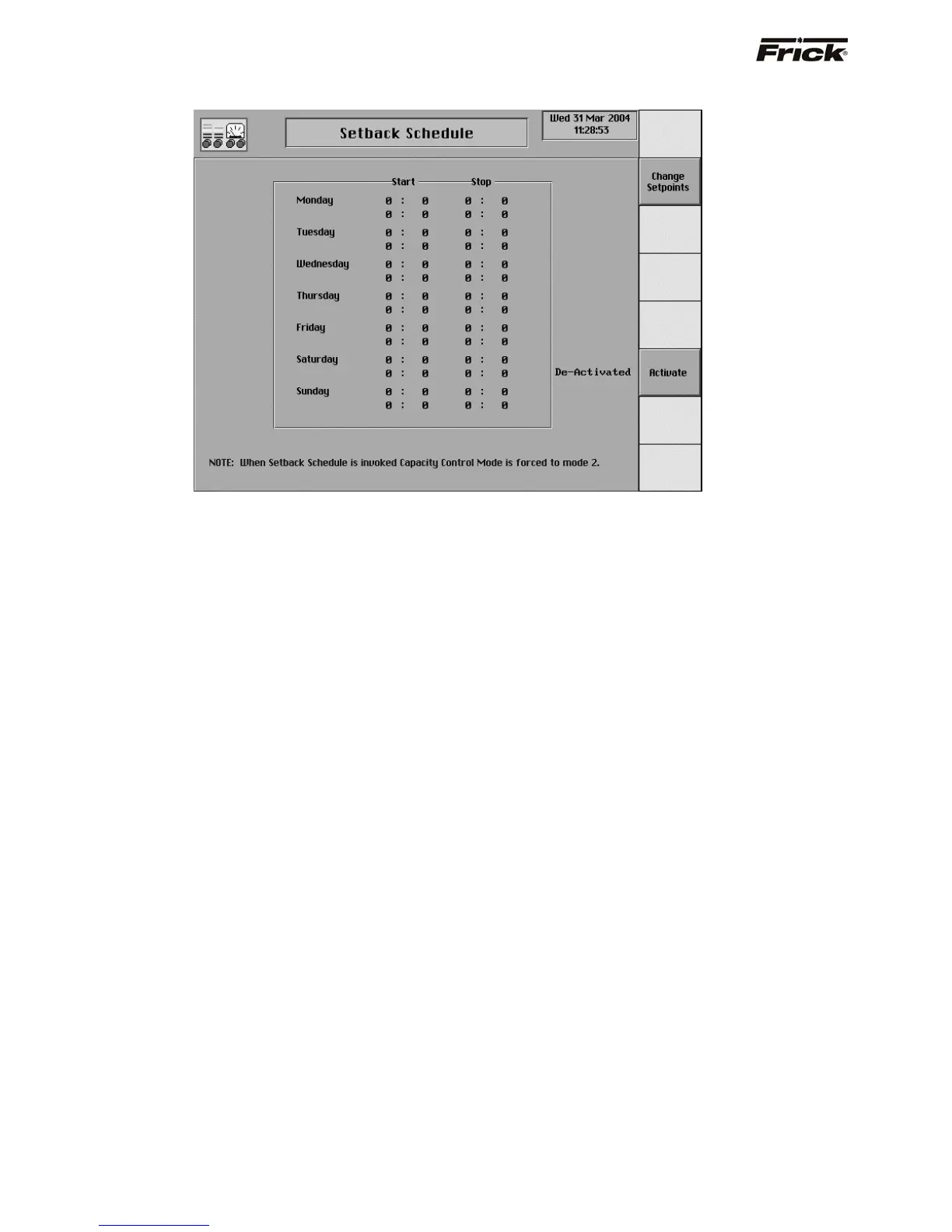
Setback Schedule
Setback is another set of Capacity Control setpoints
(Mode 2) that is initiated and removed by time of day.
Setback can be used to save energy. At night or on
weekends, when room doors are kept closed, a higher
temperature can be set to reduce energy consumption.
This screen shows a time schedule. Two different start
and stop times can be entered for each day of the week.
The Setback Schedule is only effective if the compressor
is in automatic. The Setback Schedule must be activated
to switch the presently active Capacity Control mode to
the Mode 2 (setback) setpoints at the start time. At the
stop time, the control mode is returned to the Mode 1
(normal) setpoints. An entry of 00:00 will void the time
entry field. If setback is required at midnight (00:00) use
00:01.
The following are descriptions of the setpoints:
Start - time of day to switch to the Mode 2 (setback)
setpoints of the active capacity control.
Stop - time of day to return to the Mode 1 (normal)
setpoints of the active Capacity Control.
S90-010 O FRICK QUANTUM™ COMPRESSOR CONTROL PANEL
Page
38 OPERATION



 To Next Page