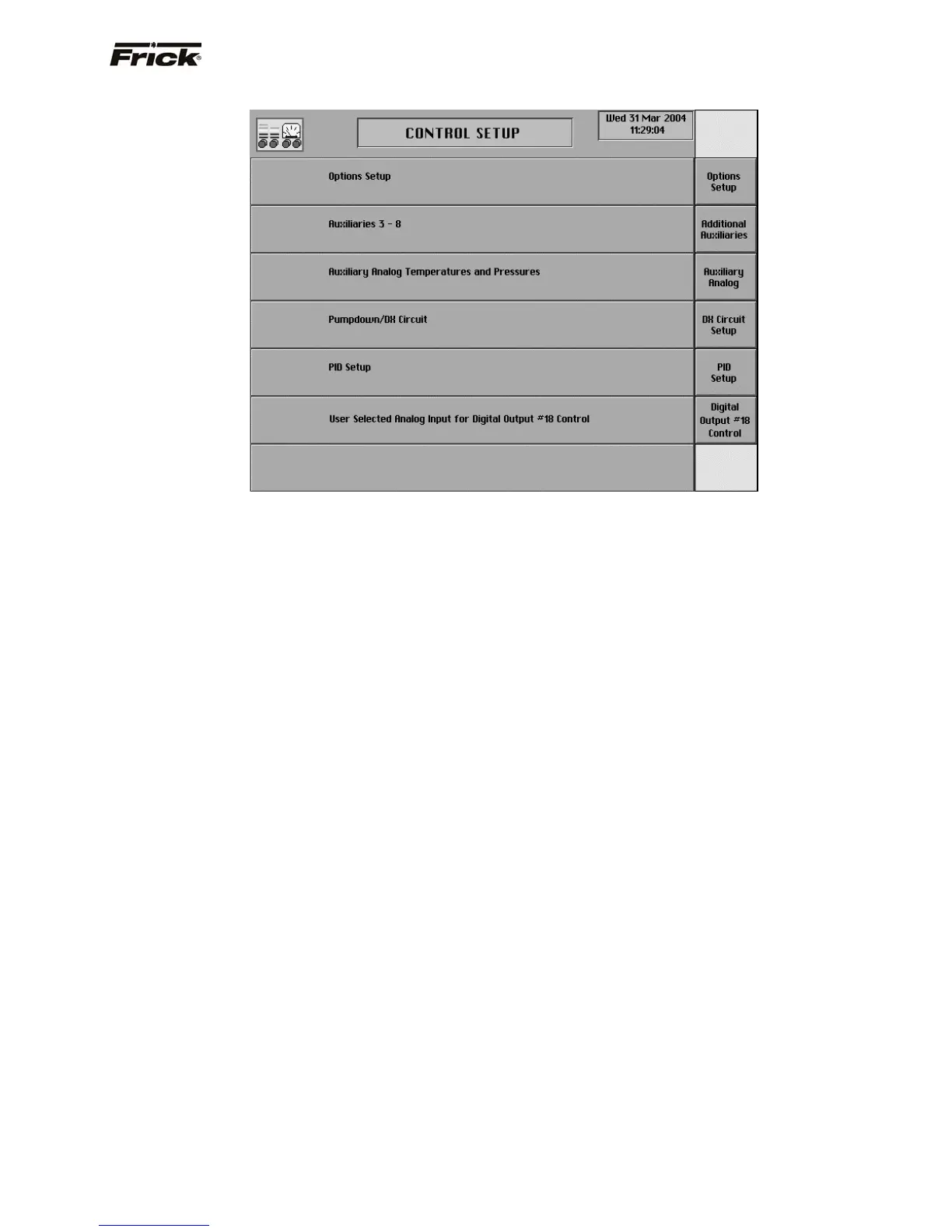
Control Setup (Page 2)
The second Control Setup screen is accessible by
pressing the [More…] key on the main Control Setup
screen. The following are the second group of Control
Setup screen selections:
[Options Setup] - Pressing this key will show a
screen with available option selections.
[Additional Auxiliaries] - Pressing this key will show
a screen that will allow setup of Auxiliaries 3 - 8.
[Auxiliary Analog] -Pressing this key will show a
screen that will allow setup of Auxiliary Analogs
(temperature and pressure).
[DX Circuit Setup] - Pressing this key will show a
screen that will allow setup of Pumpdown/DX Circuit.
[PID Setup] - Shows a screen with PID setups.
FRICK QUANTUM™ COMPRESSOR CONTROL PANEL S90-010 O
OPERATION Page 39



 To Next Page