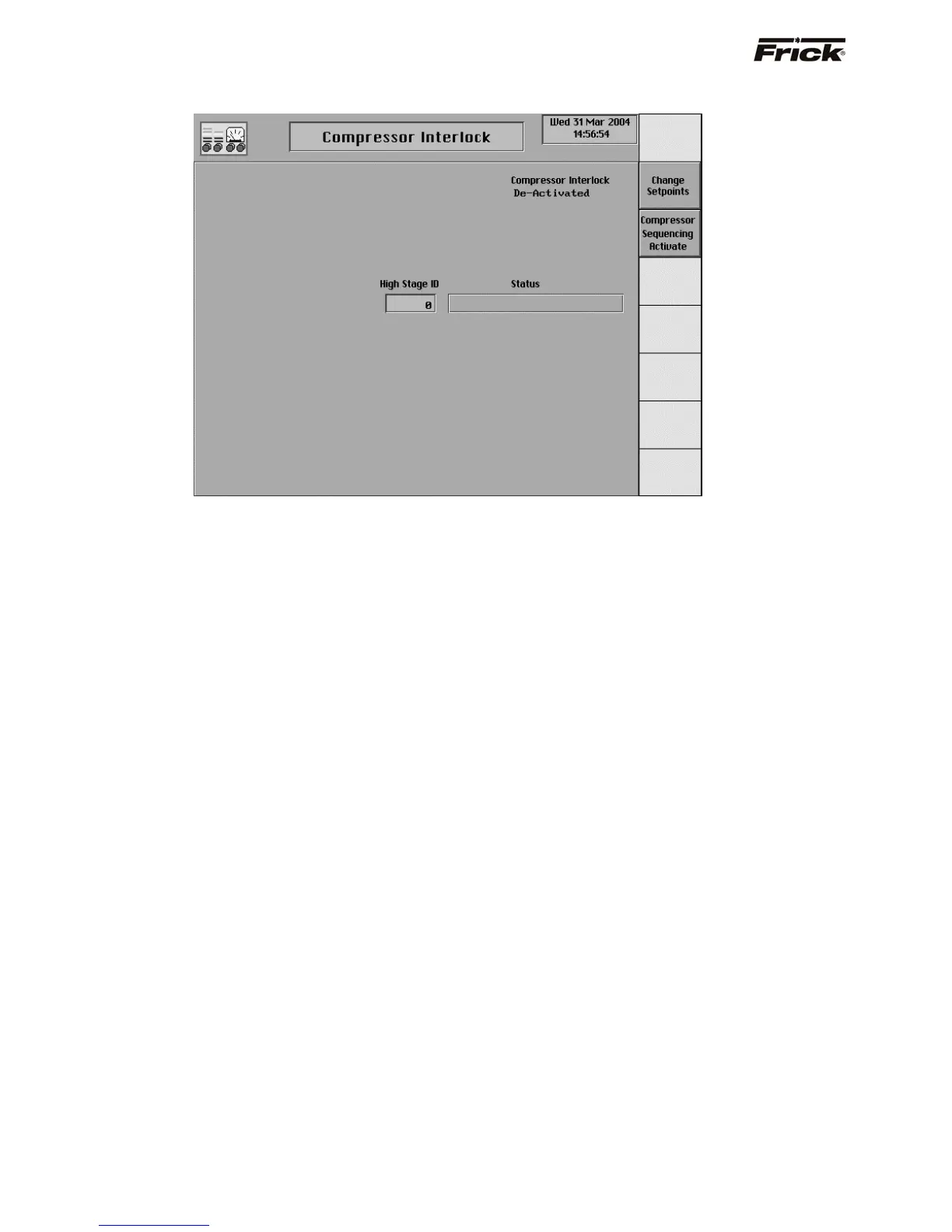
Compressor Interlock
This screen is shown if the [Compressor Interlock]
option of Compressor Sequencing was selected in
Panel Setup. For quick access to this screen there is a
[Compressor Interlock Setpoints] screen key on the
Operating Status -2 screen. Compressor interlocking is
used to interlock the running of one high stage
compressor with one booster compressor. This option
should be selected and setup on the booster compressor
and requires serial communication between the two
compressors using the Com-1 port. Reference drawing
nos. 640A0042 and 640A0050. These compressors are
sequenced only if the compressor is in the remote start
mode of operation and in remote Slide Valve mode and
available to run i.e. not in shutdown (cutout) or Recycle
Delay.
When Compressor Interlock is activated, the program
checks the running status of the two compressors. When
the booster is started, the program checks if the high
stage machine is running. If it is not running, it is told to
start. After the high stage is confirmed to be running, the
booster will start. If the booster is running and the high
stage compressor has a shutdown, the booster shuts
down with a Compressor Interlock Failure. If the booster is
stopped, both machines will stop.
This screen has the following setpoint:
High Stage ID – The Identification number of the high
stage compressor.
A toggle key is provided for compressor sequencing:
[Activate] - Selects the compressor control to be
currently active.
[De-Activate] - Selects the compressor control to be
currently not active.
S90-010 O FRICK QUANTUM™ COMPRESSOR CONTROL PANEL
Page 58 OPERATION



 To Next Page