S90-010 O FRICK
QUANTUM™ COMPRESSOR CONTROL PANEL
Page 72 OPERATION
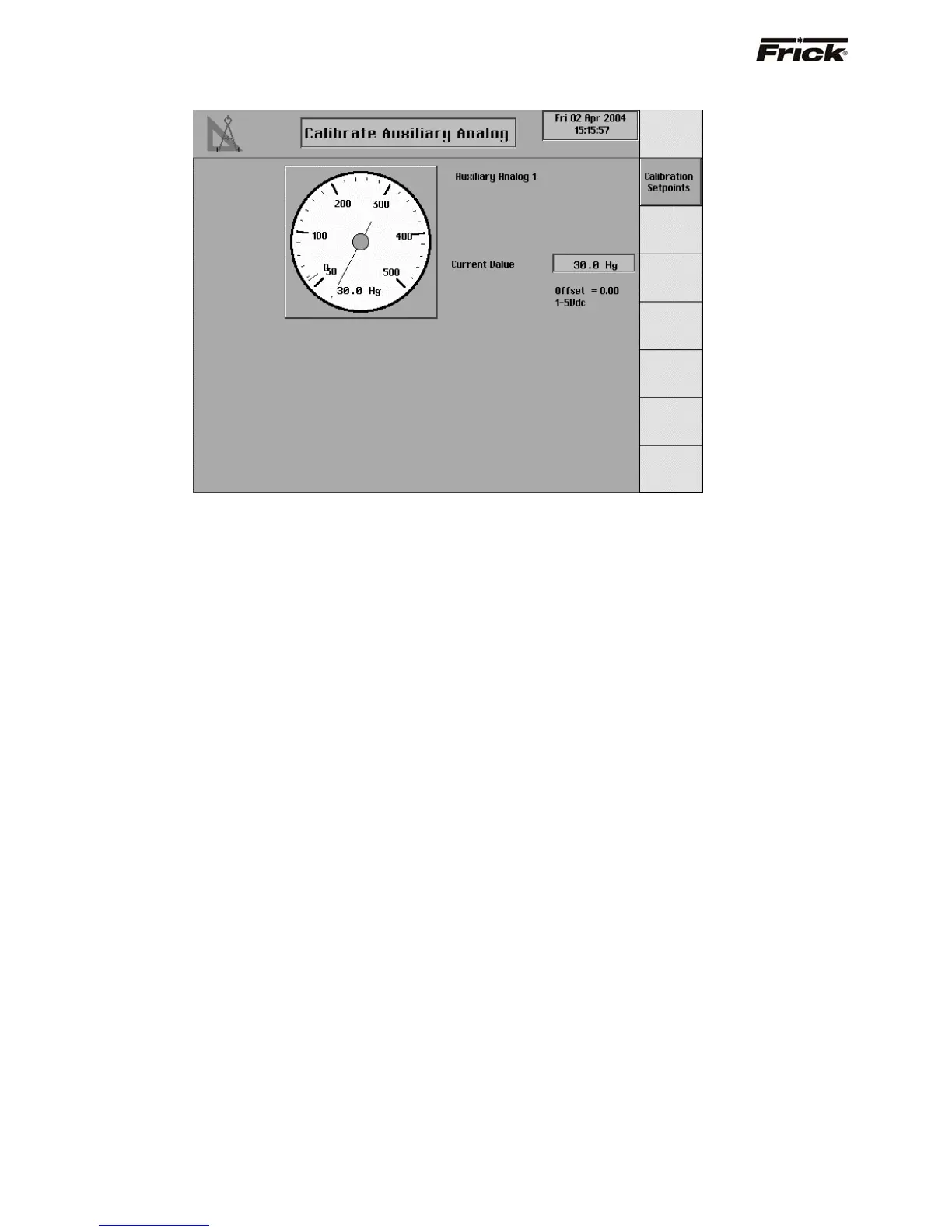
Calibrate Auxiliary Analog (Pressure)
This screen will show if Auxiliary Analog Temperatures
and Pressures was enabled in Panel Setup . This screen
is shown for the Auxiliary Analog Inputs. These inputs are
switched to either temperature, pressure or other in
Factory Setup mode. The actual value of the auxiliary
analogs are displayed on the Auxiliary Analog
Temperatures and Pressures screens that are accessed
from Control Setup.



 To Next Page