S90-010 O FRICK
QUANTUM™ COMPRESSOR CONTROL PANEL
Page 84 OPERATION
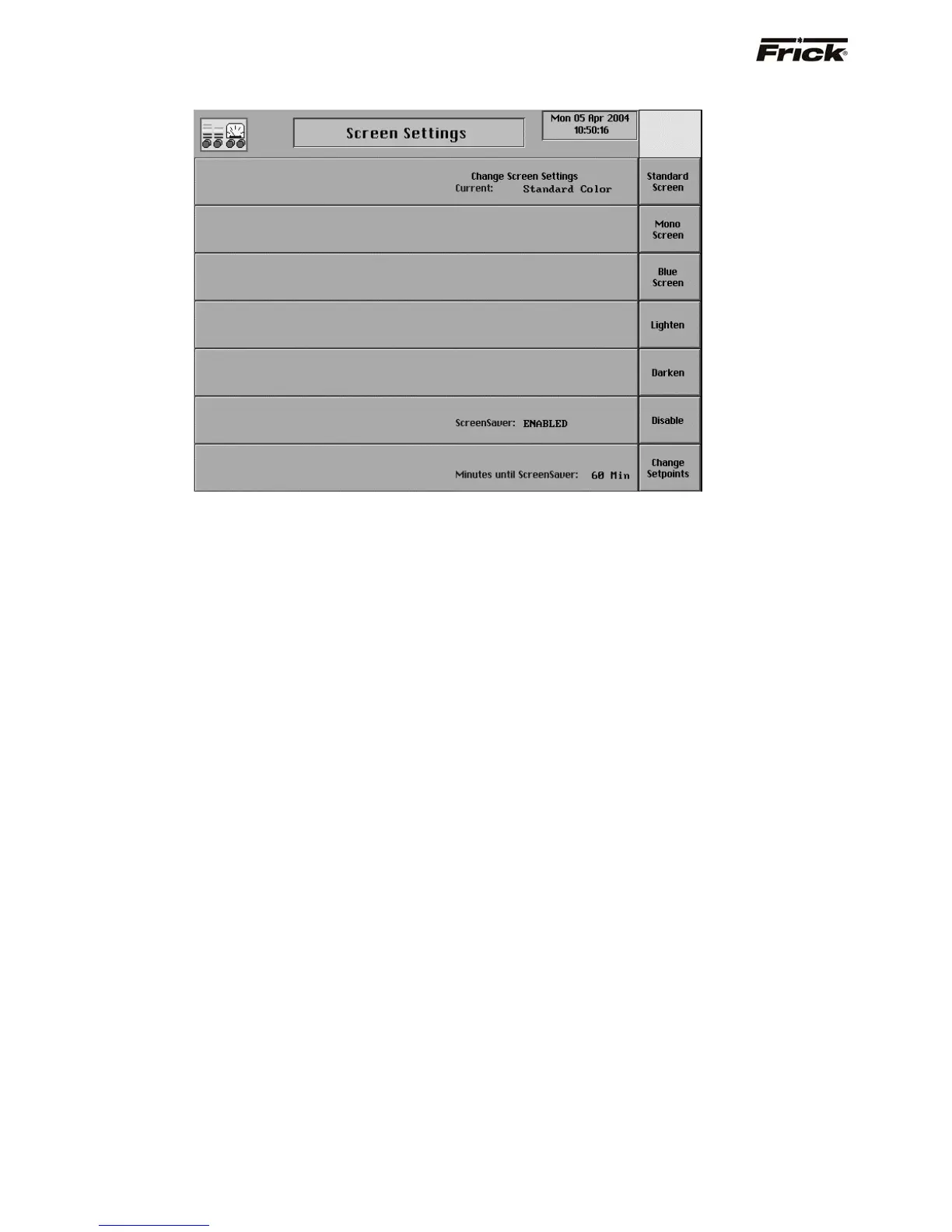
Screen Settings
The following selections are provided:
[Standard Screen] - The Frick
®
Blue screen color is used.
[Mono Screen] - A gray screen color is used.
[Blue Screen] - A blue screen color is used.
[Lighten] - The screen color (hue) is lightened, this
does not change the screen intensity.
[Darken] - The screen color (hue) is darkened, this
does not change the screen intensity.
ScreenSaver - A toggle key is provided:
[Disable] - Disables the screen saver.
[Enable] - Enables the screen saver. When there
is no keypad activity at the panel, this screen
saver will turn off the backlight until a key is
pressed. The screen saver increases the life of
the backlight.
[Change Setpoints] - Select to change the
Minutes until screen saver setpoint.



 To Next Page