FRICK
QUANTUM™ COMPRESSOR CONTROL PANEL S90-010 O
OPERATION Page 83
[Remote Setpoint Disable] - This key is
provided if this feature is enabled.
Permissive Start – The input used for this feature is
Module 17 on the Digital I/O Board 2. If Permissive
Start is enabled in Panel Setup, and there is no input
signal present at module 17 of digital board 2, then
the abbreviated message Prmsv Strt/No Input will
flash once in the compressor status box of the
Operating Status screen.
[Always] – This input must be energized to start
the compressor. And if the compressor is running
and this input is de-energized, the compressor is
stopped.
[Starting] – This input needs to be energized
only to start the compressor.
[Disable] – This key is provided to disable this
feature.
Remote Enable Energized when in – The output for
channel 2, board 2 (Remote Enable) will be energized
when the Compressor Mode has been set for Remote
operation and one of the following parameters have
been selected:
• Remote Start and Remote Slide Valve
• Remote Start and Remote Slide Valve (4-
20 mA)
• Remote Start Only
Digital Board 2 Module 1 Configuration –
Ready to run – If the module inserted into this
position is an output module, it will be energized
if the unit is able to be started.
PLC control – If the module inserted into this
position is an input module, it will be used to
determine PLC Control. If the input signal is lost,
the mode is switched to Automatic. Also, the
input must be energized before going into
Remote.
Run Hours - The [Change Setpoints] key is provided
to change the number of hours the compressor ran.
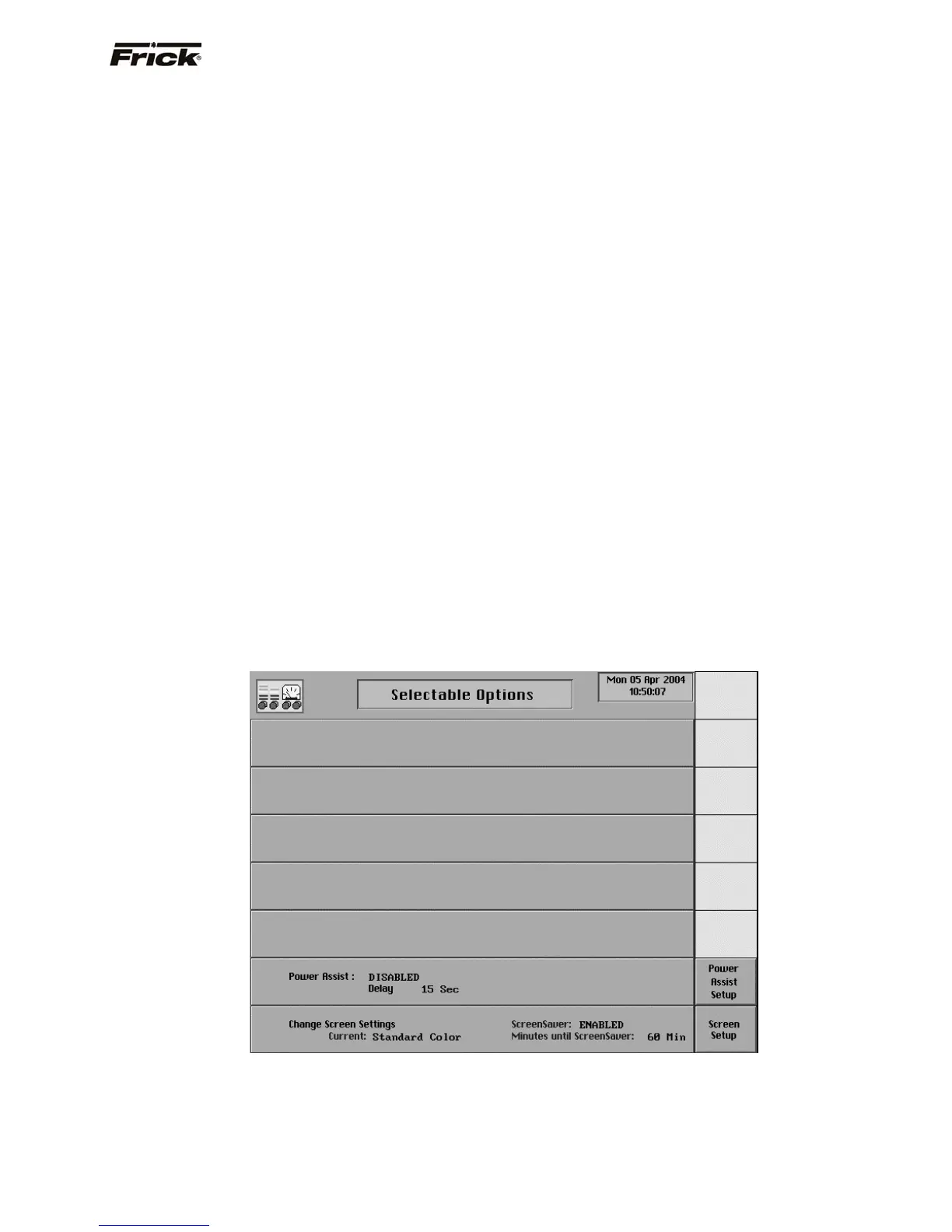
Power Assist - This provides for using the Power
Assist digital output to get hot gas to the check valve
when the compressor is stopped. A key is provided for
Power Assist Setup that further provides a toggle key
that changes between the following selections:
[Enable] - This key is provided if this feature is
disabled.
[Disable] - This key is provided if this feature is
enabled.
A [Change Setpoints] key is provided to change the
number of seconds that the power assist output is
energized after the compressor is stopped.
• Change Screen Settings - The following
key is provided:
• [Screen Setup] - Shows a screen for
changing the screen settings.
Selectable Options (Page 4)



 To Next Page