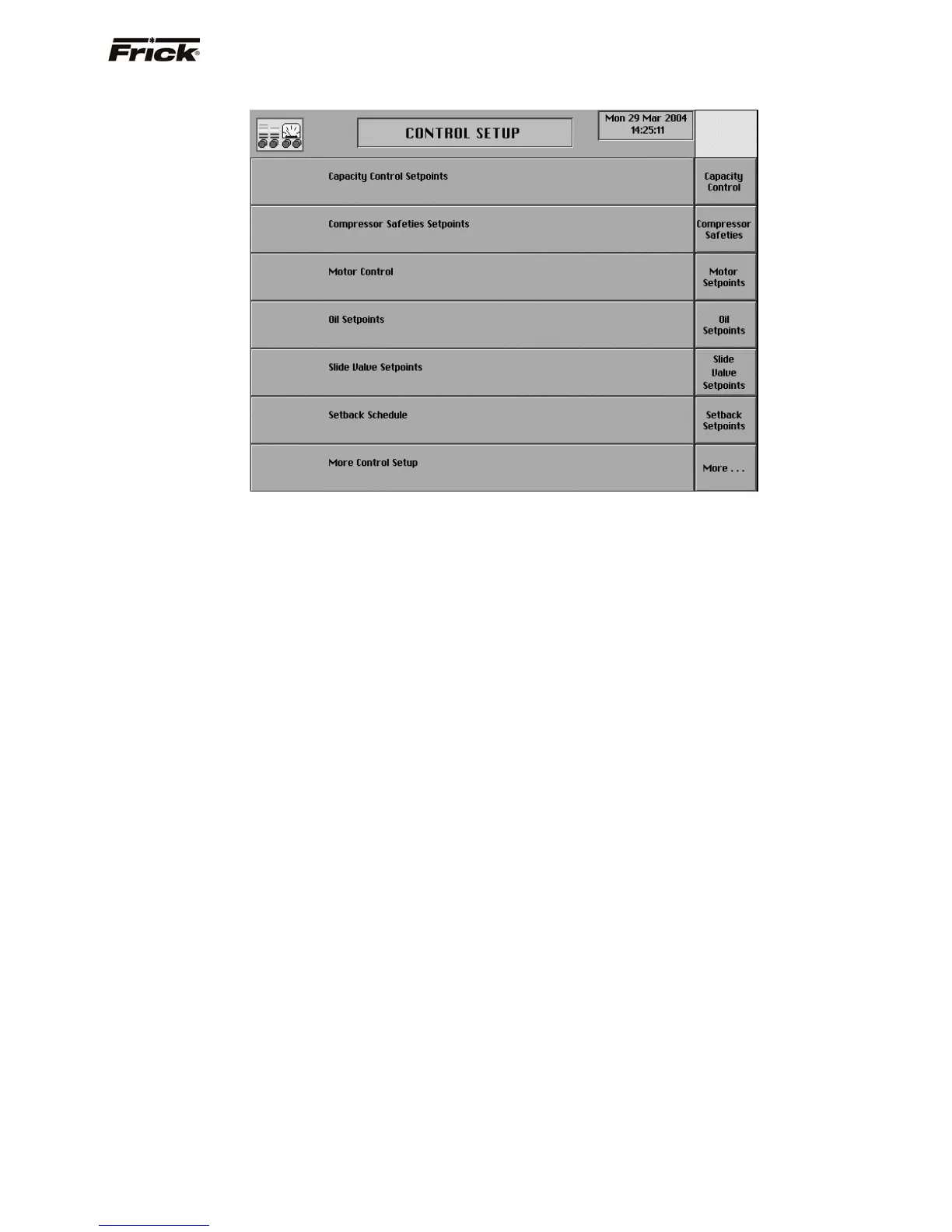
CONTROL SETUP (Page 1)
The Control Setup screen is accessible from the Main
Menu screen. The following are the Control Setup screen
selections:
[Capacity Control] - Shows a screen with selections
for the Capacity Control setpoints that were enabled
in Panel Setup. Only two types of Capacity Control
setpoints can be enabled in Panel Setup. Only one
Capacity Control mode can be active. The message
Active - Current Capacity Control displays at the
selected Capacity Control mode.
[Compressor Safeties] - Shows a screen with
selections to the compressor safeties displays is
shown.
[Motor Setpoints] - Pressing this key will display the
Motor Control screen.
[Oil Setpoints] - Pressing this key will display the Oil
Setpoints screen.
[Slide Valve Setpoints] (If applicable) - Pressing
this key will display the Slide Valve Setpoints
screen.
[Setback Setpoints] - Pressing this key will display
the Setback Setpoints screen.
[Options Setup] - Shows a screen with selections to
other screens of enabled options.
[Additional Auxiliaries] - Shows the Auxiliaries
Setup screen for the digital input auxiliaries 3-8
setpoints. (If applicable, see Panel Setup)
[Auxiliary Analog] - Shows the Auxiliary Analog
screen for setup of the Auxiliary Analog Temperatures
and Pressures. (If applicable, see Panel Setup)
[Pumpdown/DX Circuit] - (If applicable, see Panel
Setup)
[PID Setup] - (If applicable, see Panel Setup)
[Digital Output #18 Control] - (If applicable, see
Panel Setup)
FRICK
QUANTUM™ COMPRESSOR CONTROL PANEL S90-010 O
OPERATION Page 17



 To Next Page