S90-010 O FRICK
QUANTUM™ COMPRESSOR CONTROL PANEL
Page 90 OPERATION
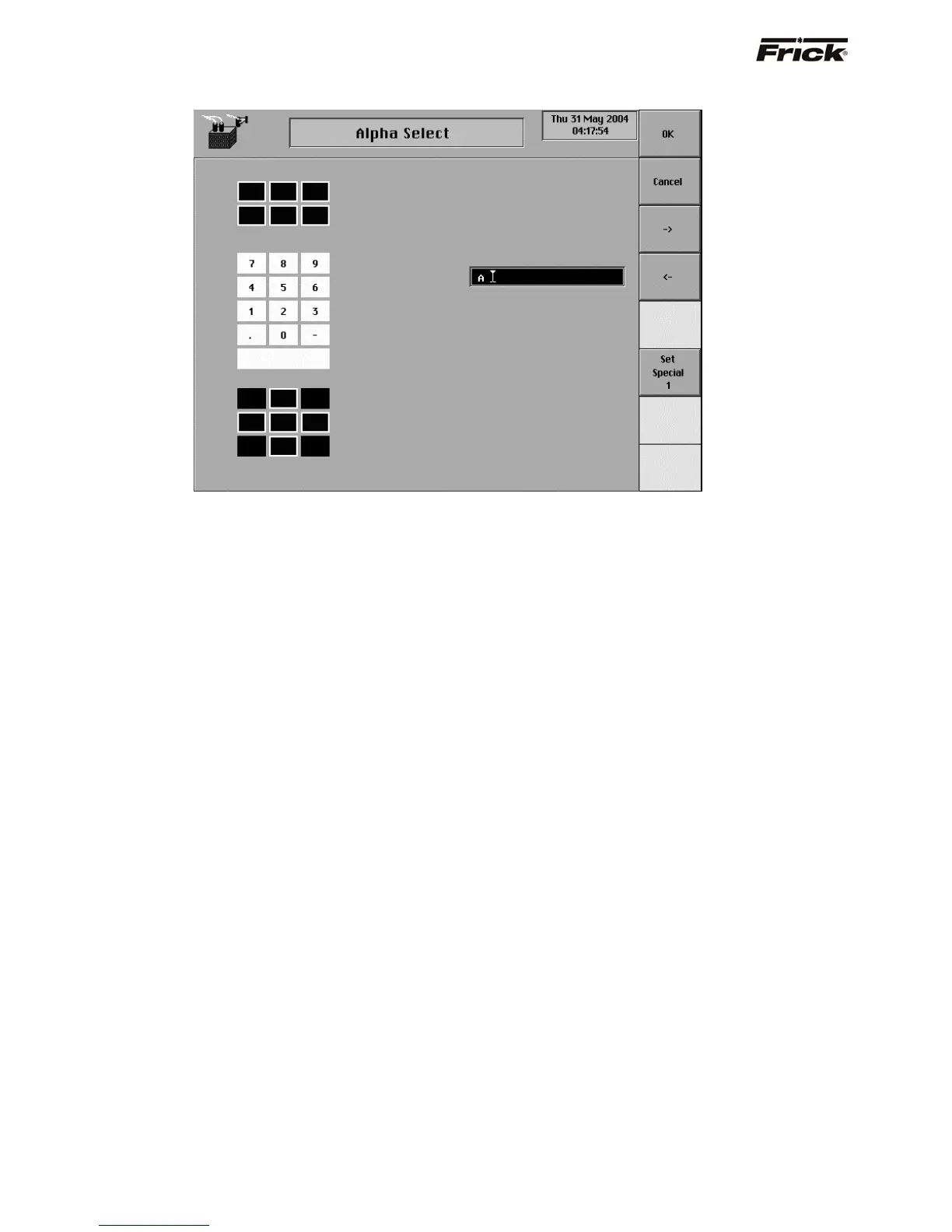
Alpha Select
This screen is used for changing alphanumeric text. A
toggle key is provided that displays different sets of
alphanumeric text that correspond to the keys on the
panel keypad. Pressing a key that is graphically displayed
on the screen will enter the alphanumeric shown on the
graphical key. The existing [Delete] key on the panel
keypad is always available when changing text.
A toggle key is provided that changes between the
following sets of alphanumeric text selections:
[Character Set 1] – This selection displays the letters
of the alphabet in upper case.
[Character Set 2] – This selection displays the letters
of the alphabet in lower case.
[Special Character] – This selection displays special
characters such as # and %.
[Keypad] – This selection displays numerals (as
shown in the example above.



 To Next Page