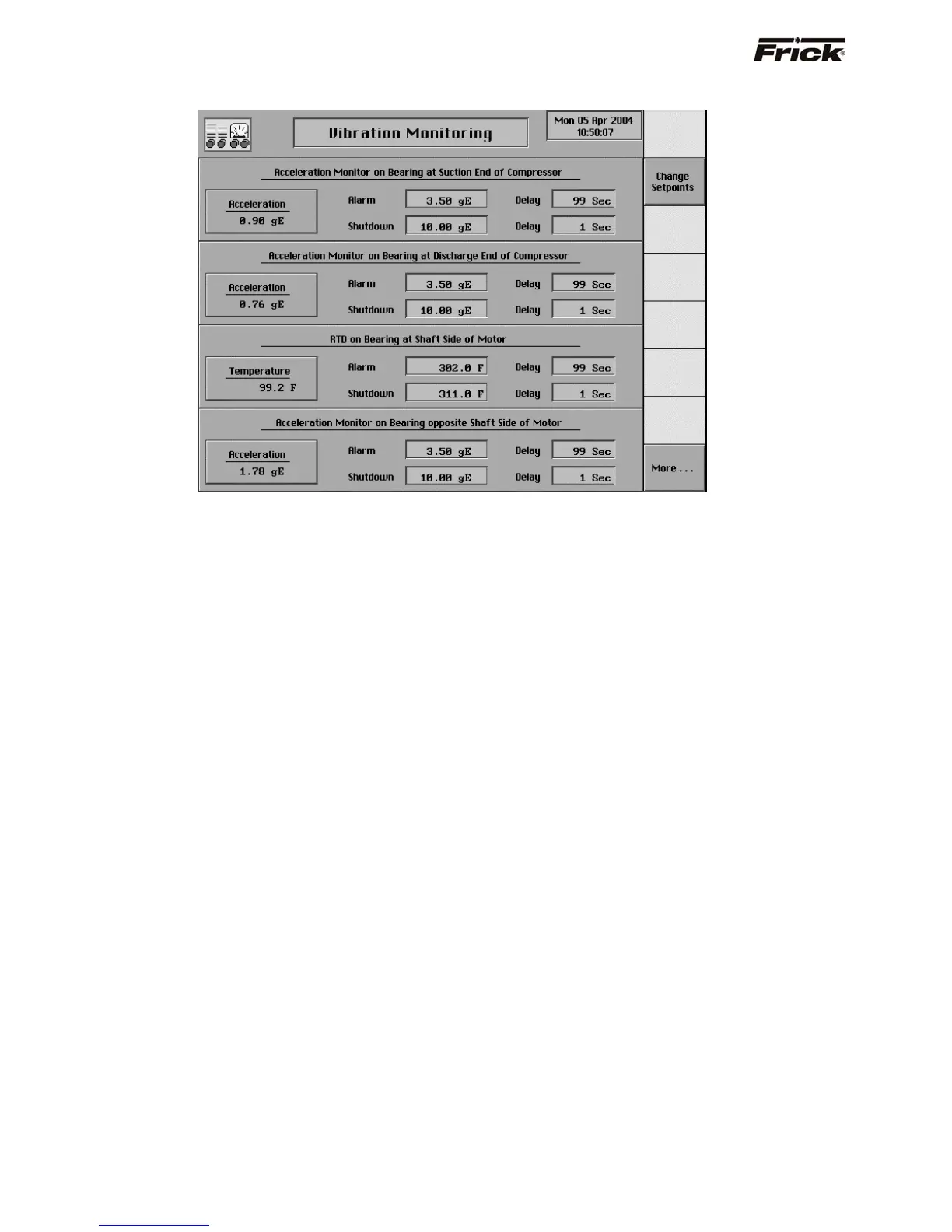
Vibration Monitoring
This screen shows the setpoints for Vibration Monitoring (if
applicable). Pressing the [More…] key will show the
second screen of parameters. To change setpoints, press
the [Change Setpoints] key, and scroll to the setpoint you
wish to change.
For more information, refer to Frick
®
document E70-020
TB (PhD Vibration Monitoring System).
S90-010 O FRICK QUANTUM™ COMPRESSOR CONTROL PANEL
Page 62 OPERATION



 To Next Page