1. System Introduction
1-17
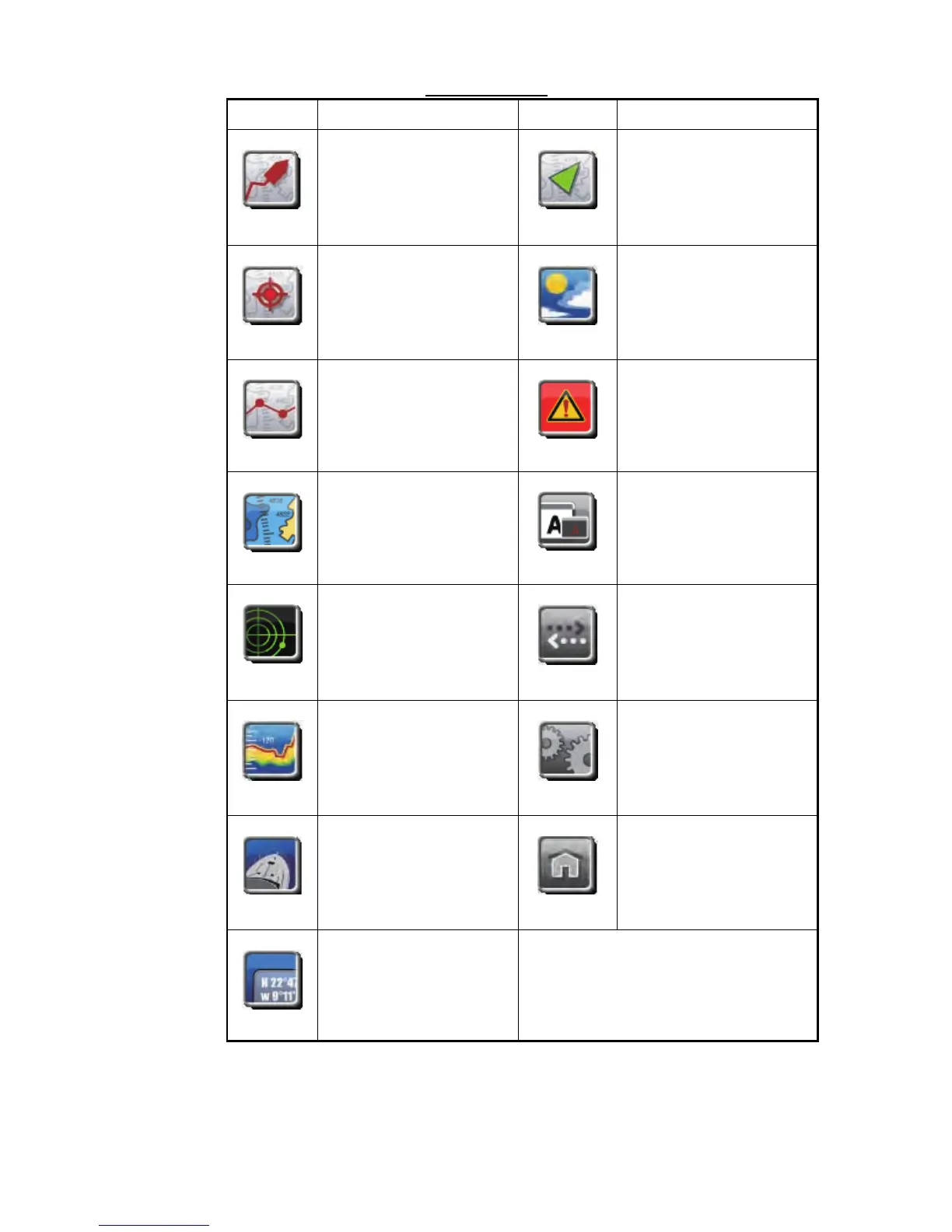
Menu description
2. Rotate the RotoKey to select a menu with the menu selector at the left of the
screen. Rotate the RotoKey to the right to move the menu bar toward the bottom.
Rotate the RotoKey to the left to move the menu bar toward the top. The back-
Menu icon Function Menu icon Function
Select the shape for the
boat icon, and control the
track of your vessel.
Set the ARPA and AIS
targets.
Set points. Set the weather display.
Set routes. Set the alarms.
Set the chart plotter
display.
Set the items common to all
modes, for example, key
beep and the size of the
font.
Set the radar display. File operations which you
use a SD card.
Set the fish finder display. System-wide settings like
menu language.
Set the camera display. Set items like the RotoKey
and the boat icon.
Set the data boxes.
Ship & Track
Targets
Points
Weather
Routes
Alarms
Chart
Global
Radar
Files
Fish Finde



 To Next Page