Revision 1 40 9/10/2019
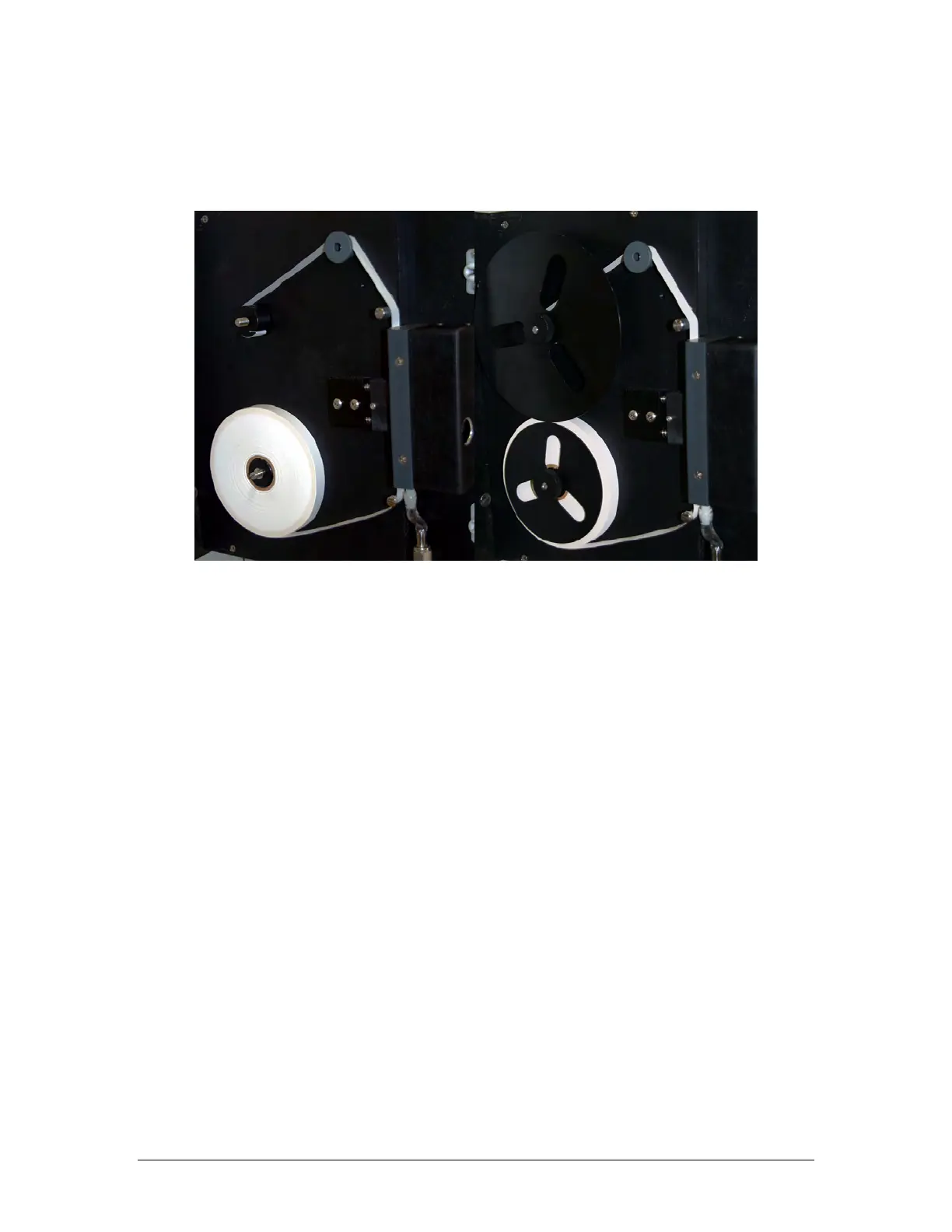
Figure 3-15 shows the correct installation of the tape on the system. The image on the left
shows the completed tape installation without the retaining disks and the one on the right
shows the tape installation with the disks.
Figure 3-15: Installation of Sensing Tape
Using the keypad, press F4, and then press F1 to access the Config-Gen screen. The top
line refers to the Tape Length. Press Edit, indicate the tape length (300 foot reels of tape are
included in the shipment with the analyzer) and press Enter.



 To Next Page