Q.series
Gantner Instruments GmbH
145
6 Functional Procedures → Sensor scaling
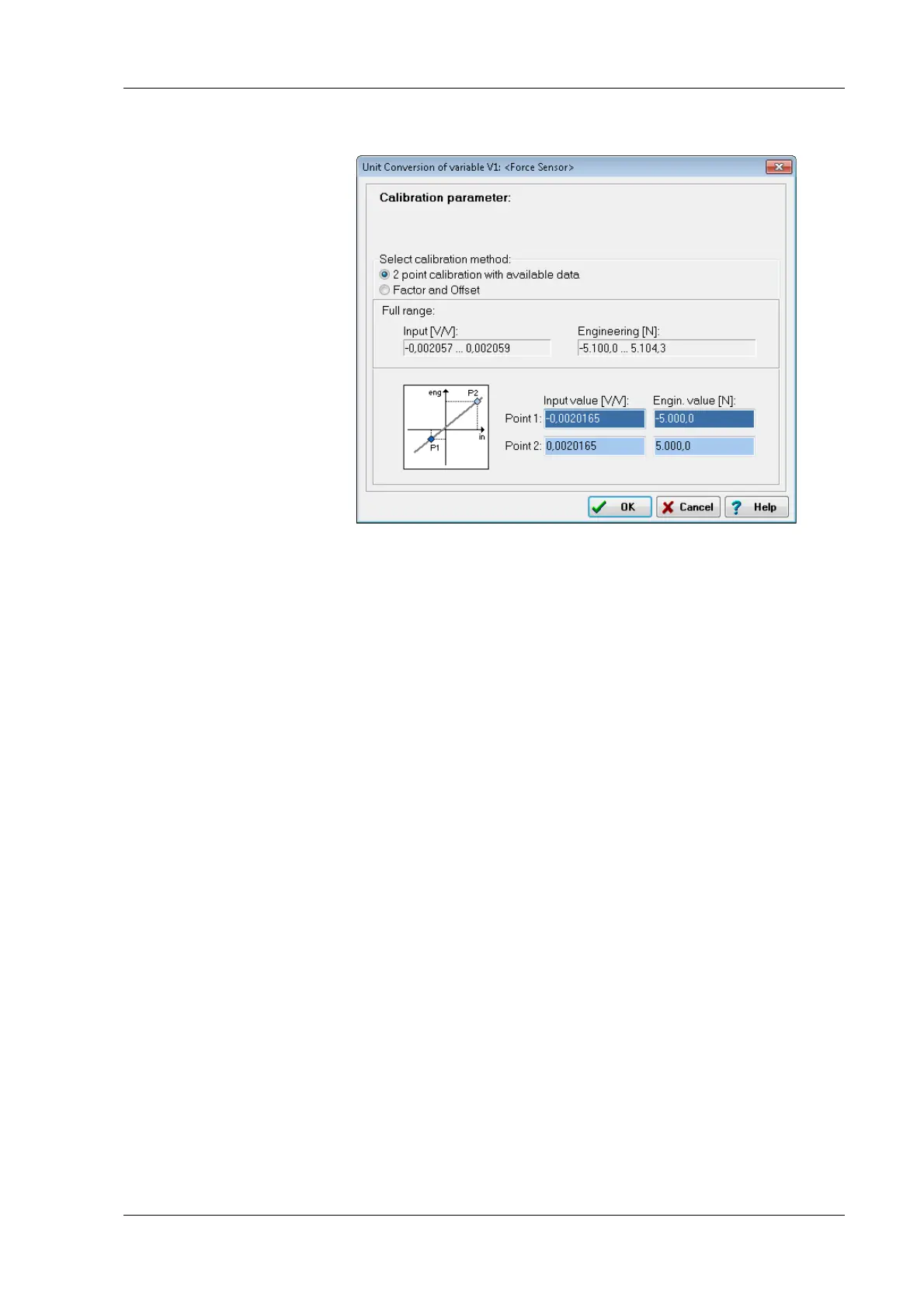
Fig. 6-9 Scaling dialog
6.4.2 Scaling strain gauges
1. Click on Strain-gauge calculator, the unit is then automati-
cally changed to μm/m.
2. Enter the gauge factor of your strain gauge in the left field.
The gage factor is a measure of t
he sensitivity of the strain
gauge and is stated on each strain-gauge pack. It is usually
between 1.8 and 2.2. Fig. 6-10 shows scaling with k = 2.
03.
3. If you are using more than one active strain gauge in your
bridge circuit, yo
u must also state the resulting bridge factor
(right field). The factor depends on the orientation of the
strain gauge on the measurement object and, where applica-
ble, also on the Poisson's ratio f
or the material. On a tension/
compression bar the bridge factor is, for example, approx.
between 2.5 and 2.8 depending on the material.
4. Close the scaling and setup dialog with OK.


 To Next Page
 Loading...