190-01115-01 G3X™/G3X Touch™ Avionics Installation Manual
Rev. AV Page 30-146
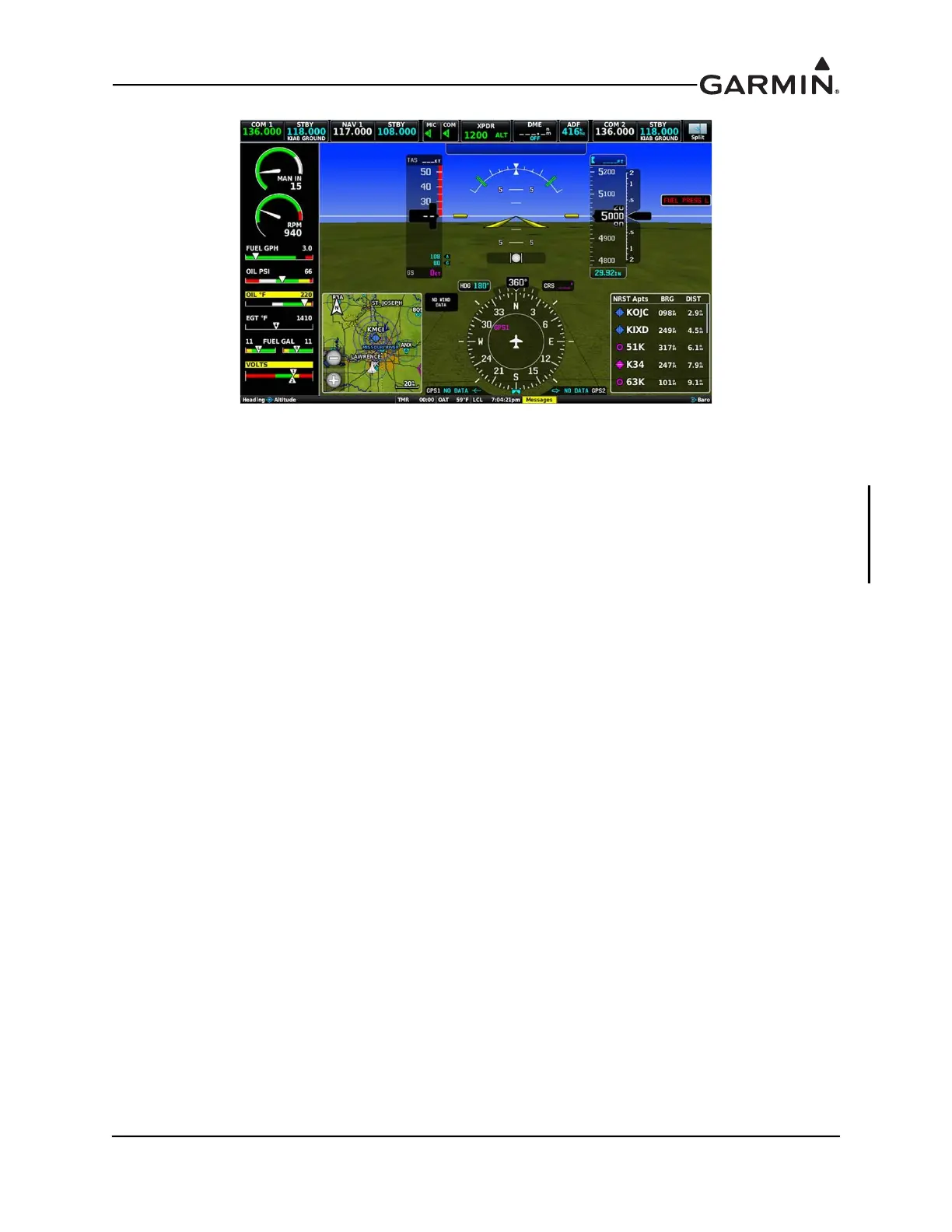
Figure 30-53 EIS Display Set to Separate
EIS Display as displayed (Figure 30-53) when set to Separate. In this mode, the EIS Display does not
change layout.
EIS Layout Size - If the vertical engine bar is not being forced to use the wide width to accommodate the
configured contents (e.g. multi-engine gauges) the "EIS Layout Size" option allows the user to select the
size of the vertical engine bar on each display. This can be set to Auto, or User Selected. If set to User
Selected, the width of the vertical engine bar can be modified in the Display Settings menu in normal
mode.



 To Next Page