Procedure
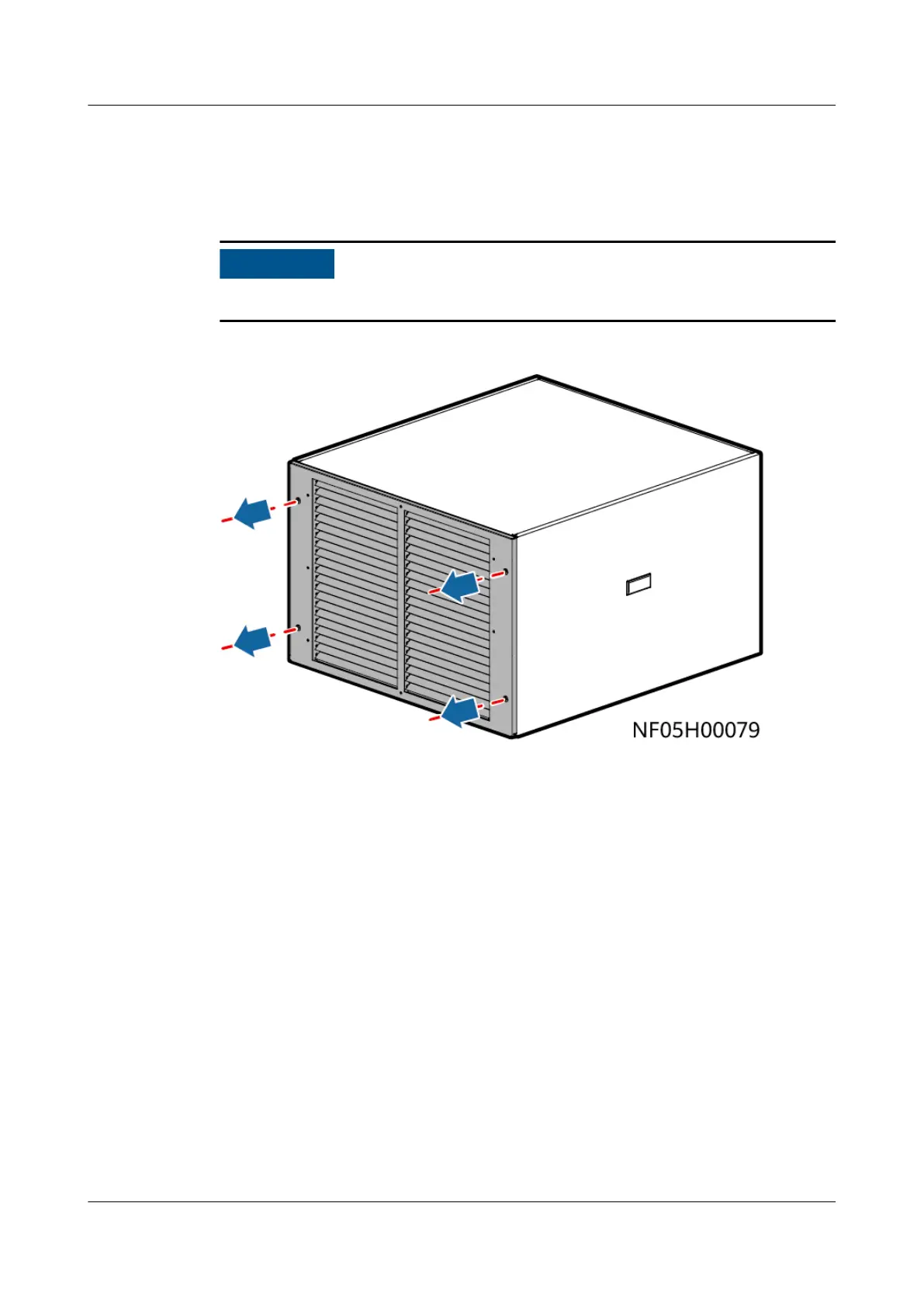
Step 1 Remove the cap front panel using a Phillips screwdriver. Place the cap on the top
of the cabinet.
It takes two persons to install the cap using a 2 m step ladder.
Figure 4-114 Removing the cap front panel
Step 2 Secure the cap using M5 tapping screws.
● 900 mm wide indoor unit: 2 PCS respectively on the front and the rear, and 3
PCS respectively on the left and right
● 1100 mm wide indoor unit: 4 PCS respectively on the front and the rear, and 3
PCS respectively on the left and right
NetCol8000-A(045, 055, 060, 090, 120) In-room Air
Cooled Smart Cooling Product
User Manual 4 System Installation
Issue 05 (2020-10-10) Copyright © Huawei Technologies Co., Ltd. 145







 To Next Page