Procedure
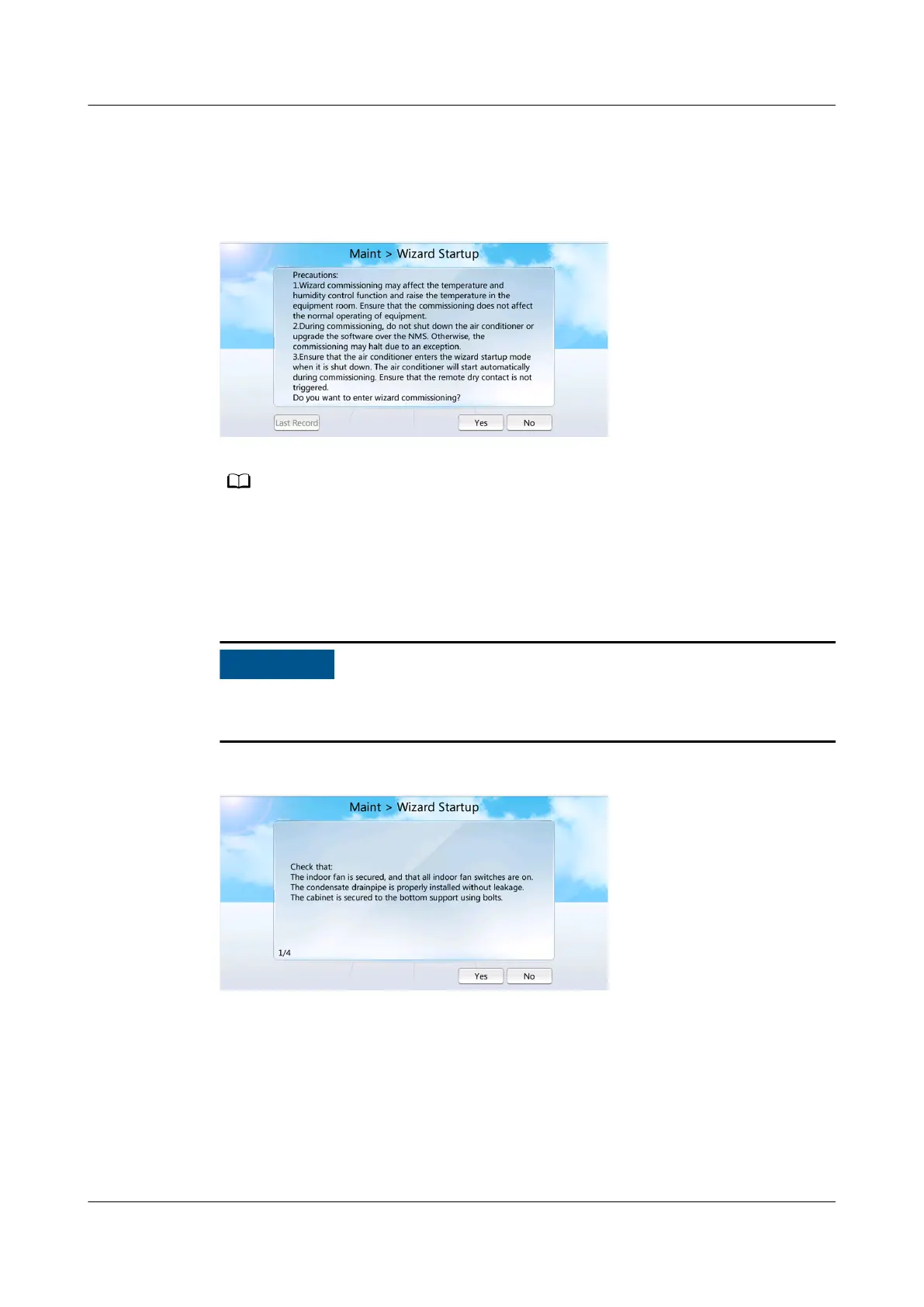
Step 1 On the home screen, choose Maint > Wizard Startup, as shown in Figure 6-34.
Figure 6-34 Wizard Startup
● For the initial wizard startup, Last Record is in gray, indicating that operation is not
allowed.
● For a non-initial wizard startup, you can choose Last Record to view the last wizard
startup report.
Step 2 Tap Yes. The checking before startup screen is displayed, as shown in Figure 6-35.
If the remaining refrigerant is not charged, tap No. Complete refrigerant charging,
and then perform the wizard startup.
Figure 6-35 Checking before startup
Step 3 Follow the onscreen instructions to complete the wizard startup.
NetCol8000-A(045, 055, 060, 090, 120) In-room Air
Cooled Smart Cooling Product
User Manual 6 Power-On Commissioning
Issue 05 (2020-10-10) Copyright © Huawei Technologies Co., Ltd. 201







 To Next Page