Context
● Install the new fan drive in the original slot. Otherwise, the smart cooling
product may malfunction.
● Before replacing the fan drive, remove the cables from the fan drive.
Procedure
Step 1 Tap Shutdown on the home screen and turn
o the smart cooling product switch
in the PDF.
Exercise caution because the device is still energized after it is shut down on the
home screen.
Step 2 Open the front door and switch o the QF1 and QF2.
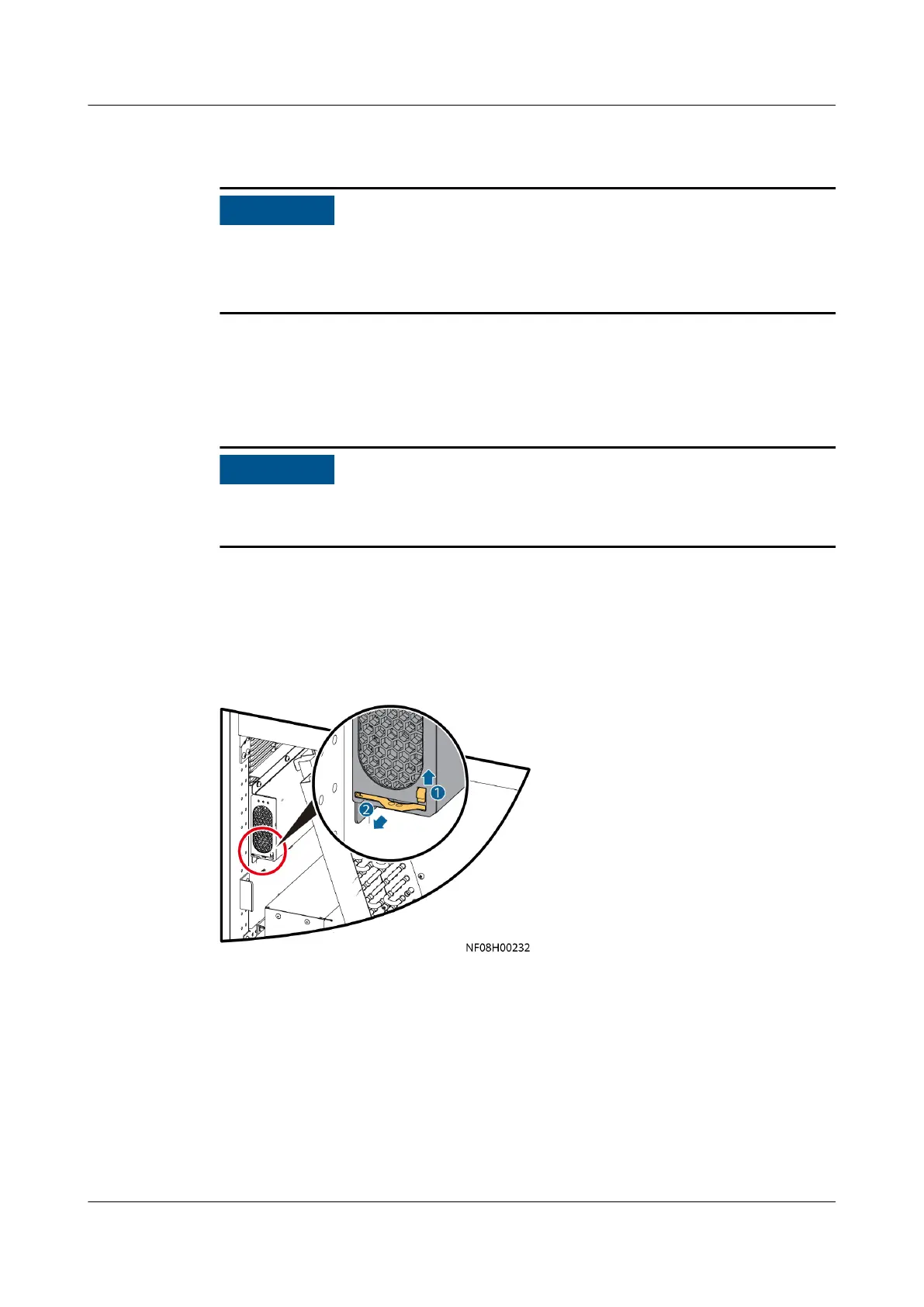
Step 3 Flip the buckle on the fan drive upwards, as shown by 1 in Figure 11-5 or Figure
11-6.
Figure 11-5 Removing the fan drive
(upow, NetCol8000-A060U used as an
example)
NetCol8000-A(045, 055, 060, 090, 120) In-room Air
Cooled Smart Cooling Product
User Manual 11 Parts Replacement
Issue 05 (2020-10-10) Copyright © Huawei Technologies Co., Ltd. 261







 To Next Page