WSB-9152 PICMG 1.0 SBC
Page 81
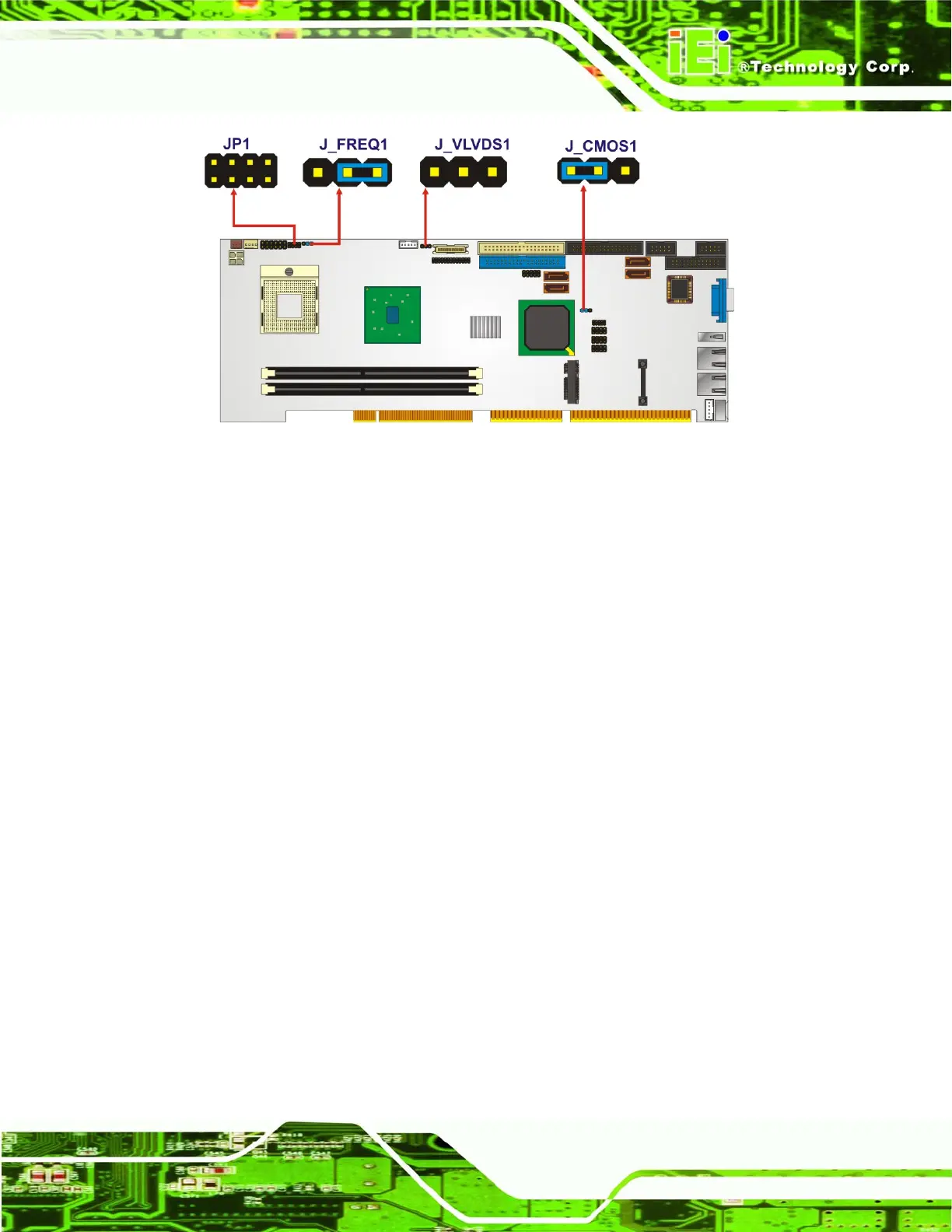
Figure 5-7: Jumpers
5.4.1 Clear CMOS Jumper
Jumper Label: J_CMOS1
Jumper Type:
3-pin header
Jumper Settings:
See
Table 5-2
Jumper Location:
See
Figure 5-8
If the WSB-9152 fails to boot due to improper BIOS settings, the clear CMOS jumper
clears the CMOS data and resets the system BIOS information. To do this, use the jumper
cap to close pins 2 and 3 for a few seconds then reinstall the jumper clip back to pins 1
and 2.
If the “CMOS Settings Wrong” message is displayed during the boot up process, the fault
may be corrected by pressing the F1 to enter the CMOS Setup menu. Do one of the
following:
Enter the correct CMOS setting
Load Optimal Defaults
Load Failsafe Defaults.
After having done one of the above, save the changes and exit the CMOS Setup menu.












 To Next Page