WSB-9152 PICMG 1.0 SBC
Page 69
PIN DESCRIPTION PIN
DESCRIPTION
4 TXC+ 11 TXD-
Table 4-21: LAN Pinouts
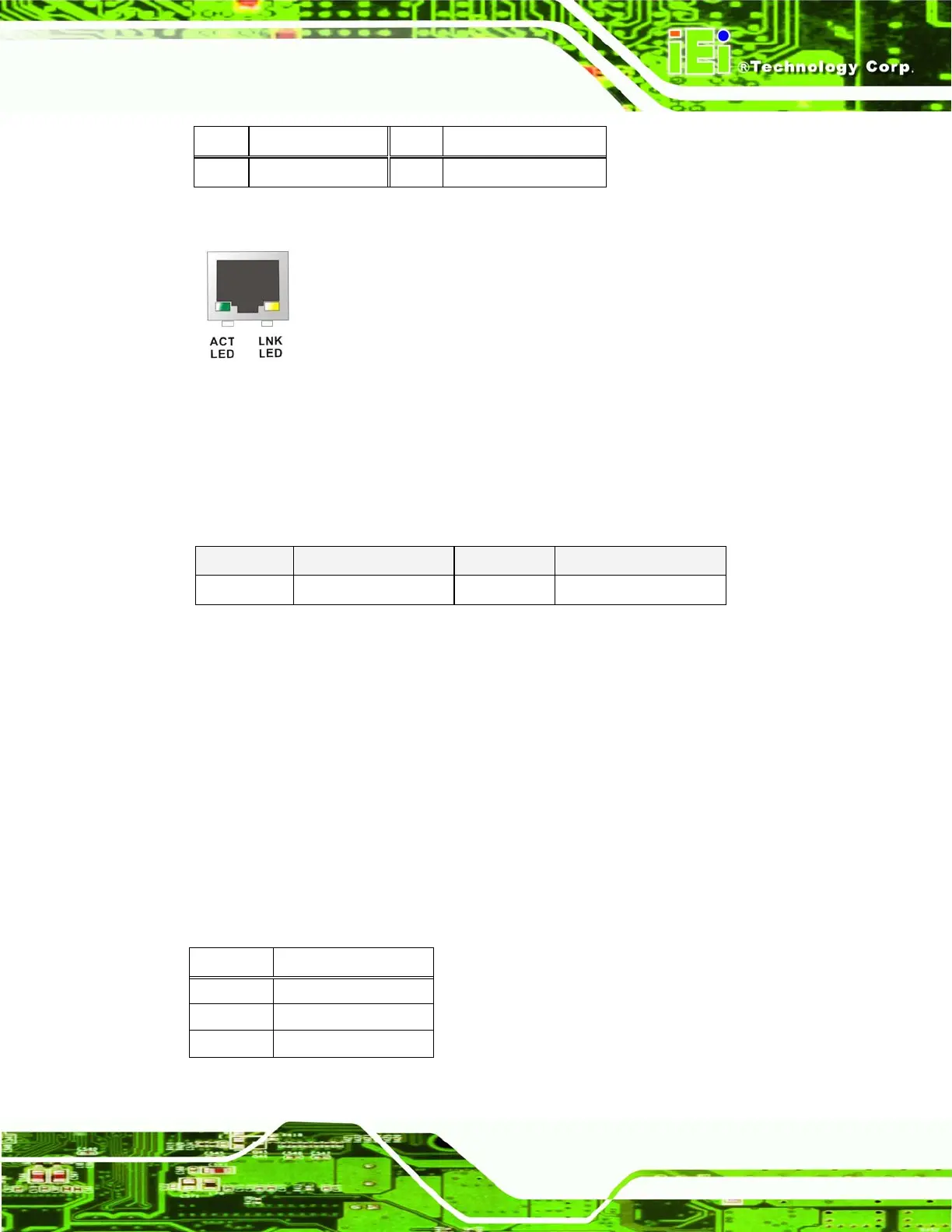
Figure 4-21: RJ-45 Ethernet Connector
The RJ-45 Ethernet connector has two status LEDs, one green and one yellow. The green
LED indicates activity on the port and the yellow LED indicates the port is linked. See
Table 4-22.
STATUS
DESCRIPTION STATUS DESCRIPTION
GREEN Activity YELLOW Linked
Table 4-22: RJ-45 Ethernet Connector LEDs
4.3.3 USB Connector
CN Label: USB_C6
CN Type:
USB port
CN Location:
See
Figure 4-19
CN Pinouts:
See
Table 4-23
The WSB-9152 has a one external USB 2.0 port. The port connects to both USB 2.0 and
USB 1.1 devices.
PIN NO. DESCRIPTION
1 VCC
2 DATA-
3 DATA+












 To Next Page