WSB-9152 PICMG 1.0 SBC
Page 163
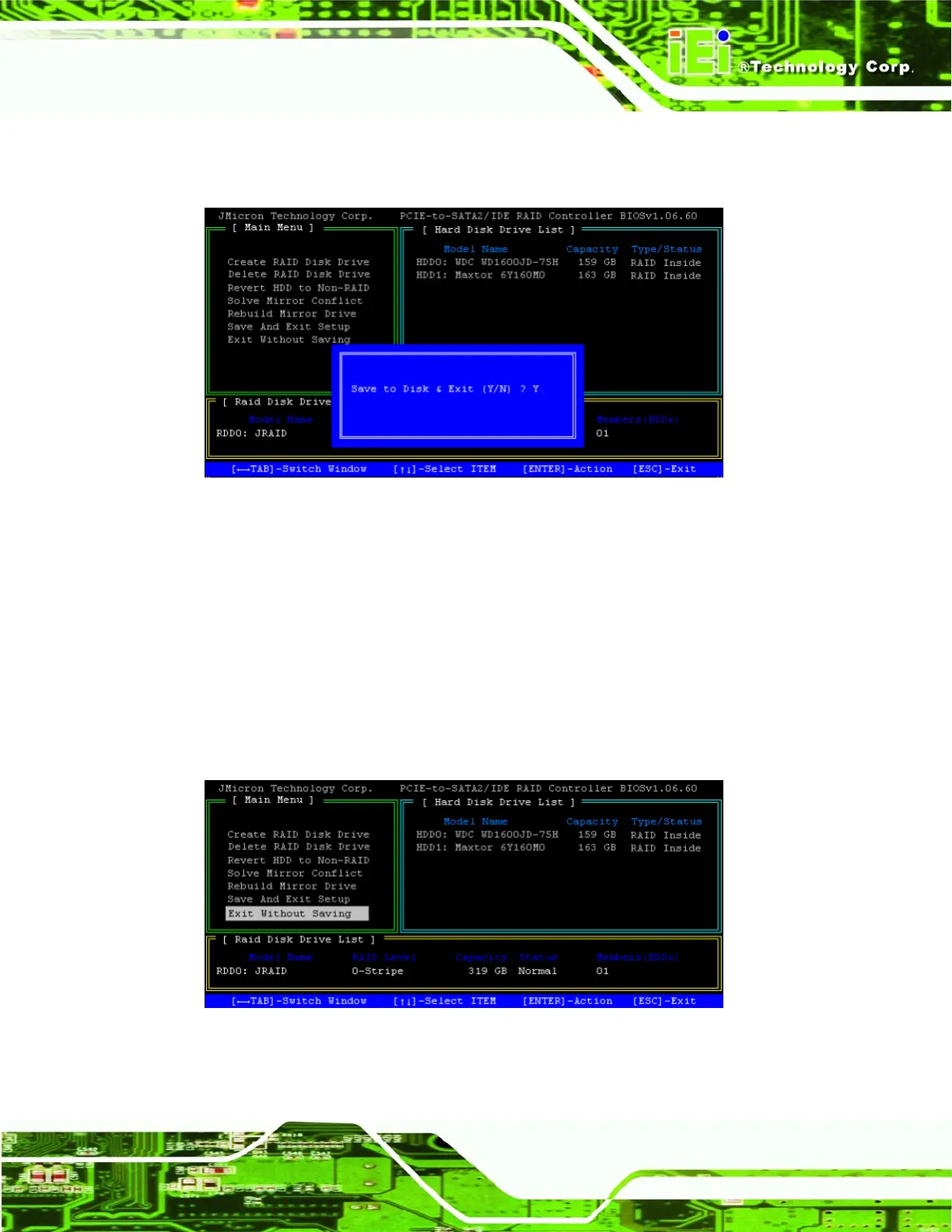
Step 2: Press Y to save your changes and exit, or press N to go back to the Main Menu.
Step 0:
Figure A-2: Confirm Save and Exit
7.10 Exit Without Saving
Exit the BIOS setup without saving your changes. Note that this will not undo changes to
the RAID arrays. All actions performed on the hard disk drives are completed when they
are chosen. Choosing not to save will not recover any mistakes that were made while
performing maintenance on your RAID setup.
Step 1: Highlight the “Exit Without Saving” menu option and press ENTER.
Figure A-1: Select “Exit Without Saving”












 To Next Page