WSB-9152 PICMG 1.0 SBC
Page 109
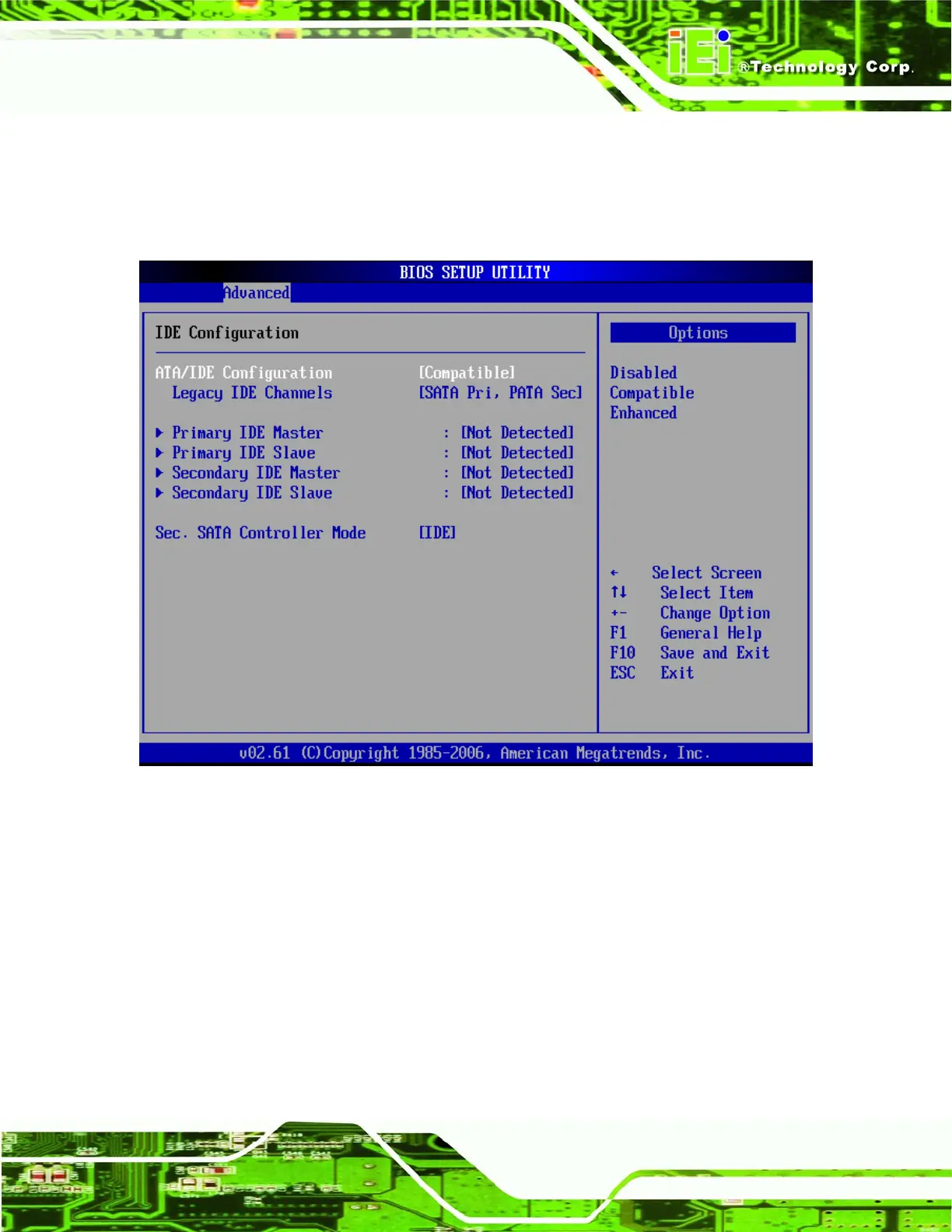
6.3.2 IDE Configuration
Use the IDE Configuration menu (BIOS Menu 4) to change and/or set the configuration
of the IDE devices installed in the system.
BIOS Menu 4: IDE Configuration
Î ATA/IDE Configurations [Compatible]
Î
Disabled
Disable all ATA/IDE ports. No Primary/Secondary IDE
mode is presented for configuration.
Î
Compatible DEFAULT
Up to 4 HDDs can be used, two for SATA and two for
PATA IDE. If this option is selected, “Legacy IDE
Channels” option is presented for configuration.












 To Next Page