WSB-9152 PICMG 1.0 SBC
Page 78
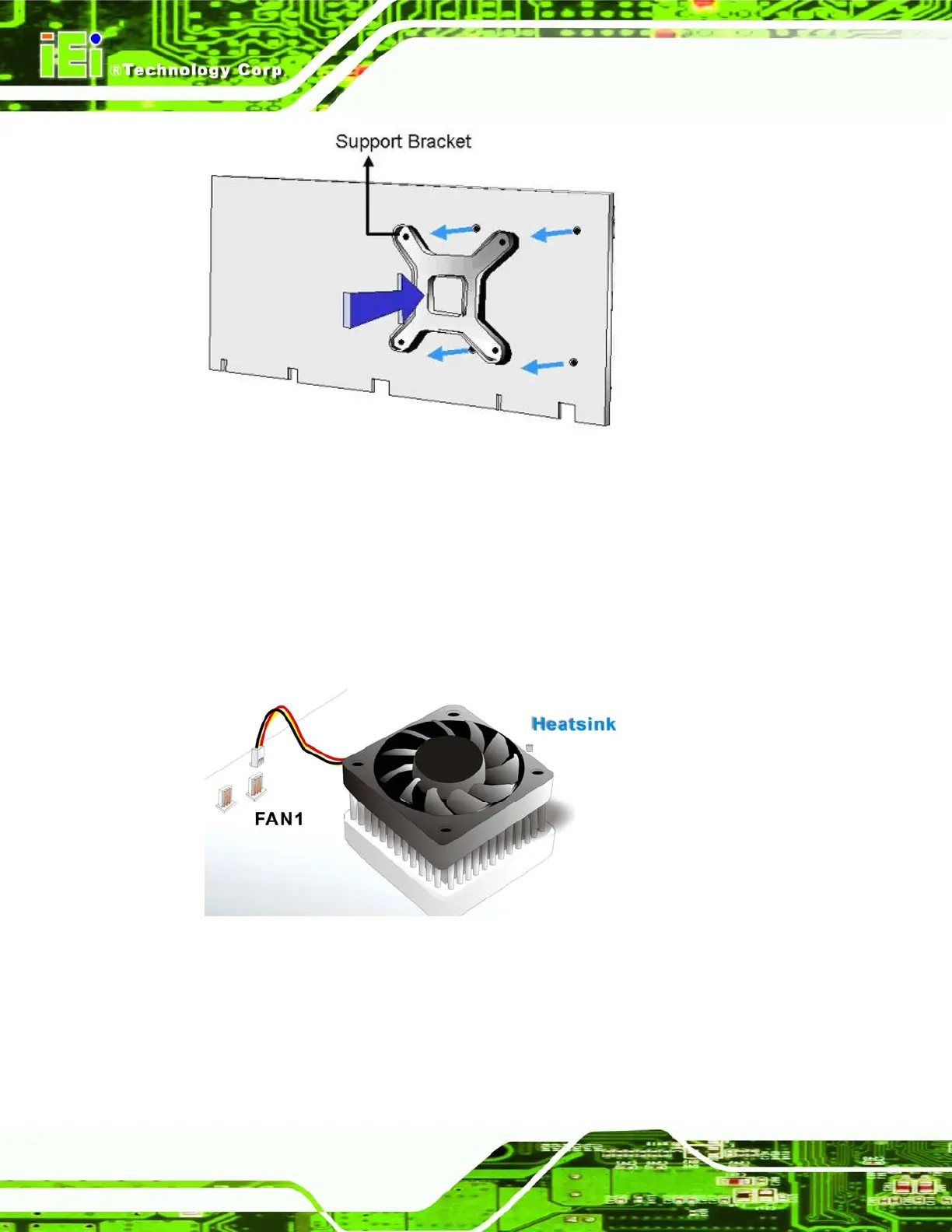
Figure 5-4: Cooling Kit Support Bracket
Step 4: Tighten the screws. Use a screwdriver to tighten the four screws. Tighten each
nut a few turns at a time and do not over-tighten the screws.
Step 5: Connect the fan cable. Connect the cooling kit fan cable to the fan connector
on the motherboard. Carefully route the cable and avoid heat generating chips
and fan blades. See
Figure 5-5. Step 0:
Figure 5-5: Connect the cooling fan cable












 To Next Page