WSB-9152 PICMG 1.0 SBC
Page 190
Step 6: The driver is automatically installed.
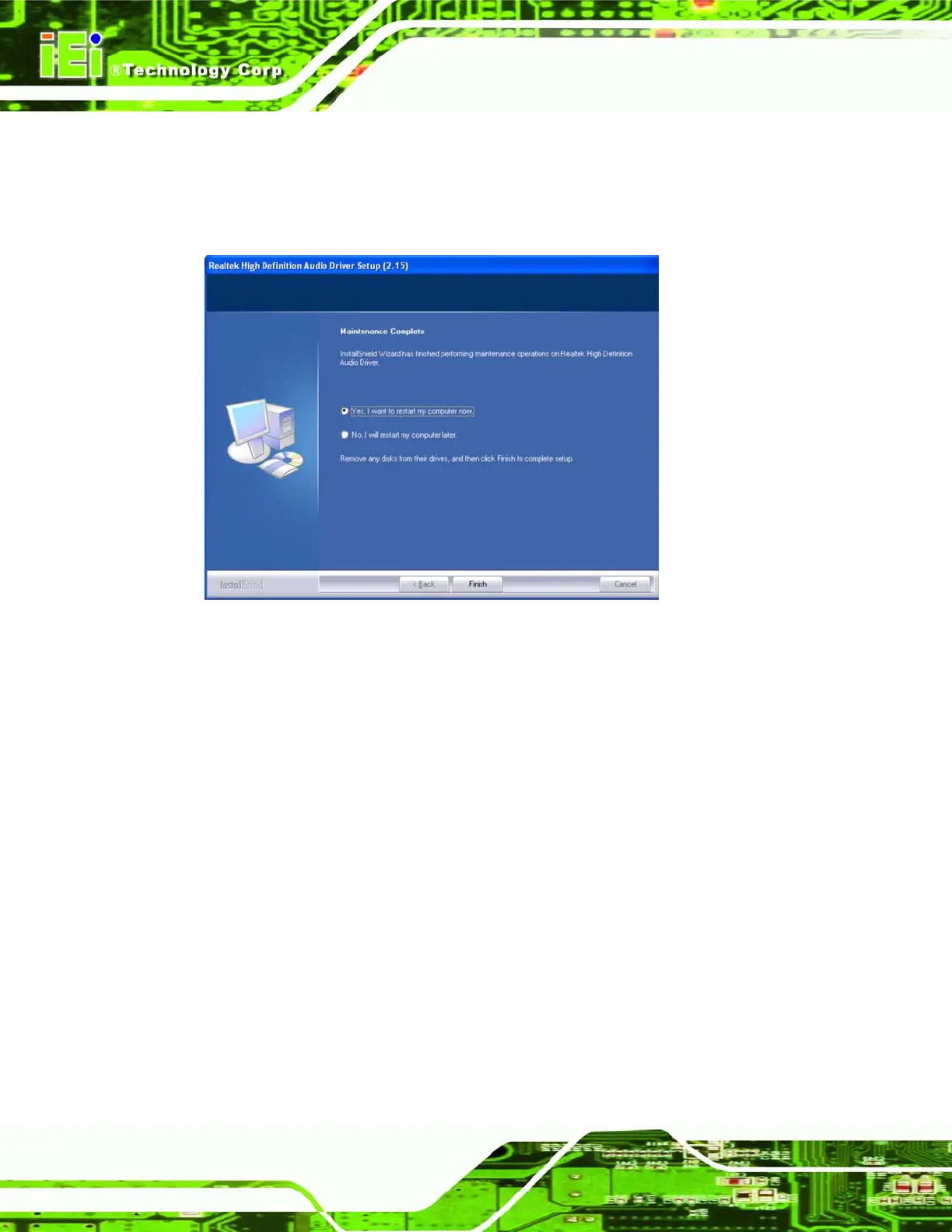
Step 7: After the driver installation process is complete, a confirmation screen shown in
Figure 8-30 appears.
Figure 8-30: HD Audio Driver Installation Complete
Step 8: The confirmation screen shown in
Figure 8-30 allows you to restart the
computer immediately after the installation is complete or to restart the computer
later. For the settings to take effect the computer must be restarted. Once you
have decided when to restart the computer, click the “F
INISH” button. Step 0:
8.7 AC`97 Audio Driver (ALC665) Installation
To install the Realtek AC `97 audio driver, please follow the steps below.
8.7.1 BIOS Setup
Step 1: Enter the BIOS setup. To do this, reboot the system and press DEL during POST.
Step 2: Go to the Southbridge Configuration menu. Set the Audio Controller option to
[AC`97]. See Section
6.7.2 for details.












 To Next Page