WSB-9152 PICMG 1.0 SBC
Page 92
Step 6: Install the driver. If the 7.1 channel audio kit is used, the ALC883 driver must
be installed. Refer to Chapter 7 for driver installation instructions.Step 0:
5.6.5 FDD Cable Connection
The FDD flat cable connects to the WSB-9152 to one FDD device. To connect an FDD to
the WSB-9152 please follow the instructions below.
Step 1: Locate the FDD connector. The location of the FDD device connector is shown
in Chapter 3.
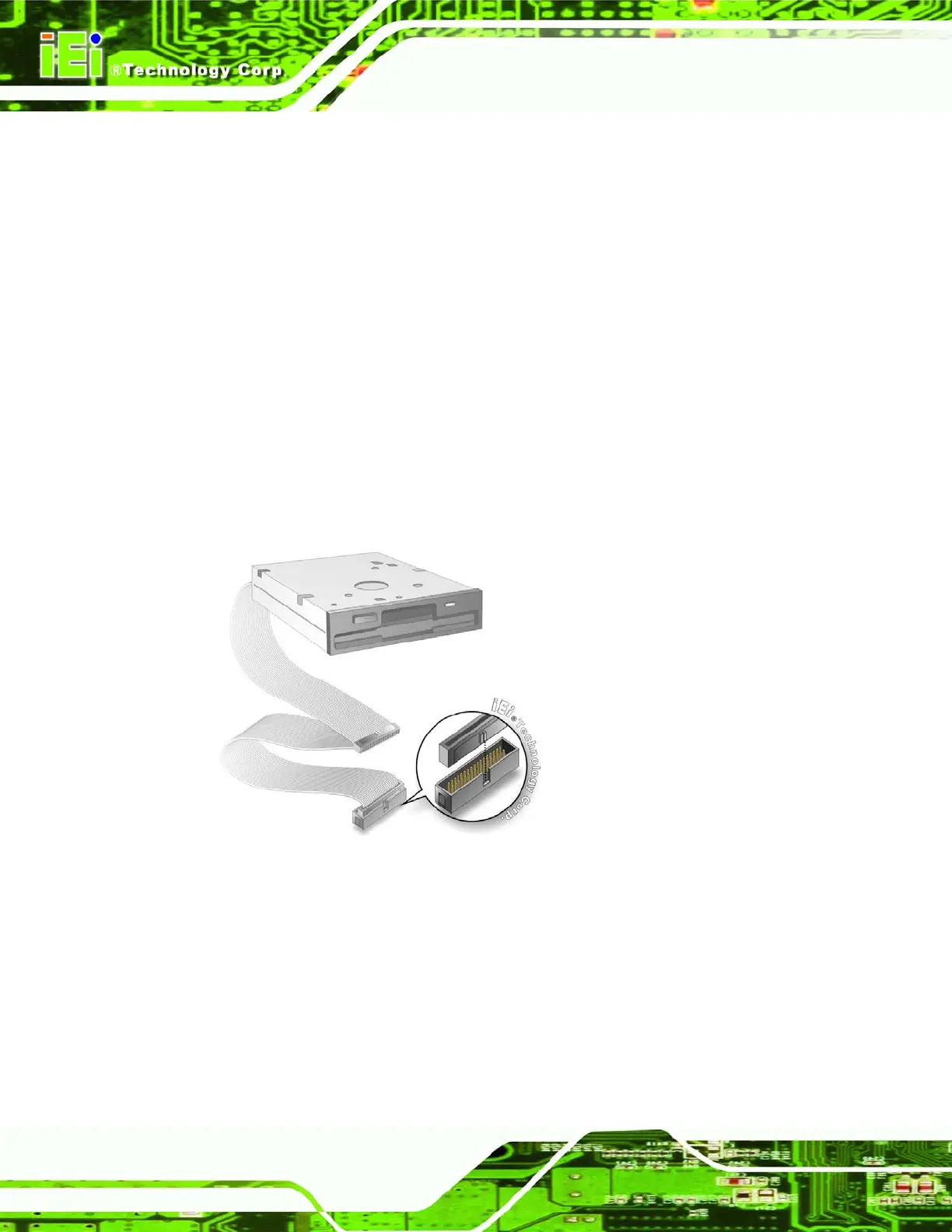
Step 2: Insert the connector. Connect the FDD cable connector to the on-board
connector. See
Figure 5-15. A key on the front of the cable connector ensures it
can only be inserted in one direction.
Figure 5-15: FDD Cable Connection
Step 3: Connect the cable to an FDD device. Connect the connector at the other end
of the cable to an FDD device. Make sure that pin 1 on the cable corresponds to
pin 1 on the connector. Step 0:












 To Next Page