WSB-9152 PICMG 1.0 SBC
Page 191
Step 3: Press F10 to save the changes and exit the BIOS setup. The system reboots.
Step 0:
8.7.2 Driver Installation
Step 1: Insert the CD that came with the package.
Step 2: Select AUDIO from the list in
Figure 8-2.
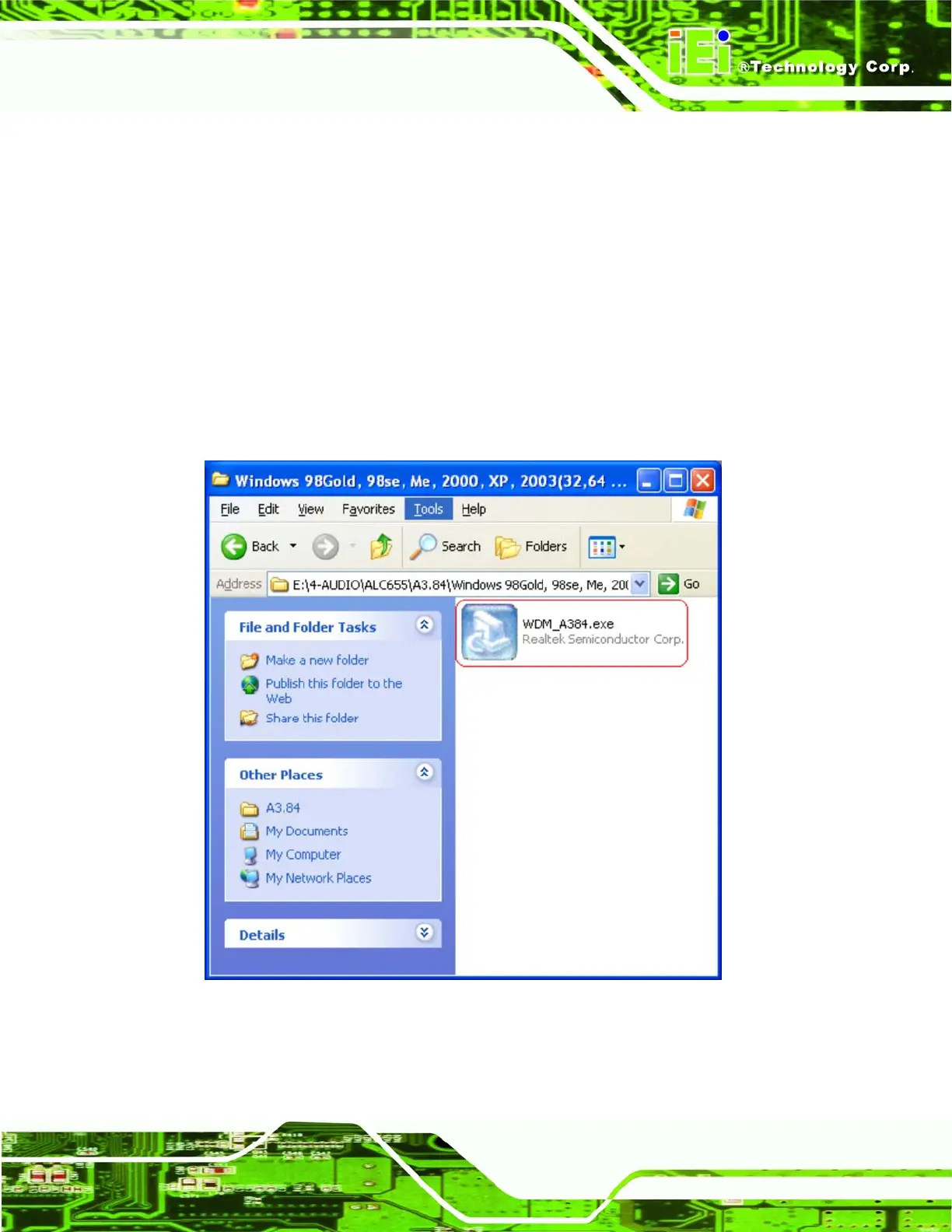
Step 3: Navigate to E:\4-AUDIO\ALC655\A3.84\Windows 98Gold, 98se, Me, 2000, XP,
2003(32,64 bits). E:\ represents the system CD drive. A new window appears
showing the folder contents (
Figure 8-31).
Figure 8-31: CD 4-AUDIO\AC-KIT08R\Windows Folder
Step 4: Double-click the WDM_A384.exe file to begin the driver installation process.












 To Next Page