WSB-9152 PICMG 1.0 SBC
Page 93
5.6.6 Parallel Port Cable
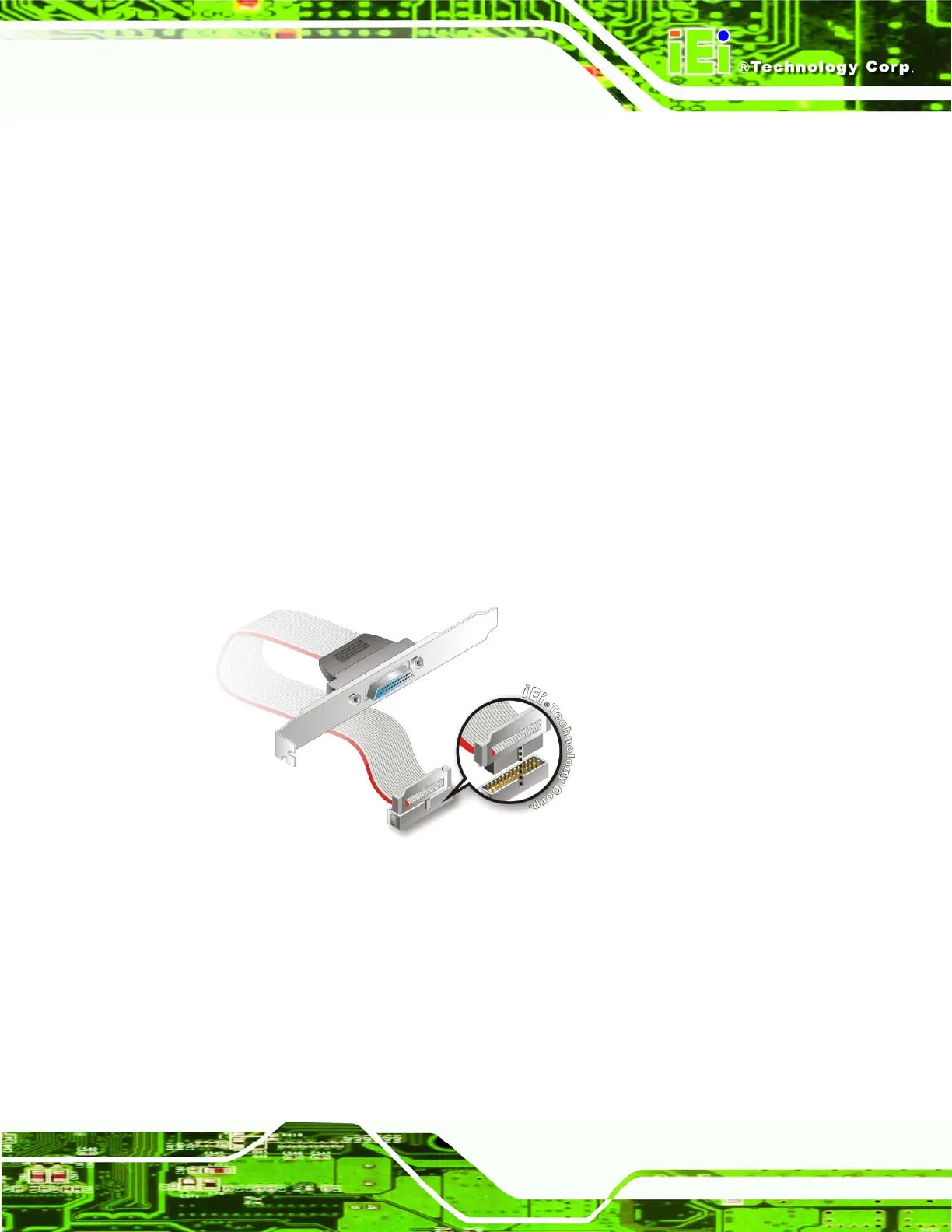
The optional parallel port (LPT) cable respectively connects the onboard LPT 26-pin box
header to an external LPT device (like a printer). The cable comprises a 26-pin female
header, to be connected to the onboard LPT box-header, on one side and on the other
side a standard external LPT connector. To connect the LPT cable, please follow the
steps below.
Step 1: Locate the connector. The LPT connector location is shown in Chapter 4.
Step 2: Align the connectors. Correctly align pin 1 on the cable connector with pin 1 on
the WSB-9152 LPT box-header connector. See
Figure 5-16.
Step 3: Insert the cable connectors. Once the cable connector is properly aligned with
the 26-pin box-header connector on the WSB-9152, connect the cable
connector to the onboard connector. See
Figure 5-16.
Figure 5-16: LPT Cable Connection
Step 4: Attach the LPT connector bracket to the chassis. The LPT cable connector is
connected to a standard external LPT interface connector. To secure the LPT
interface connector to the chassis please refer to the installation instructions that
came with the chassis.












 To Next Page