WSB-9152 PICMG 1.0 SBC
Page 125
6.3.7 USB Configuration
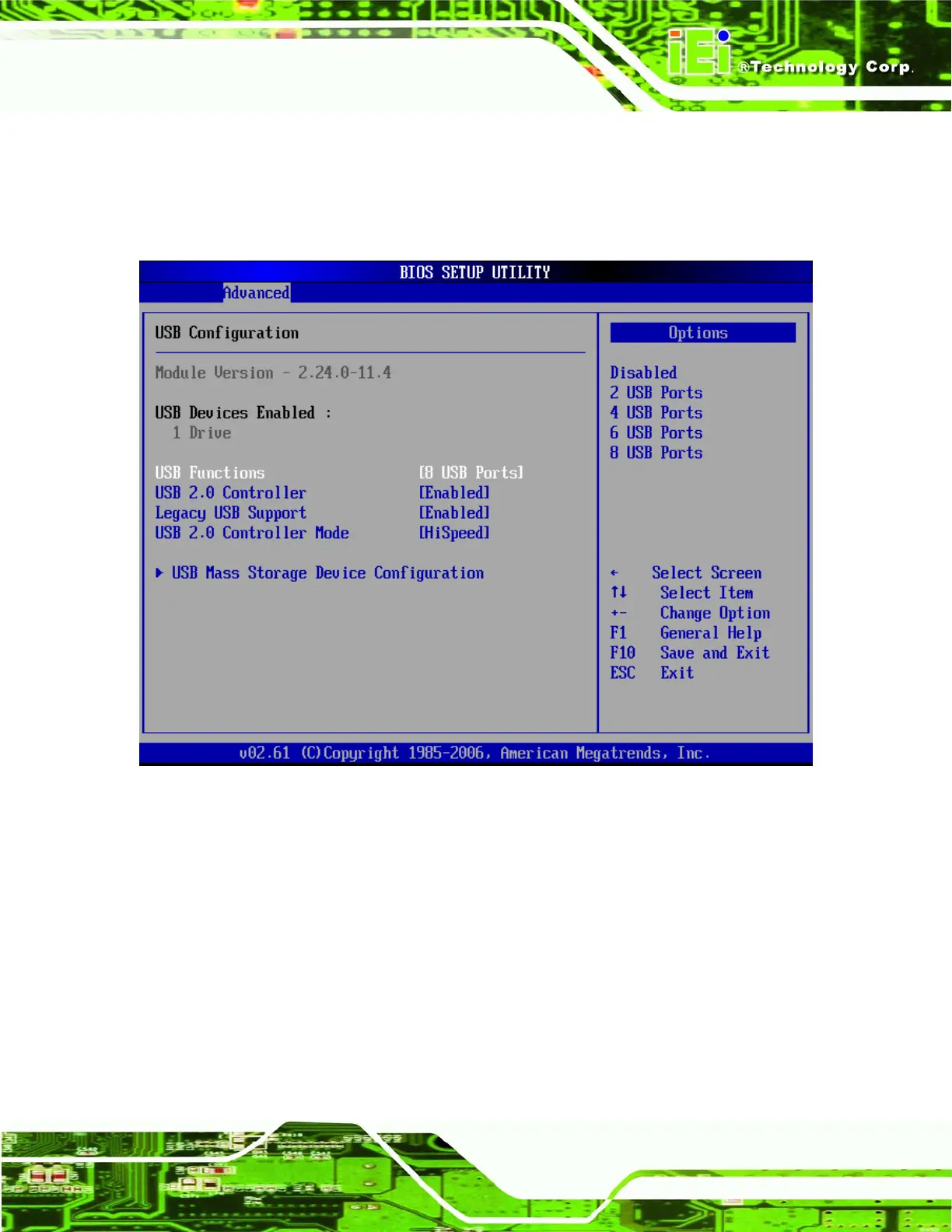
Use the USB Configuration menu (BIOS Menu 10) to read USB configuration
information and configure the USB settings.
BIOS Menu 10: USB Configuration
Î USB Functions [Enabled]
Use the USB Function BIOS option to enable or disable USB function support.
Î
Disabled
USB function support disabled
Î
2 USB Ports
2 USB ports enabled
Î
4 USB Ports
4 USB ports enabled
Î
6 USB Ports
6 USB ports enabled












 To Next Page