WSB-9152 PICMG 1.0 SBC
Page 162
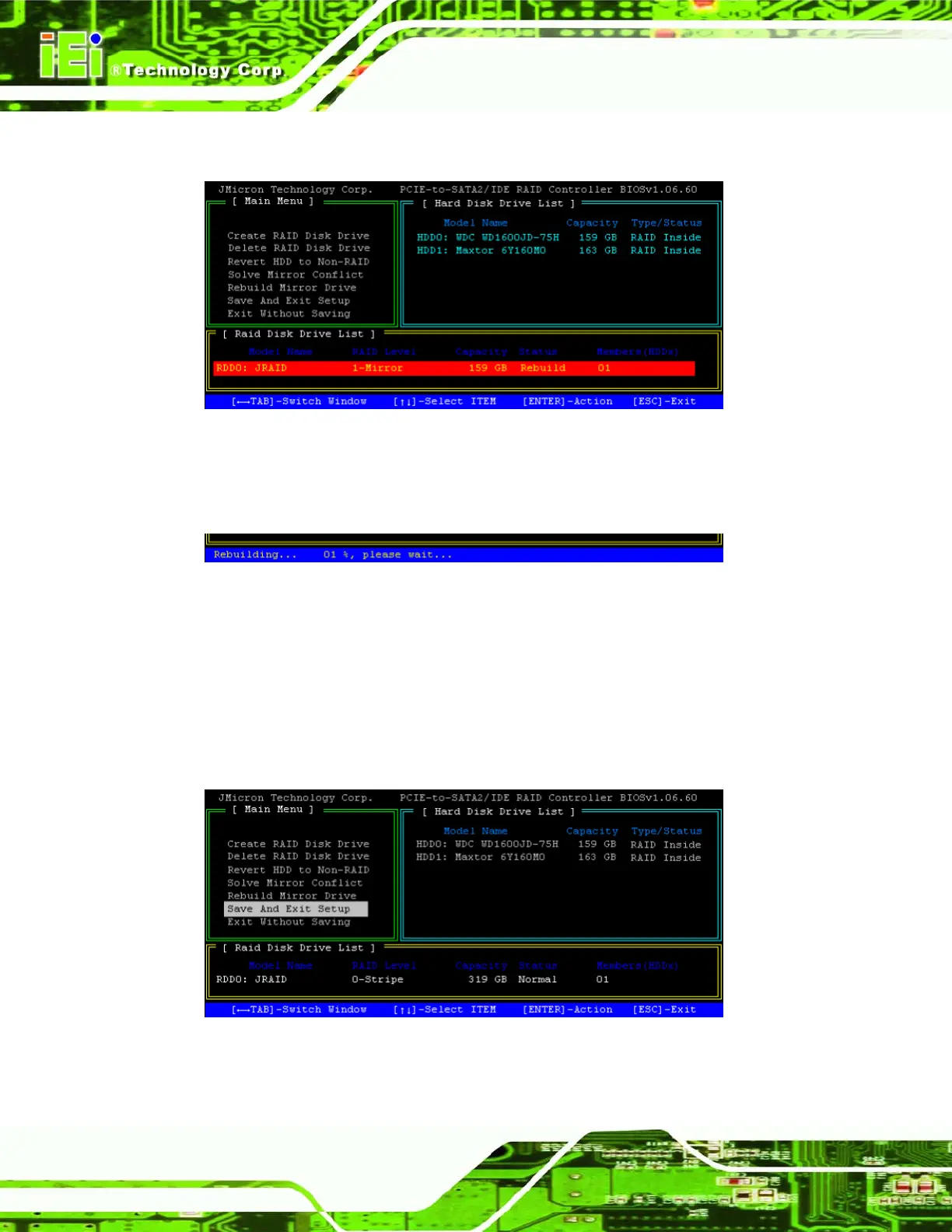
Step 2: Choose the RAID disk drive to rebuild. Press ENTER to start rebuilding.
Figure A-2: Rebuild Mirror Drive
Step 3: The status bar at the bottom of the screen shows rebuilding status.Step 0:
Figure A-3: Rebuilding Mirror Drive
7.9 Save and Exit Setup
Save your changes and exit the JMicron BIOS setup.
Step 1: Highlight the “Save And Exit Setup” menu option and press ENTER.
Figure A-1: Save And Exit Setup












 To Next Page