WSB-9152 PICMG 1.0 SBC
Page 134
NOTE:
Only the drives connected to the system are shown. For example, if
only two HDDs are connected only “1st Drive” and “2nd Drive” are
listed.
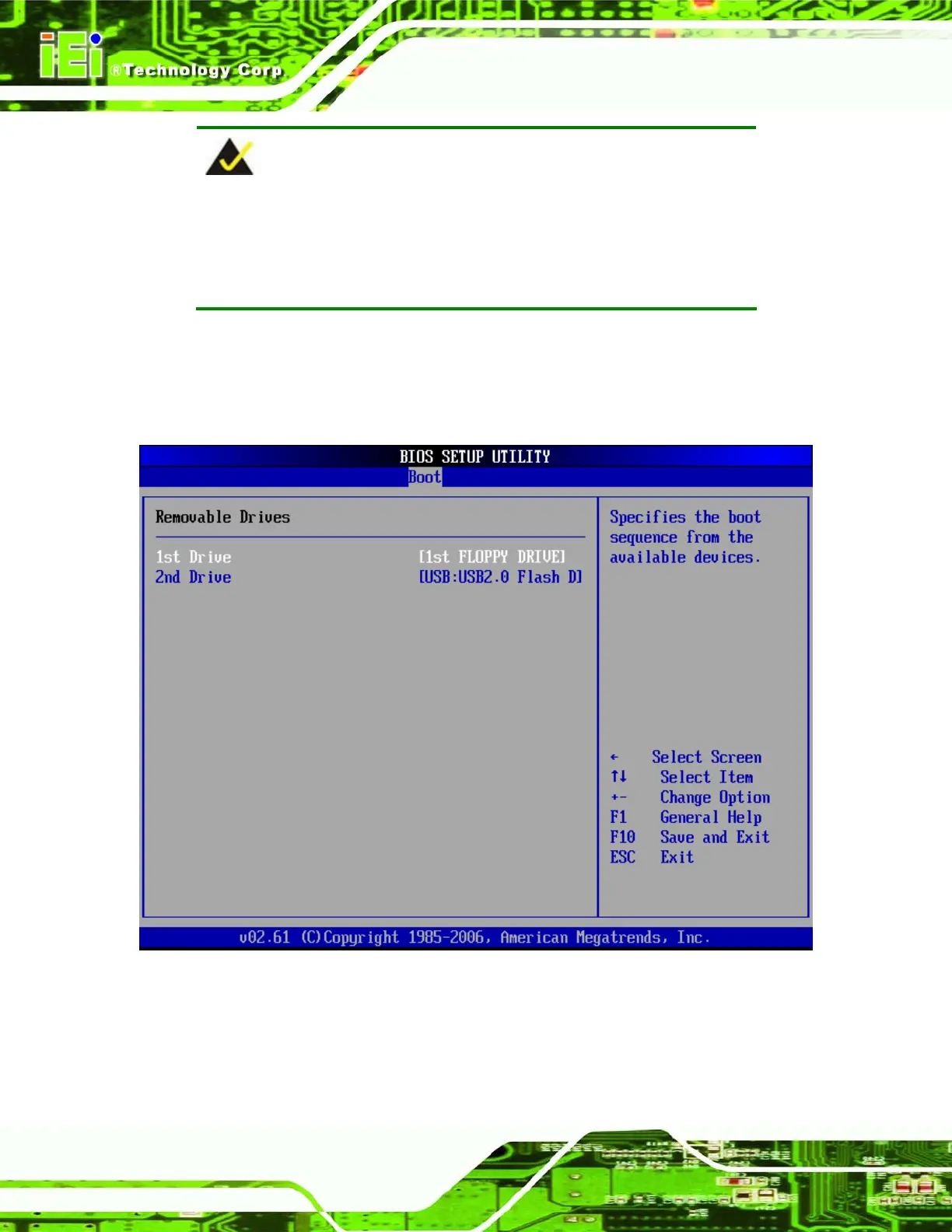
The boot sequence from the available devices is selected. If the “1st Drive” option is
selected a list of available HDDs is shown. Select the first HDD the system boots from. If
the “1st Drive” is not used for booting this option may be disabled.
BIOS Menu 15: Hard Disk Drives












 To Next Page