Set up your Auto-Descent by selecting:
·
Distance from destination waypoint (0 - 99 nm)
or Offset Distance
·
Ending altitude (-1,500 - 50,000’ in 50’ steps)
·
Descent rate (100 - 5,000’/min in 10’/min steps)
·
Estimated ground speed (50 - 600 kts)
Action Explanation
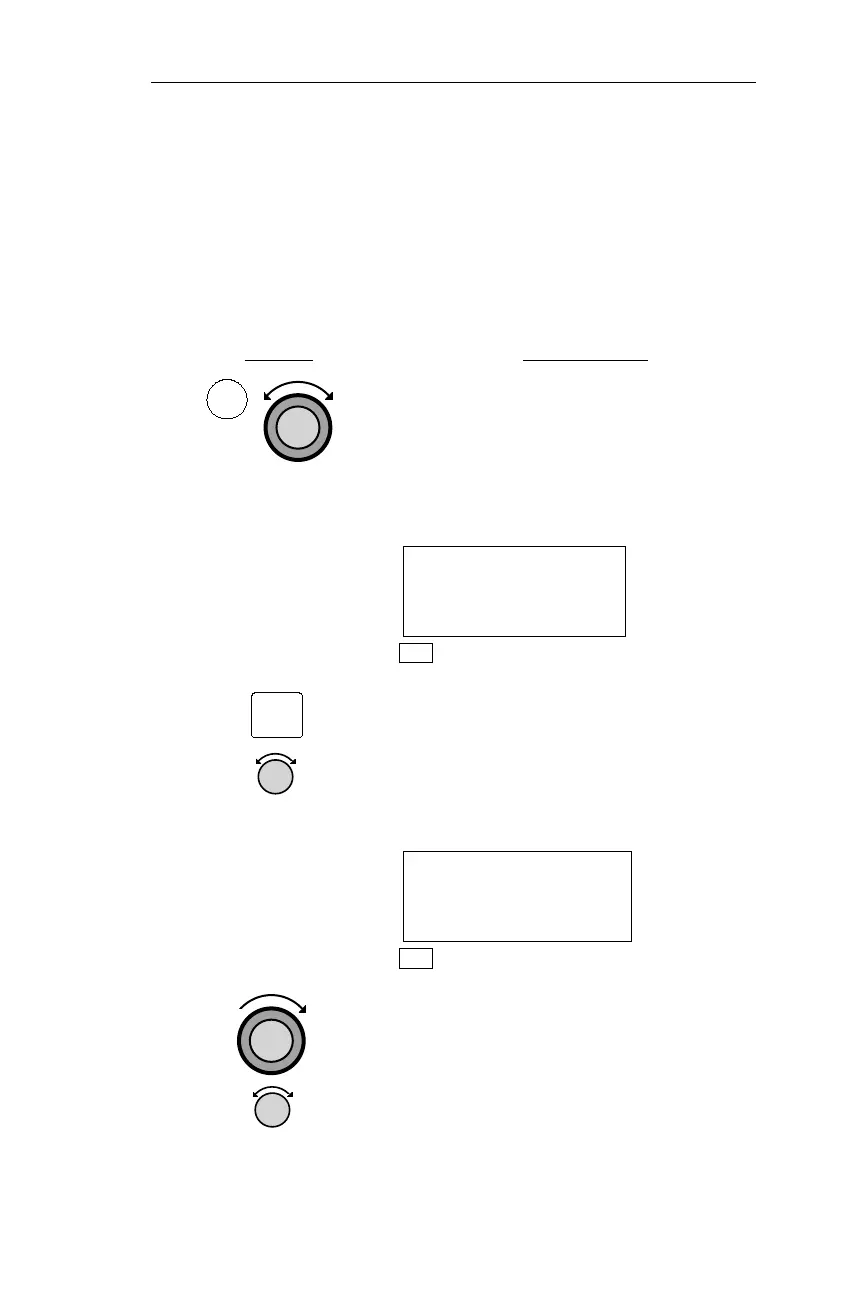
1. In NAV Mode turn the Large knob to
display the Altitude Assist page. (If an
ARINC 429 Air/Data sensor is installed
and provides corrected baro-altitude,
this page shows barometric altitude, not
the local altimeter setting.)
ALTITUDE ASSIST
LOCAL ALTIMETER
SETTING 29.92¯
NAV
2. While viewing either the Auto-Descent
or End Alt page in the Altitude Assist
function, press
SEL. The Offset
Distance value will flash. Turn the
SMALL knob to change the Descent
Offset Distance value.
End 0nm before
PDX at 1027’
500’/min 200kts
NAV
3. Turn the LARGE knob to the destination
waypoint field. Turn the
SMALL knob
(cw or ccw) to change the field. You
can choose from the remaining
waypoints in your flight plan.
95
Operations Nav Mode Procedures
NAV
SEL



 To Next Page