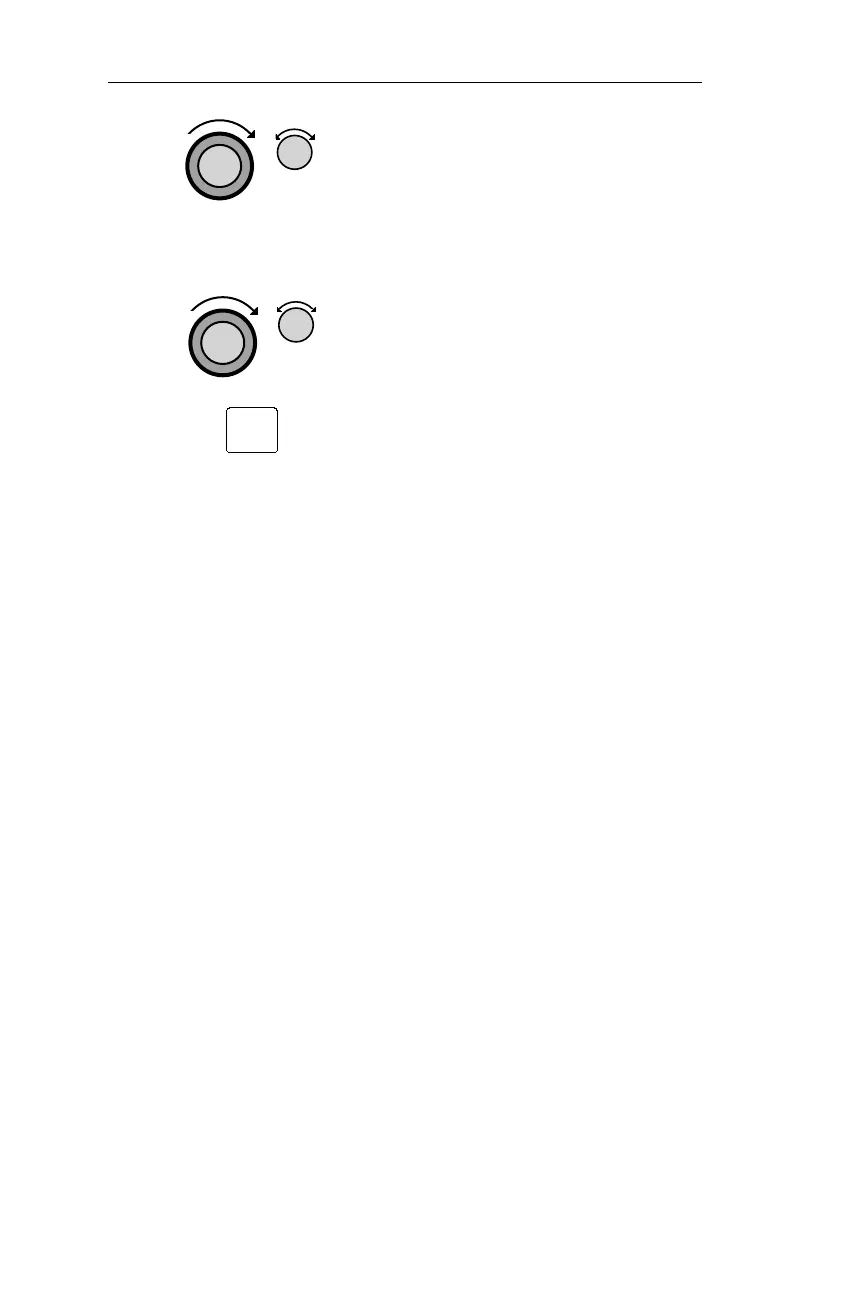
4. Turn the LARGE knob to the Ending
Altitude value. Turn the
SMALL knob
to change the value. The default value
is 1000 ft above the airport elevation.
5. Turn the
SMALL knob to the Auto
Descent page, if necessary. Your
recommended glide slope and ending
altitude are shown. Press
ENTER to
activate (ready) Auto Descent. Press
ENTER again to cancel it.
96
Nav Mode Procedures Operations
ENT



 To Next Page