Waypoint Retrieval by Identifier (continued)
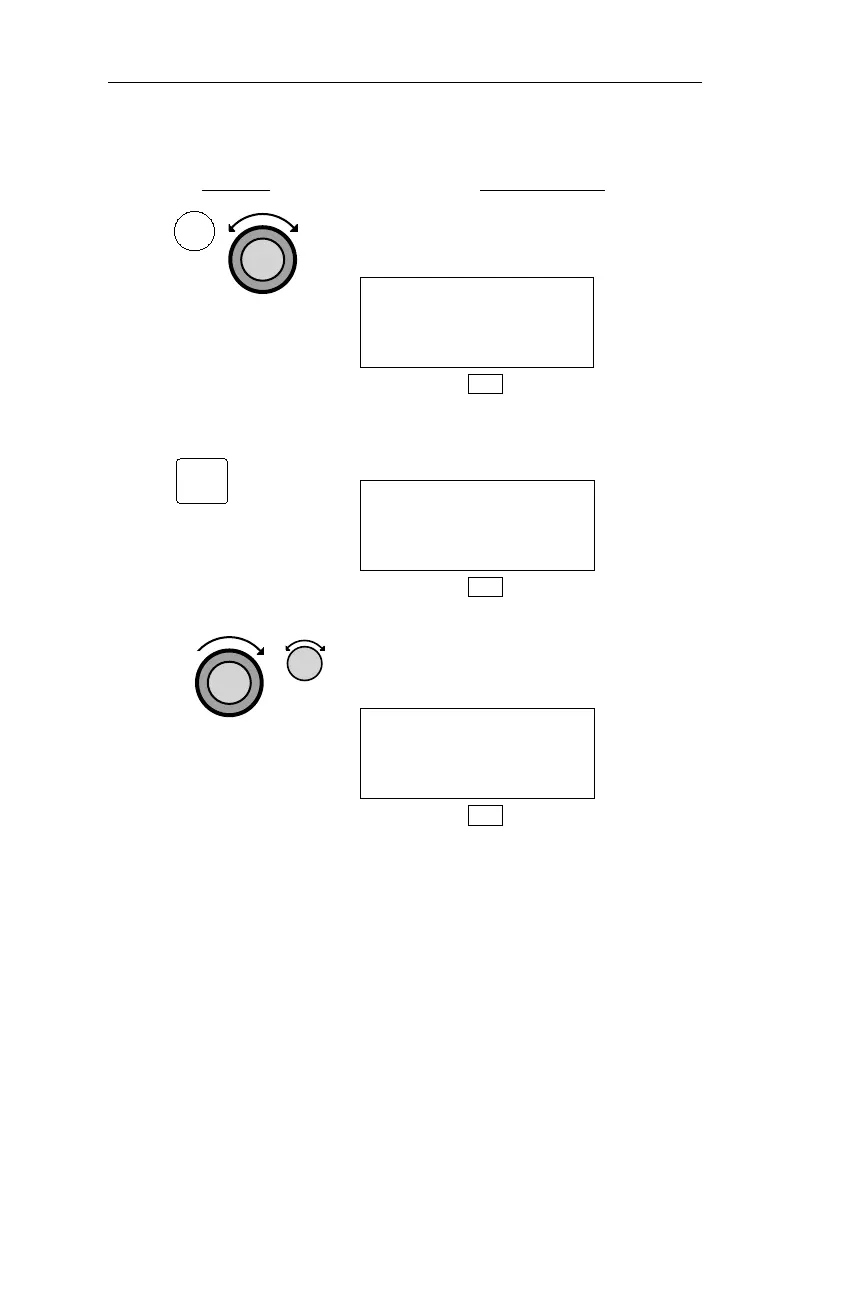
Action Explanation
1. In DB mode, turn the Large knob to
display the Access Database page.
ACCESS DATABASE
PRESS ENT
DB
2. Pressing ENT activates the Waypoint
Retriever.
AIRPORT AAP
HOUSTON
CITY TX USA
DB
3. Turn the Large knob to make the
database type flash. Turn the Small
knob to display the desired database.
VOR ABA
ARUBA
FACIL ANTILL
DB
116
DB Mode Procedures Operations
DB
ENT



 To Next Page