Waypoint Retrieval by Identifier (continued)
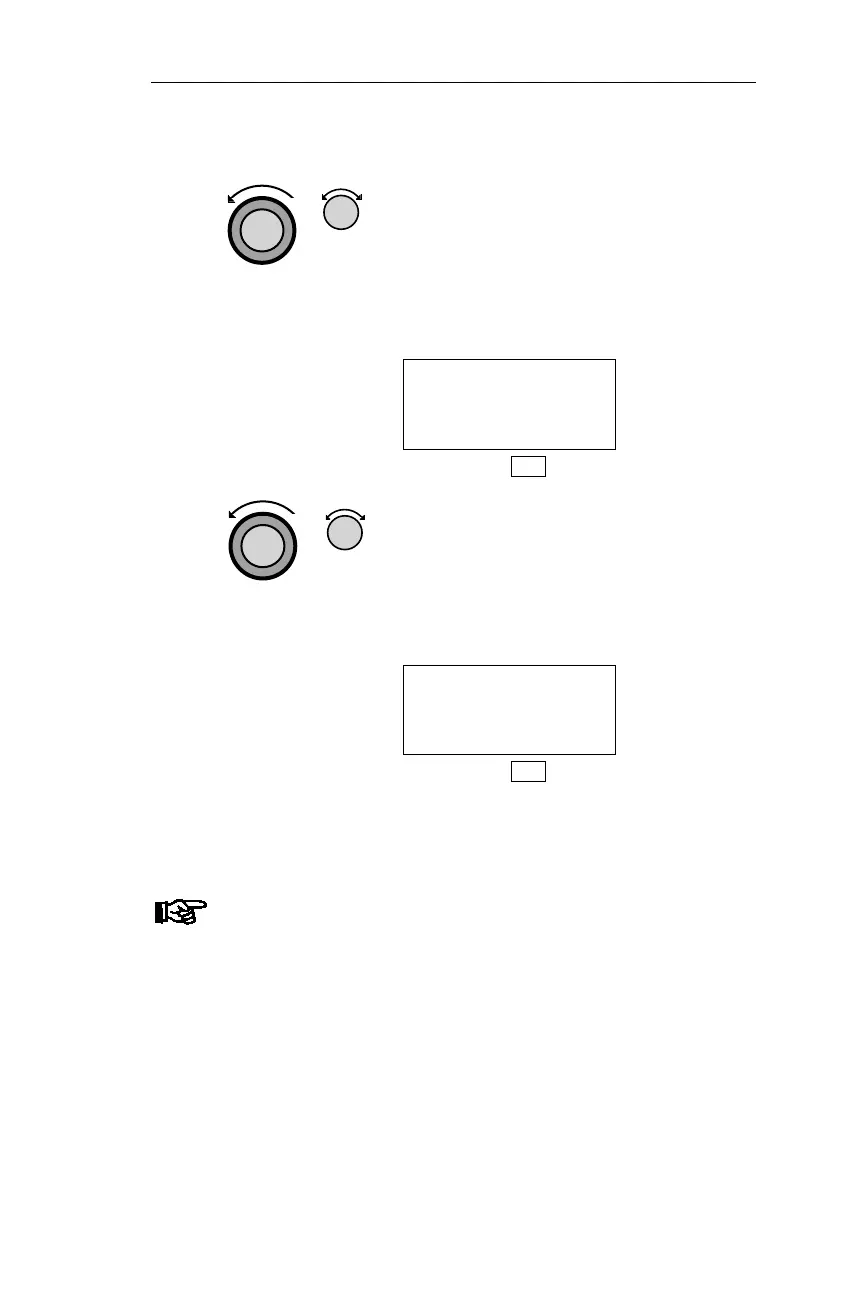
4. Turn the Large knob to make the
identifier flash. Turn the Small knob to
display the desired character. As you
turn the Small knob, the remaining
characters in the identifier also change
because the NMC only displays
waypoints that exist.
VOR DAG
DAGGET
FACIL CA USA
DB
5. Turn the Large knob to make the next
character in the waypoint identifier
flash. Turn the Small knob to choose
the character. Repeat to choose the
remaining character(s) in the identifier.
The desired waypoint is displayed.
VOR DEN
DENVER
FACIL CO USA
DB
Note
If you see “DUP”on the 3rd line, there are duplicate
facilities with the same identifier. Press SEL and use
the Small knob to view duplicates.
117
Operations DB Mode Procedures



 To Next Page