Entering/Editing Waypoint Comments (continued)
Action Explanation
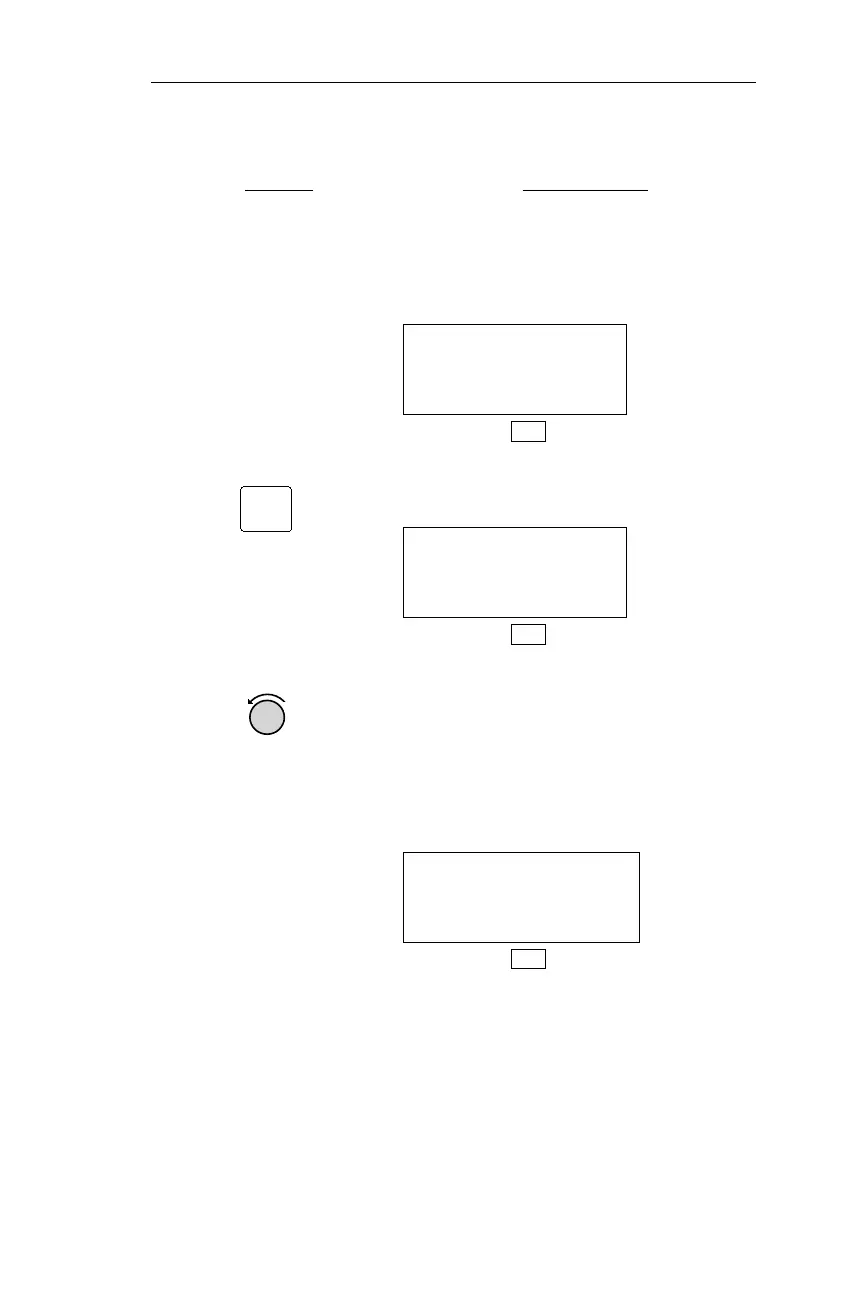
1. Display the desired
waypoint.
In any mode, display the desired
waypoint. In this example, PDX
(Portland International) is displayed in
DB mode.
AIRPORT PDX
PORTLAND
CITY OR USA
DB
2. Pressing INFO activates the
information function.
PDX AIRPORT
PORTLAND INTL
FACIL OR USA
DB
3. Turn the Small knob to display the
waypoint comment page. If a comment
on the waypoint has previously been
entered, the comment appears instead
of the display below.
WAYPOINT COMMENT
PRESS SEL
DB
123
Operations DB Mode Procedures
INFO



 To Next Page