Entering/Editing Waypoint Comments (continued)
4.
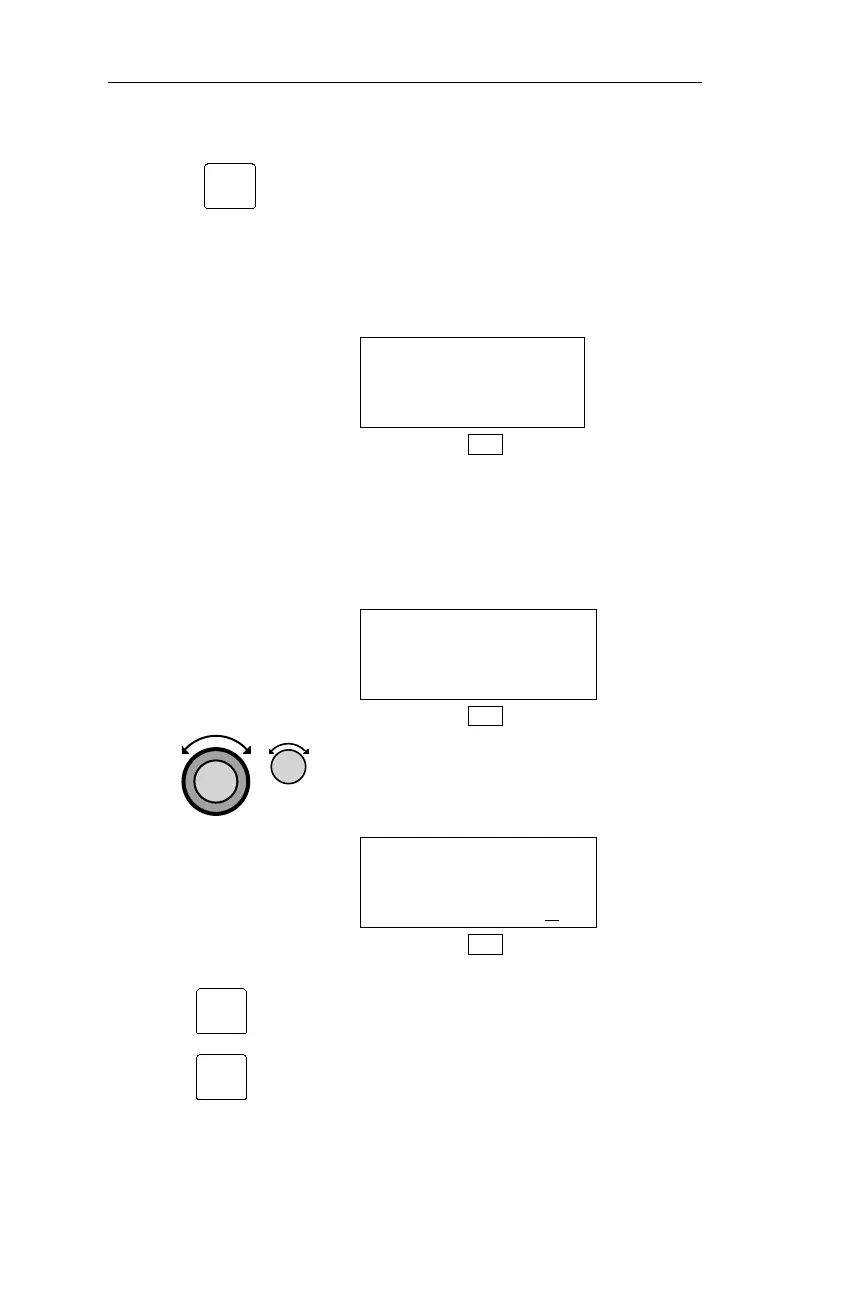
Pressing SEL activates comment
editing. If a comment on the waypoint
has already been entered, the comment
appears, and the first character is
flashing. If you create a new comment, a
flashing cursor appears on an otherwise
blank display.
__
DB
If the NMC is already storing the
maximum of 200 comments, the display
below appears. You must delete a
comment to make room for a new
comment.
WAYPOINT COMMENT
NO MORE COMMENTS
DB
5. Turn the Large knob to move the
cursor, and turn the Small knob to
choose characters.
NUMEROUS BRIDGES
AND CABLES CROSS
COLUMBIA RIVER
DB
6.
Pressing ENT saves the waypoint
comment. Press INFO to exit the
information function.
124
DB Mode Procedures Operations
SEL
ENT
INFO



 To Next Page