Creating a User Waypoint by Latitude/Longitude
(continued)
Action Explanation
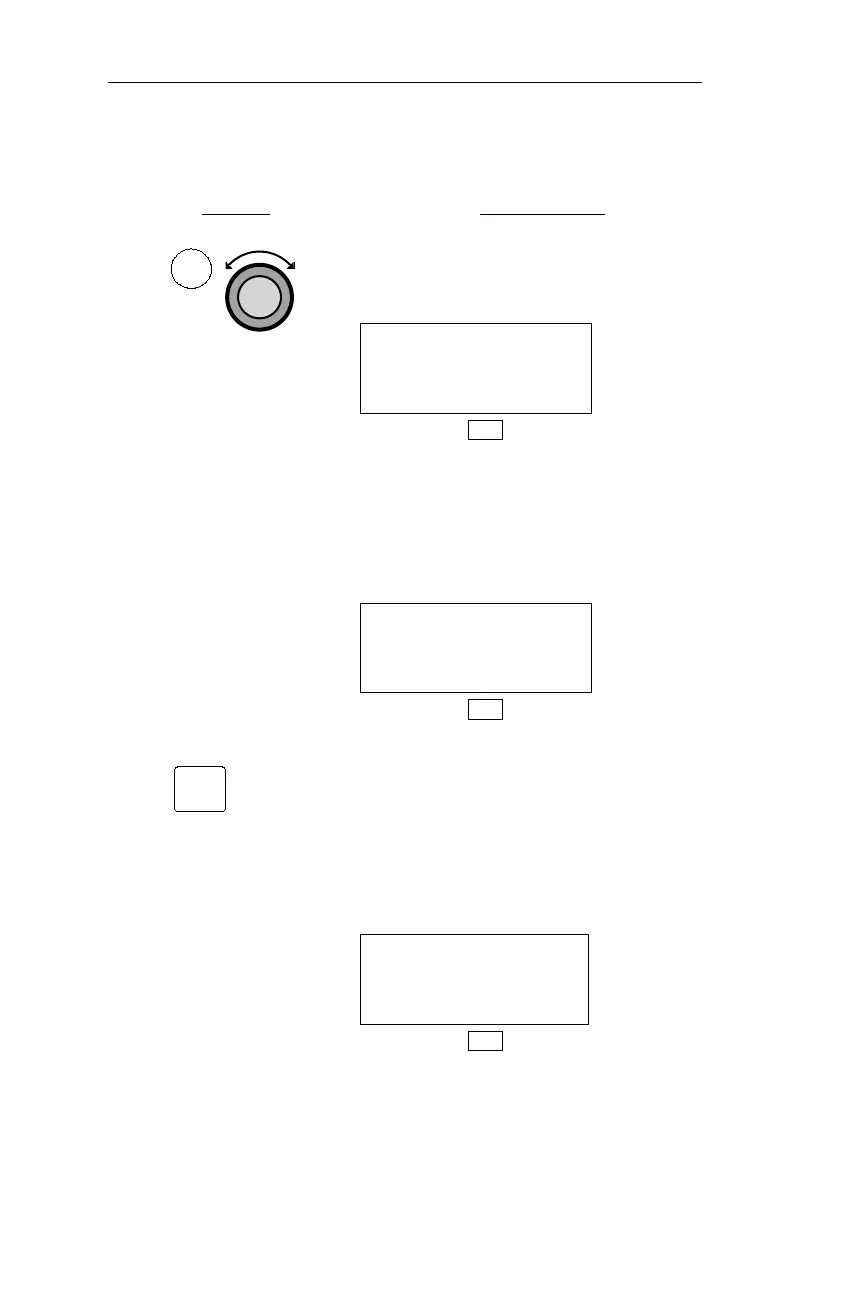
1. In DB mode, turn the Large knob to
display the Create User Waypoint by
Lat/Lon page.
CREATE USER WPT
BY LAT/LON
PRESS ENT
DB
If the maximum of 500 User waypoints
already exist, the display below
appears, and you must delete a User
waypoint before you may create a new
waypoint.
CREATE USER WPT
BY LAT/LON
DATABASE FULL
DB
2. Pressing the ENT button displays an
open User waypoint page. The
waypoint identifier defaults to the next
unused numerical identifier (from #000
to #499). The latitude and longitude
default to the present position, and the
runway length defaults to 0000’.
#005 USER
44°54.58N RWLEN
123°00.08W 0000
DB
128
DB Mode Procedures Operations
DB
ENT



 To Next Page